Beginner-friendly guide · 2026
Voice AI is artificial intelligence that can recognize speech, understand spoken language and respond with text or a synthetic voice. It powers voice assistants, transcription tools, call-center systems, accessibility features, real-time translation and conversational agents.
Voice AI has moved beyond simple commands such as setting a timer. New systems can hold fluid conversations, reason about complex requests and use visual or application context while a person continues speaking. This makes voice a practical interface for work, learning and everyday tasks.
What is voice AI?
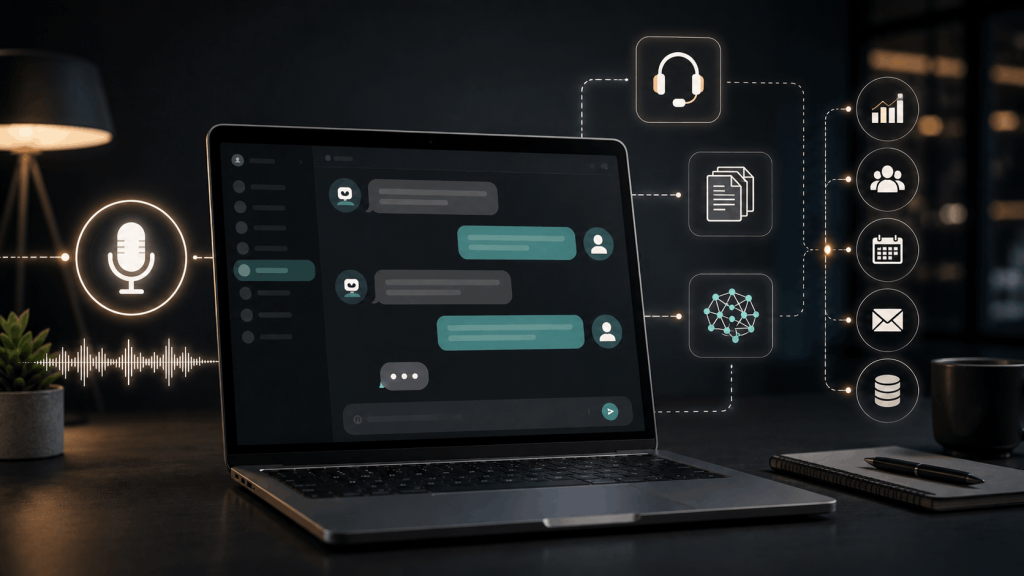
Voice AI is a group of technologies that lets computers work with spoken language. A voice system may convert speech into text, interpret the meaning, generate an answer and turn that answer back into audio. Some tools perform only one of these steps, while a live voice assistant combines them into one conversation.
The term includes speech recognition, natural-language understanding, voice generation and speaker-related technologies. It can describe a dictation app, an automated phone agent, a meeting transcription service or a real-time conversational assistant.
Voice AI is related to AI agents and conversational AI, but the terms are not identical. An agent focuses on planning and action. Conversational AI focuses on dialogue. Voice AI focuses on spoken input and output.
How does voice AI work?
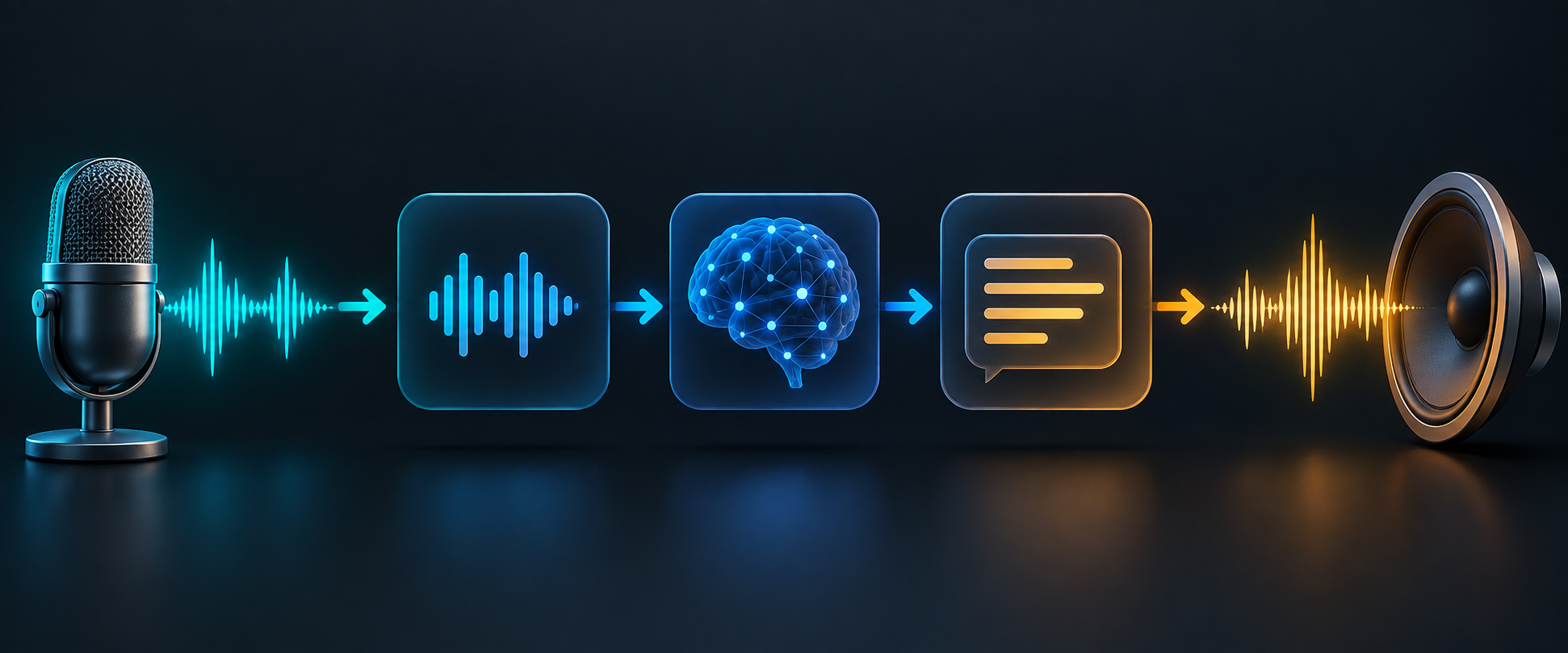
1. The microphone captures speech
The process begins with an audio signal. The system may reduce background noise, detect when speech starts and ends, and separate a speaker from other sounds. Poor microphones, strong echoes and overlapping voices can reduce accuracy.
2. Speech recognition converts audio into text
Automatic speech recognition maps sound patterns to words or tokens. It must handle accents, speaking speed, names, numbers and interruptions. Some modern systems can process audio directly, but a transcript is still useful for review and search.
3. The system interprets meaning
A language model or intent system determines what the speaker wants. Context matters: “book a table” is different from “book a report.” A connected assistant may also consider the current screen, earlier conversation or approved business information.
4. The assistant creates a response
The system generates an answer, asks a follow-up question or proposes an action. If tools are connected, it may search, retrieve data or prepare a task. High-impact actions should require clear confirmation.
5. Text-to-speech produces audio
A speech synthesis model converts the response into a voice. Modern systems can vary pace, emphasis and emotion, but a natural-sounding voice does not guarantee that the answer is correct.
Voice AI vs voice assistant vs voice cloning
| Term | Main purpose | Example |
|---|---|---|
| Voice AI | Broad technology for understanding or generating speech | Transcription, spoken conversation or translation |
| Voice assistant | Conversational product that responds to spoken requests | Ask a question or control a supported application |
| Voice cloning | Create a synthetic voice that resembles a specific speaker | Authorized narration in a person’s voice |
| Text-to-speech | Read written text aloud with a synthetic voice | Accessibility narration or an audio version of an article |
Voice cloning carries additional consent and impersonation risks. A person’s voice can be identifying biometric information, and laws differ by jurisdiction. Never clone or imitate a real person without appropriate permission and a legitimate purpose.
Why voice AI is trending in 2026
Voice interfaces are becoming more capable because live models can combine speech, reasoning and tool use with lower delay. In September 2026, Google introduced Gemini 3.8 Live and Live Extended Thinking for more natural dialogue and complex background tasks. OpenAI also updated ChatGPT Voice model options and reasoning controls during September.
These announcements show a broader change: voice assistants are moving from short commands toward continuous, context-aware collaboration. Users can speak while a system analyzes information, works with permitted tools or asks clarifying questions.
See Google’s official Gemini Live announcement and the official ChatGPT release notes for current product details. Availability can vary by plan and region.
Common voice AI use cases
Live assistants and hands-free help
A live assistant can answer questions, explain information or help a user complete a task while their hands are occupied. It can support driving, cooking, field work and accessibility, but users should avoid relying on it for safety-critical decisions.
Meeting transcription and summaries
Voice AI can create transcripts, identify topics and draft action items. People should know when recording occurs, and a human should check names, numbers, decisions and speaker attribution before treating the summary as an official record.
Customer service
Businesses can use voice agents for common questions, routing and appointment support. Complex complaints, payments, identity verification and sensitive cases need human escalation. Our AI chatbot for business guide explains how to start with a narrow, supervised workflow.
Accessibility
Speech input can help people who find typing difficult, while text-to-speech can make written information easier to access. Systems should support clear controls, captions and alternatives because speech recognition accuracy varies across accents, languages and disabilities.
Language learning and translation
Learners can practice pronunciation, role-play conversations and receive explanations. Real-time translation can help communication, but it may miss cultural meaning, specialist terms or important nuance.
Audio and creative production
Creators can use synthetic voices for prototypes, narration and localized versions when they have the required rights. Unlimited AI also provides an AI music generator for creating music from written descriptions.
Benefits of voice AI
- Natural interaction: speaking can be faster and easier than typing.
- Hands-free use: voice works when a keyboard is inconvenient.
- Accessibility: speech input and audio output can expand access.
- Faster documentation: meetings and spoken notes can become searchable text.
- Multilingual support: systems can assist with translation and language practice.
- Consistent service: a supervised system can answer routine questions using approved information.
The value depends on the environment and the user. Voice is not always appropriate in public spaces, noisy settings or situations involving private information. A good product should offer text controls and clear privacy settings.
Risks and limitations

- Recognition errors: names, accents, numbers and technical terms may be transcribed incorrectly.
- Hallucinations: a fluent spoken answer can contain invented or outdated information.
- Privacy: recordings may capture bystanders or confidential conversations.
- Impersonation: cloned voices can be used for fraud, harassment or deceptive media.
- Bias: performance can vary across languages, accents and speech conditions.
- Prompt injection: spoken or retrieved instructions may attempt to redirect a connected agent.
- Over-automation: voice convenience can make users approve actions without reading details.
The U.S. Federal Trade Commission has warned about AI-enabled voice cloning scams. The FTC’s consumer guidance recommends independently verifying urgent requests rather than trusting a familiar-sounding voice.
For general AI accuracy habits, see our AI hallucinations guide.
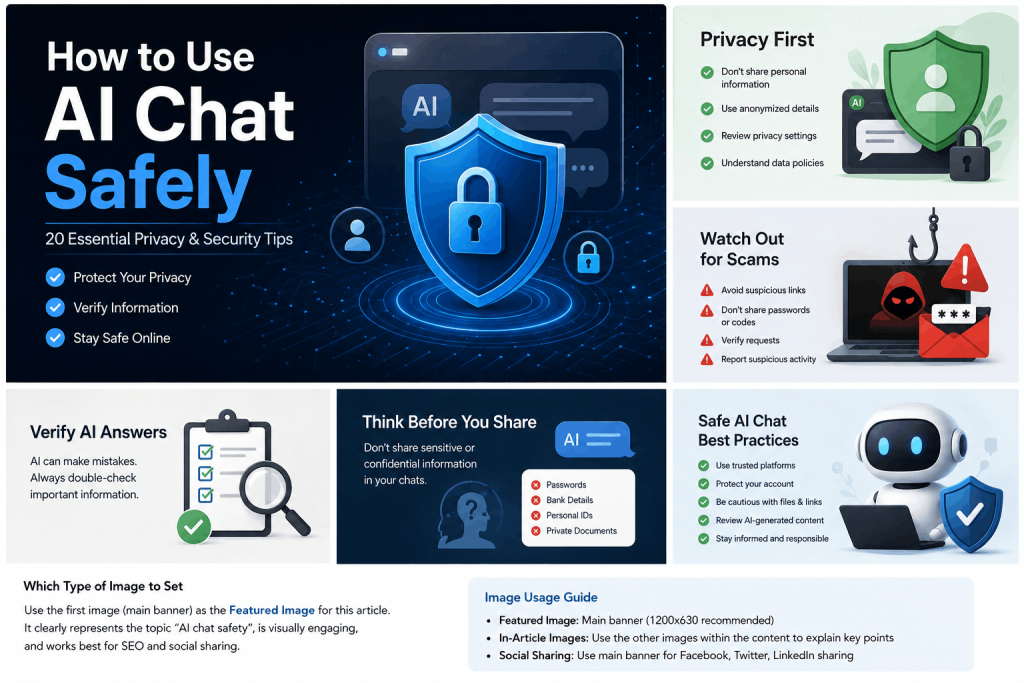
How to use voice AI safely
- Check whether recording is allowed and obtain consent when required.
- Avoid speaking passwords, authentication codes, financial details or confidential information.
- Review the provider’s recording, retention and training-data settings.
- Use a quiet environment and confirm important names, dates and numbers.
- Ask for a transcript or written summary when accuracy matters.
- Verify facts and actions before relying on a spoken answer.
- Require confirmation before sending messages, making purchases or changing accounts.
- Use only voices and audio for which you have permission.
- Disclose synthetic audio when listeners could mistake it for a real recording.
“Listen to my request, summarize what you understood and identify any missing information. Do not send, publish, purchase or change anything. Show me the exact proposed action and wait for my approval.”
How to try voice-style workflows with Unlimited AI
Unlimited AI brings chat, image, music and video tools into one platform. You can use chat to prepare a script, organize an interview, rewrite spoken notes or create a pronunciation practice dialogue, then use the appropriate creative tool for the final media.
- Draft a short script with the intended audience and tone.
- Remove private information before sharing notes or transcripts.
- Ask the AI to mark uncertain facts and names for review.
- Read the result aloud and correct unnatural wording.
- Verify claims and obtain consent before recording or publishing.
For a tour of the platform, read how to use Unlimited AI.
Voice AI FAQ
Is voice AI always listening?
It depends on the product. Some devices listen locally for a wake word, while others begin processing only after the user activates a control. Review microphone permissions and the provider’s documentation.
Can voice AI understand every accent?
No. Accuracy differs by language, accent, microphone quality, background noise and training coverage. Important transcripts should be reviewed by a person familiar with the speakers and subject.
Is voice cloning legal?
Laws vary by country and use. Consent, publicity rights, privacy, copyright, fraud and election rules may apply. Obtain permission and qualified legal advice when necessary.
Can voice AI make phone calls?
Some systems can place or handle calls through connected services. Users and businesses should provide appropriate disclosure, protect personal data and include human escalation for sensitive or unusual cases.
Is voice AI safe for children?
Children need age-appropriate controls, privacy protection and adult supervision. Parents and schools should review data practices and avoid sharing unnecessary personal details.
Final takeaway
Voice AI makes interacting with technology faster and more natural, but speech can contain sensitive information and synthetic voices can be persuasive. Use clear consent, minimal data, written verification and human approval. A natural voice should make an interface easier to use—not make an unverified answer seem more trustworthy.