
You tell an AI assistant that you are vegetarian. A week later, it suggests a chicken recipe. Was your preference forgotten, never saved, or simply missed? Now reverse the problem: you mention a private health concern once, and the assistant brings it up months later when you did not expect it. Both experiences are questions about AI memory.
Memory can turn a chatbot into a more useful assistant, but the word covers several different systems. Understanding which one is active helps you decide what to share, what to save and what to remove.
Last reviewed: October 4, 2026. Product controls can change; check the settings and help page for the assistant you use.
The short answer: what does AI memory mean?
AI memory is information an assistant can use beyond the immediate words you just typed. Depending on the product, that might be a saved preference, a summary of an earlier conversation, a retrieved chat, a project file or temporary working context. Some persist; others disappear when the conversation or task ends.
The practical question is not merely “Does it have memory?” Ask what it stores, how long it keeps it and how you can change it. Those answers determine whether memory feels helpful or intrusive.
Three questions to ask before turning memory on
1. What is being kept?
A stable preference such as “use metric units” can save time. A temporary detail such as “I am traveling next Tuesday” can become misleading after the trip. A sensitive detail may be something you never wanted retained. Look for separate controls for saved memories, chat history and project knowledge.
2. Where did it come from?
Some systems save what you explicitly ask them to remember. Others infer useful details from conversations or search past chats when answering. A remembered statement may be a user claim, not a verified fact, and it may no longer be true.
3. Can you inspect, correct or delete it?
Memory is easier to trust when you can view stored items, edit mistakes, switch memory off for a conversation and remove old entries. Check whether deleting a chat also removes its saved memory; those controls may be separate.
A one-minute example: the same question, three outcomes
Imagine Maya asks, “Plan a simple weekday dinner.” Without a saved preference, the assistant suggests a general recipe. With her vegetarian preference available, it suggests lentil tacos. But if it remembers an old “no dairy” restriction that no longer applies, the answer can be unnecessarily narrow.
Save durable preferences. Recheck time-sensitive facts. Remove details that are wrong, outdated or too personal to keep.
A longer memory is not automatically a better memory. Relevance, accuracy and user control matter more than the number of facts retained.
The three layers people call “memory”
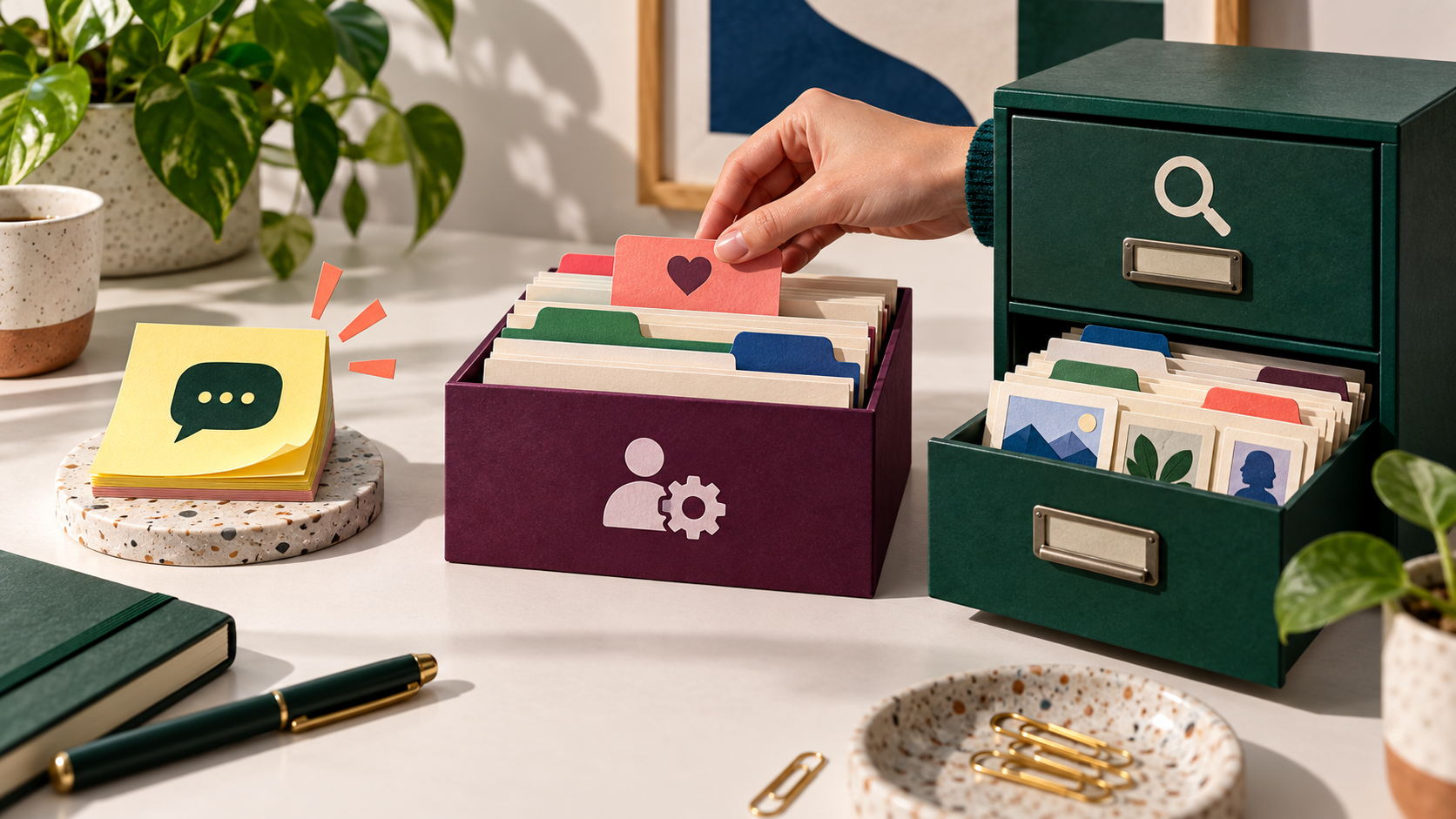
An assistant may combine several layers when it answers. These labels are a practical guide, though actual product controls differ.
| Layer | What it contains | Typical life | What to check |
|---|---|---|---|
| Current chat context | Messages and files available in the active conversation | During the chat or until its context is trimmed | What is still in this conversation? |
| Saved memory | Selected preferences, goals or facts used across chats | Until changed, removed or expired by the product | Can you view, edit and delete each item? |
| Retrieved history | Relevant material pulled from earlier chats or connected sources | Stored history varies by service | Which sources can be searched? |
A model’s context window is the material it can consider in one run. It is not the same as persistent memory. Our context engineering guide explains how information is selected for that window.
When memory helps—and when it goes wrong
- Repeated work: Your preferred language, tone or units reduce setup on every task.
- Long projects: A saved brief keeps answers aligned with a project goal.
- Outdated facts: A past deadline, job title or restriction may be repeated after it changes.
- Over-personalization: A one-off remark may be treated as a durable preference.
- Privacy: Sensitive details may reappear later or be visible to someone using a shared account.
The risk grows when an AI agent uses remembered information to choose tools or take actions. A stale address in a shopping assistant matters more than an off-target dinner suggestion.
A privacy checklist you can use today
- Open memory or personalization settings. Identify whether saved memories, chat-history reference and training controls are separate.
- Review saved facts. Delete or correct items that are wrong, temporary or more personal than necessary.
- Use a temporary or private chat for one-off sensitive questions if the product offers it; check what that mode actually excludes.
- Avoid storing passwords, payment details, identity numbers or confidential documents as a convenience shortcut.
- Before sharing an account or workspace, check who can see its chats, files and saved preferences.
- Ask which information the assistant used, then verify against the actual settings or memory list. Its answer alone may be incomplete.
- After deletion, review provider documentation for retention rules and whether chat history needs separate removal.
Exact names and behavior vary by product and subscription. OpenAI’s memory help page is one example of the controls and distinctions to inspect.
What recent AI memory work is trying to solve
OpenAI described systems that update time-sensitive memories so an assistant can avoid stale details. Its June 2026 memory research update discusses this approach; availability and behavior still depend on the product.
Google DeepMind has described private server-side memory research that aims to make personalization useful while reducing what a cloud provider can read. It is a research approach, not a promise that every assistant uses it.
Multi-user systems add another challenge: one person’s memory should not leak into another person’s answer. A Microsoft Research paper explores permission-aware memory across agents and users. For everyday users, the lesson is to check the boundary between personal and shared information.
Memory is not the same as training
A chat saved for your future conversations, a preference stored as memory and data used to improve a model are different processes. A service may offer different switches for each. Turning off one does not necessarily change the others. Read the privacy explanation instead of assuming “memory off” means no information is retained anywhere.
Memory cannot guarantee truth, either. It may faithfully retain an incorrect statement. If an answer depends on a date, price, law or medical fact, verify it with an appropriate source. See our guide to AI hallucinations for a practical verification method.
How to correct a wrong memory
First, tell the assistant the current fact in plain language. Then open its memory controls and inspect the stored entry. If the old item remains, update or delete it there. Start a fresh conversation and test with a neutral question rather than assuming the correction worked.
For example: “I no longer avoid dairy. Remove the old dietary preference and use my current preference in future meal suggestions.” Avoid adding unnecessary personal details while correcting it.
If an answer still reflects the old fact, check whether it came from a previous chat, connected file or workspace instruction instead of saved memory. Those sources may need separate edits.
Frequently asked questions
Can an AI assistant remember every conversation?
Usually no. Products differ in what they store and retrieve, and context limits still apply. Even when history is searchable, an assistant may miss a relevant detail or use an outdated one.
Does deleting a chat erase saved memory?
Not necessarily. Some services treat saved memory and chat history as separate data. Check both controls and the provider’s deletion guidance.
Should I leave memory on?
Keep it on if durable preferences save time and you are comfortable with the controls. For sensitive or one-time tasks, a temporary chat or memory-off mode may be a better fit if the service offers one.
Can I trust an assistant when it says it forgot something?
Treat that as a useful signal, then verify in the product’s memory list and privacy settings. A conversational answer is not a complete audit of stored data.
A better way to think about AI memory
Treat memory as an editable notebook, not a perfect biography. Keep short, durable preferences that improve repeat tasks; review them when circumstances change; and avoid saving details that would be uncomfortable to surface later. The best assistant is not the one that remembers the most. It is the one whose memory you can understand and control.
To try different assistants and see which controls fit your workflow, visit Unlimited AI. Features and privacy settings can vary by underlying provider, so check each service before sharing sensitive information.