Complete 2026 Guide
AI agents can plan, use tools and take actions toward a goal—but they still need clear boundaries and human oversight.
This guide explains what AI agents are, how they work, the main types, practical examples, benefits, limitations and the safety checks that matter before you let an agent act on your behalf.
Last reviewed: September 2026
AI agents are software systems that can pursue a goal with a degree of independence. Instead of producing one answer and stopping, an agent can break a task into steps, choose tools, act, inspect the result and continue until it reaches an acceptable outcome or asks a person for help.
That makes agentic AI useful for work such as researching a topic, organizing support requests, testing code, monitoring data or coordinating a multi-step business process. It also creates new risks. A system that can send an email, edit a database or make a purchase can cause more harm than a chatbot that only suggests text.
Key takeaways
- Agents combine reasoning with action. They use a model to decide what to do and tools to do it.
- Autonomy exists on a spectrum. Some agents only recommend a next step; others can execute a complete workflow.
- Tools and permissions define the real risk. An agent with read-only search access is very different from one that can send money or delete files.
- Human approval remains essential for high-impact, irreversible or uncertain actions.
- The best agent is often the simplest one that reliably completes the task.
What is an AI agent?
An AI agent is a software system that observes its environment, makes decisions and takes actions to achieve a defined goal. Modern agents often use a large language model as a reasoning engine, but the model is only one part of the system. The agent also needs instructions, access to tools, relevant data and a method for checking whether its actions worked.
Google Cloud describes AI agents as systems that can reason, plan and take action, while AWS explains how agents interact with an environment and use tools to complete tasks. The exact definitions vary, but three ideas appear repeatedly:
- A goal: a desired result such as “summarize this research” or “resolve this support ticket.”
- A decision loop: the agent repeatedly evaluates what happened and chooses a next step.
- The ability to act: the system can call software tools, search data, write files or trigger another service.
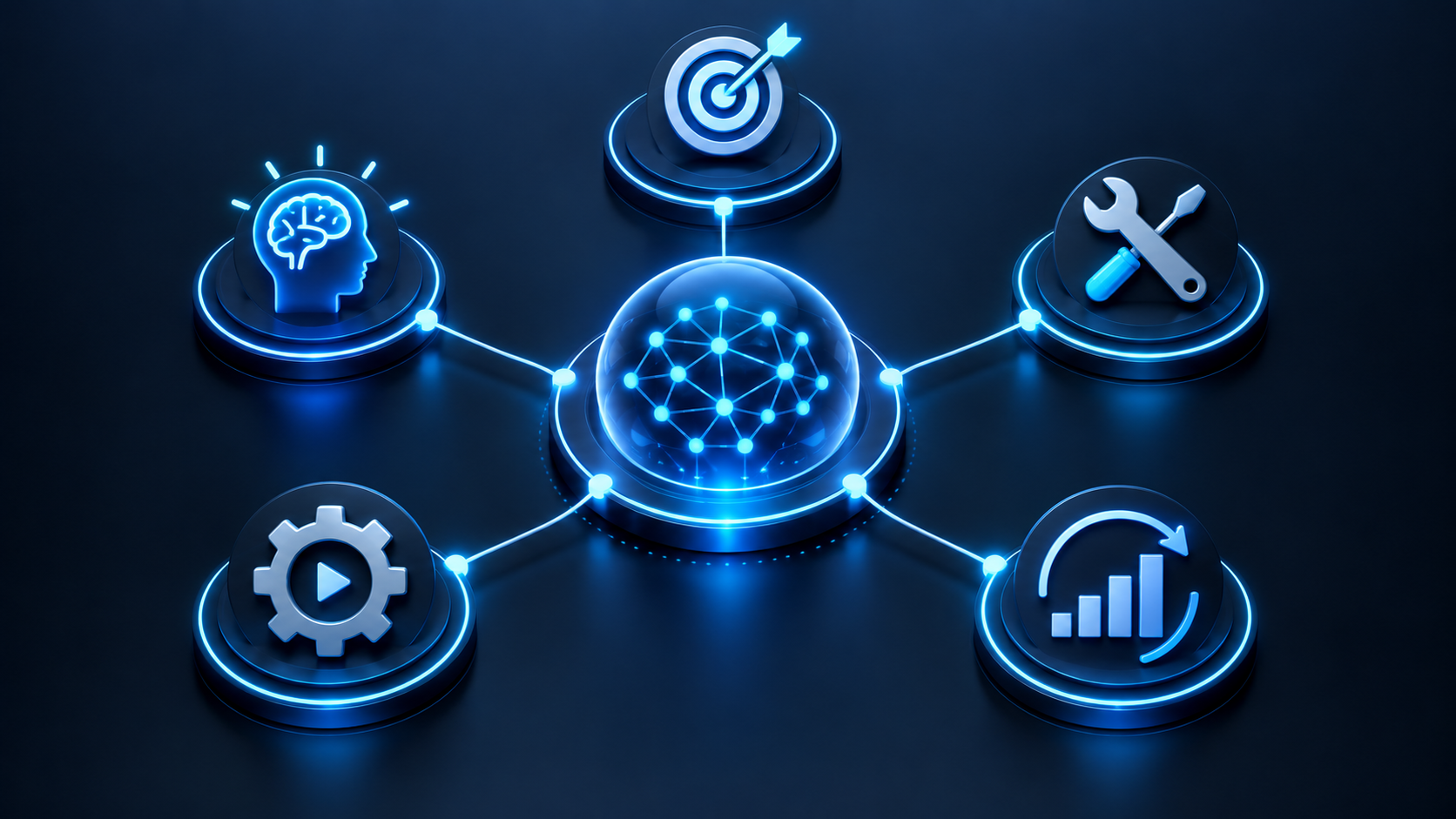
AI agent vs chatbot, assistant and automation
The terms overlap, but they describe different levels of capability. A chatbot focuses on conversation. An assistant helps a user complete tasks. Traditional automation follows fixed rules. An agent can choose and adapt a sequence of actions. For a deeper look at chat-based systems, read our conversational AI guide.
| System | Main behavior | Typical autonomy | Example |
|---|---|---|---|
| Chatbot | Responds in a conversation | Low | Answers a product question |
| AI assistant | Helps with user-directed tasks | Low to medium | Drafts and revises an email |
| Rule-based automation | Follows a preset workflow | Fixed | Copies form data into a CRM |
| AI agent | Chooses actions to pursue a goal | Medium to high | Researches vendors and prepares a comparison |
A chatbot can still include agentic features. For example, it may answer normally until you ask it to check a calendar, analyze a file and schedule a meeting. The important question is not what the product is called; it is what the system can access and do.
How do AI agents work?
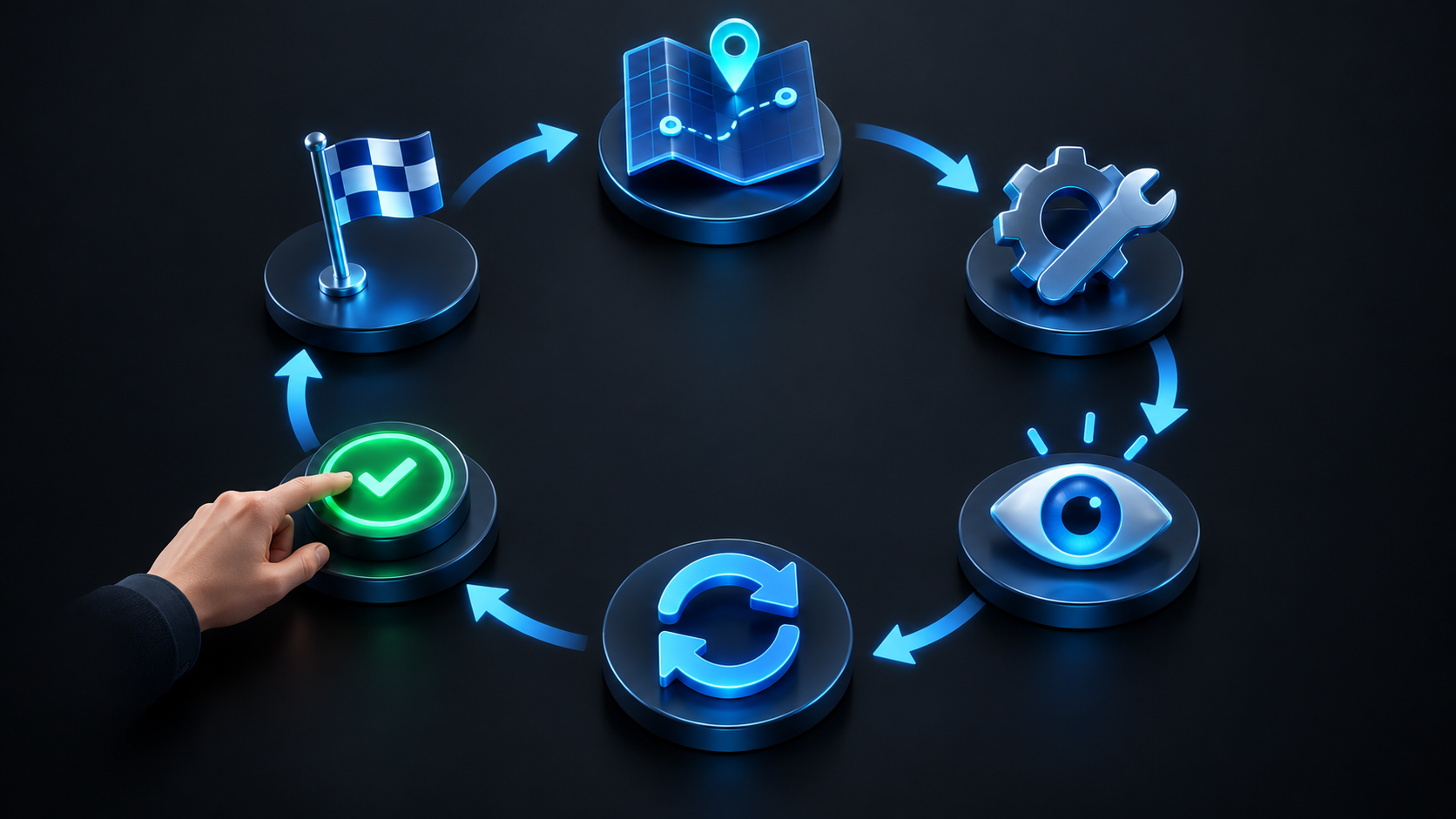
Most AI agents operate through a repeating loop. The details differ by product, but the sequence usually looks like this:
- Receive a goal. The user or another system states the desired outcome, constraints and available resources.
- Collect context. The agent reads the request, connected data, prior messages and relevant system instructions.
- Plan. It decides whether the task needs one action or several and identifies which tools may help.
- Act. It calls a search tool, database, code runner, browser, application programming interface or another agent.
- Observe. It examines the tool result, error message or changed environment.
- Adjust. It revises the plan, retries safely, asks for clarification or stops.
- Return or hand off. It presents the result and, when required, asks a human to approve a consequential action.
A well-written instruction improves every stage. Our guide to writing AI prompts explains how goals, context, constraints, output format and quality criteria reduce ambiguity.
The core components of an AI agent
1. Model or reasoning engine
The model interprets the goal, evaluates information and chooses a next step. A larger model may handle complex planning better, while a smaller model can be faster and cheaper for routine decisions. The strongest model is not automatically the best agent; tool quality, data and workflow design matter just as much.
2. Tools
Tools turn a text-generating model into an action-taking system. Common tools include web search, calculators, code execution, calendars, email, file storage, customer databases and internal business systems. Each tool should have the narrowest permissions needed for the job.
3. Memory and state
Short-term state helps an agent track progress during a task. Longer-term memory may store preferences, approved facts or previous outcomes. Memory can improve continuity, but it also creates privacy and data-retention questions. Users should know what is saved, for how long and how it can be deleted.
4. Instructions and guardrails
Instructions define the agent’s role, allowed actions, boundaries and escalation rules. Guardrails can restrict which tools are available, validate outputs, block sensitive data and require human approval. They reduce risk but do not guarantee perfect behavior.
5. Evaluation and monitoring
Reliable systems record what the agent tried, what tools returned and why a workflow stopped. Teams can then measure completion rate, errors, cost, latency and human corrections. Without monitoring, an agent may appear successful while quietly producing low-quality or unsafe results.
Types of AI agents
There is no single universal classification, but these practical categories help explain how much reasoning and independence a system has.
Reactive agents
Respond to the current input using rules or a model. They work well when decisions are narrow and immediate.
Planning agents
Break a goal into steps, select tools and revise the plan when new information appears.
Learning agents
Use feedback or historical results to improve future decisions within defined limits.
Multi-agent systems
Assign specialized roles to several agents, such as researcher, writer and reviewer, then coordinate their work.
Human-in-the-loop agents
Pause for a person to approve, correct or complete important steps. This is often the safest design for real workflows.
Real-world AI agent examples
Research agents
A research agent can search multiple sources, extract relevant facts, compare claims and prepare a cited summary. It can save time, but citations must be opened and checked because models may misunderstand a source or connect the wrong evidence to a claim. See our comparison of the best AI tools for research.
Coding agents
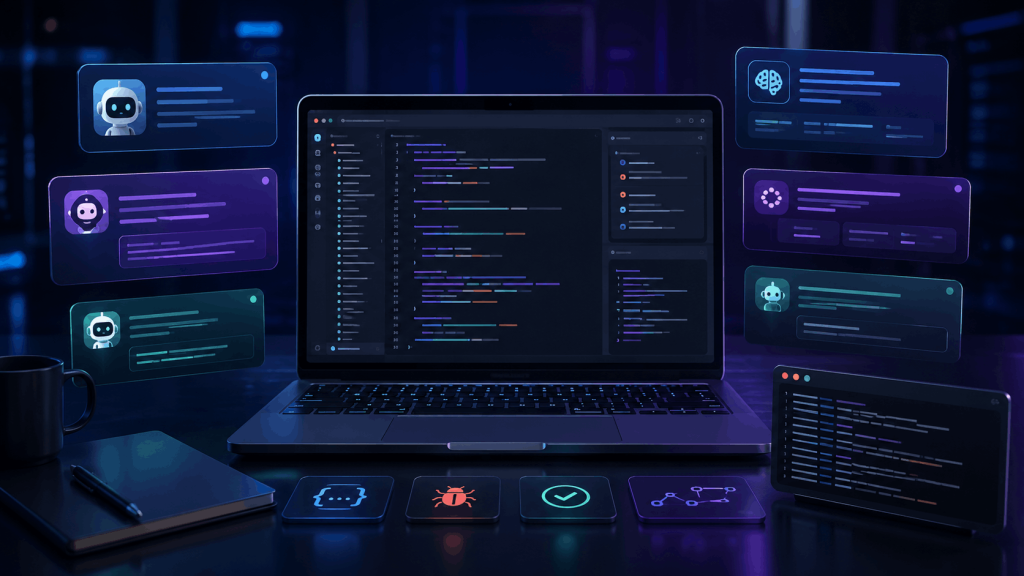
A coding agent may inspect a repository, plan a change, edit several files, run tests and summarize the result. Strong workflows isolate the agent’s environment, review the code diff and keep deployment or production credentials outside the agent’s reach. Our AI coding tools comparison explains where different assistants fit.
Customer-service agents
An agent can classify a support request, retrieve account information, suggest a response and perform permitted actions such as changing an appointment. Sensitive account changes, refunds and unusual cases should be routed to a person. For implementation ideas, read how to use an AI chatbot for business.
Personal productivity agents
With user permission, an agent can summarize messages, find available meeting times, prepare an agenda and draft follow-ups. The main risks are overbroad access, accidental disclosure and sending content before the user reviews it.
Data and operations agents
An operations agent can monitor dashboards, detect unusual changes, collect supporting data and create a report. It may also initiate a predefined recovery process. A human should verify high-impact alerts and approve actions that affect customers, money or production systems.
Education agents
A learning agent can adapt explanations, ask questions, build a study plan and provide feedback. It should support thinking rather than complete assessed work for the learner. Our AI for students guide covers responsible study and research use.

Benefits of AI agents
- They handle multi-step work. One request can trigger research, analysis, drafting and review.
- They can use specialized tools. Calculators, databases and code runners can improve accuracy when used correctly.
- They operate across applications. An agent can connect information that would otherwise require repeated copying and switching.
- They personalize workflows. Instructions and approved memory can adapt the process to a user, team or customer.
- They can scale routine decisions. Agents can triage large volumes of similar requests while escalating exceptions.
- They create an auditable process. A well-designed system records actions, tool calls and approvals for later review.
OpenAI’s overview of agents at work describes how agent systems are beginning to support longer and more complex workflows. The useful measure is not how human-like an agent appears. It is whether the system completes a defined task accurately, safely and at a reasonable cost.
Limitations and risks of agentic AI
Every extra tool and autonomous step expands what can go wrong. The most important risks are practical rather than futuristic.
Common failure modes
- Hallucinated facts: the model invents a detail, source or result and then acts on it.
- Weak planning: an early mistake sends the workflow in the wrong direction.
- Prompt injection: untrusted content tries to manipulate the agent’s instructions or tool use.
- Excessive permissions: the agent can read or change more data than the task requires.
- Cascading errors: one incorrect action becomes input for several later steps.
- Privacy leakage: sensitive data is exposed to a model, plug-in, log or third-party service.
- Hidden cost: repeated model and tool calls consume more time or money than expected.
- Unclear accountability: nobody knows who should review the final decision.
The OECD’s 2026 report on the agentic AI landscape examines the concepts, capabilities and policy questions surrounding these systems. For everyday users, the immediate lesson is simple: do not confuse confident behavior with dependable judgment.
A practical AI agent safety checklist
- Define the goal and stopping point. State what success means and when the agent must stop.
- Use least-privilege access. Give only the tools and data needed for the current task.
- Start in read-only or sandbox mode. Observe behavior before allowing real changes.
- Require approval for consequential actions. Payments, deletion, publication, account changes and messages should pause for review.
- Separate trusted instructions from untrusted content. Treat websites, emails and uploaded files as data that may contain manipulation attempts.
- Validate important outputs. Check facts, citations, calculations, code and destination details.
- Set limits. Cap run time, cost, retries, number of tool calls and scope of changes.
- Keep logs. Record actions and approvals so errors can be investigated.
- Provide a safe failure path. The agent should stop and ask for help when uncertainty is high.
- Review performance regularly. Update instructions and access when the workflow, tools or risks change.
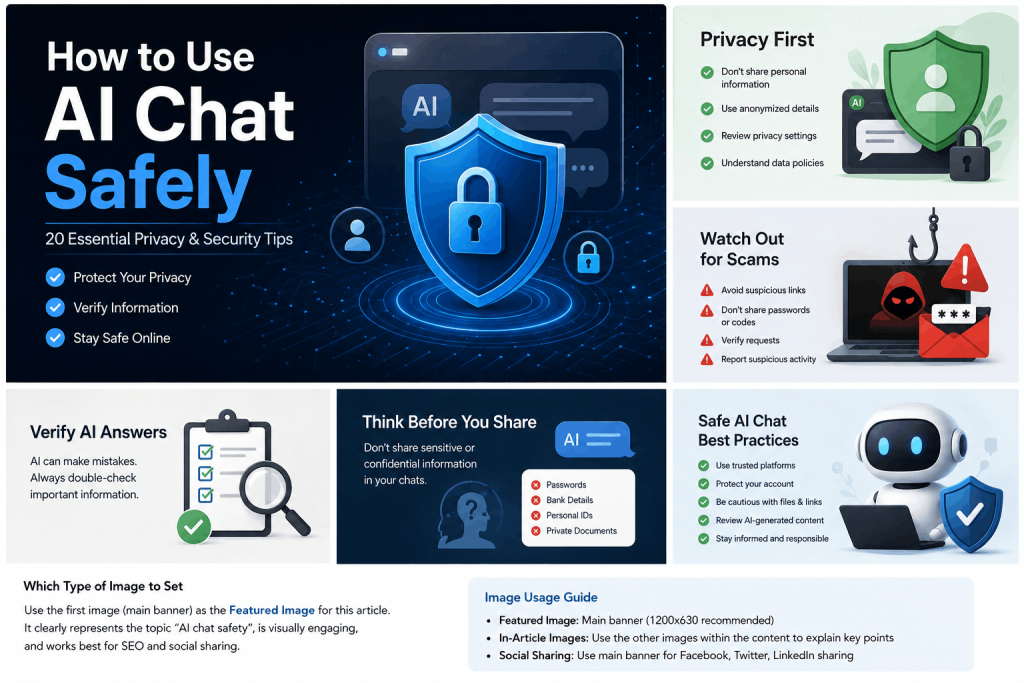
These controls complement the privacy practices in our AI chat safety guide.

How to choose and evaluate an AI agent
Begin with the workflow, not the product label. Write down the exact task, the data involved, acceptable errors and the actions that need human approval. Then compare tools against these questions:
- Does it reliably complete your real task, including difficult examples?
- Which models, tools and external services receive your data?
- Can you limit access by tool, folder, account, record or action?
- Does it show sources, intermediate actions and errors?
- Can it pause for approval before high-impact steps?
- What happens when a tool is unavailable or returns bad data?
- Can administrators review logs, revoke access and delete stored information?
- What are the total model, tool, subscription and supervision costs?
Test with a small set of representative tasks. Measure factual accuracy, completion rate, corrections, time and cost. Include edge cases and adversarial inputs. If a simple chatbot or fixed automation completes the work more reliably, use the simpler system.
A simple way to start using AI agents
- Choose one low-risk process. Good first projects summarize, classify or draft without changing live data.
- Create a small evaluation set. Collect 20 to 50 typical examples plus several difficult cases.
- Write clear operating rules. Include allowed sources, forbidden actions and escalation conditions.
- Connect one tool at a time. Test each permission and failure mode before adding another integration.
- Keep a person in the loop. Review every result until performance is consistent and measurable.
- Expand gradually. Increase autonomy only where evidence shows that the agent is dependable.
The most useful design principle
Match autonomy to consequence. Let the agent move quickly when actions are reversible and low-risk. Add stronger checks, narrower permissions and human approval as the possible impact increases.
Frequently asked questions
Are AI agents the same as generative AI?
Generative AI creates content such as text, images or code. An AI agent may use generative AI to reason or communicate, but it also pursues a goal, uses tools and takes actions. Generative AI is often a component of an agent rather than a synonym for one.
Do AI agents work without human input?
Some can run for several steps without intervention, but reliable systems still need human-defined goals, permissions, monitoring and escalation rules. High-impact actions should require human approval.
What is an example of an AI agent?
A customer-support agent might read a request, identify the customer, retrieve the relevant order, check policy, draft a response and propose a refund. It should pause for a person to approve the refund when the amount or circumstances exceed its limits.
What is agentic AI?
Agentic AI is a broad term for AI systems designed to act toward goals with some independence. It emphasizes planning, tool use, feedback and action rather than a single generated response.
Can AI agents make mistakes?
Yes. Agents can hallucinate, misread instructions, choose the wrong tool or amplify an early error across later steps. Testing, limited permissions, validation and human review reduce the impact of mistakes.
Will AI agents replace jobs?
Agents are likely to automate parts of many roles and change how work is organized. The effect varies by task, industry and organization. In many settings, people will define goals, handle exceptions, verify results and take responsibility for consequential decisions.
Final thoughts
AI agents extend AI from answering questions to completing workflows. Their value comes from combining reasoning, tools and feedback around a clear goal. Their risk comes from the same ability to act.
Start with narrow, measurable tasks. Grant minimal access, keep important decisions visible and require approval when an action is hard to reverse. Used this way, AI agents can reduce repetitive work while people remain responsible for judgment, safety and final outcomes.