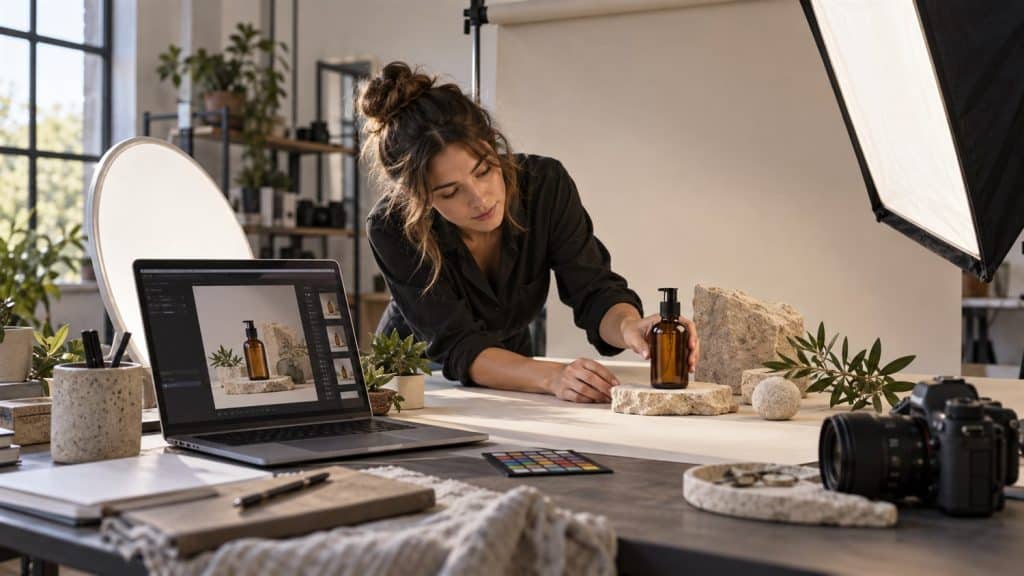
AI product photography can help a small business plan studio-style images, lifestyle scenes and campaign concepts without arranging a new photo shoot for every idea. The useful part is speed: you can describe a background, lighting setup, camera angle and mood, generate variations, and identify a direction worth developing.
That speed does not remove the need for accurate product representation. A generated bottle, watch, shoe or electronic device may look convincing while changing the label, dimensions, controls, materials or color. The safest workflow treats AI as a creative production tool and keeps a real, verified product photo as the source of truth.
This guide explains how to create AI product photos, write stronger prompts, choose useful aspect ratios, review results and prepare images for websites, social media and advertising. It also shows how the Unlimited AI Image Generator can turn a written product concept into a visual draft.
Editorial note: Image generators, platform rules and advertising requirements change frequently. Always compare a generated image with the real item, preserve required AI metadata and check the current rules for the marketplace, ad network and country where the image will appear.
Last reviewed: September 25, 2026 · Beginner friendly · Includes eight reusable prompts
What is AI product photography?
AI product photography uses a generative image system to create or transform commercial-looking visuals from written instructions, reference images or both. Depending on the tool, a seller may generate an entirely new concept, place an existing product into a different scene, remove a background, extend a canvas or produce lifestyle variations.
The term covers several jobs that should not be confused. A concept image explores an art direction before a shoot. A lifestyle image shows a product in a setting. A main catalog image documents the actual item clearly. An advertising creative combines the product with a campaign idea. Each job has a different tolerance for creative interpretation.
For an invented product, a text-to-image tool can create the full object and scene. For a real product already being sold, the exact packaging and physical details matter. Use a verified photograph for the main listing image and treat generated outputs as supplementary visuals unless a reference-image workflow can preserve the item faithfully.
| Image job | Useful role for AI | Main review priority |
|---|---|---|
| Creative concept | Explore backgrounds, colors, props and lighting | Brand fit and feasibility |
| Lifestyle visual | Place a product idea in a believable environment | Product accuracy and realistic interaction |
| Main catalog image | Background cleanup or controlled enhancement where permitted | Exact item, color, shape and marketplace rules |
| Social advertisement | Create several campaign directions and formats | Truthful presentation, readable layout and platform policy |
| Pre-production mockup | Show a photographer or designer the intended shot | Clear creative direction rather than final accuracy |
The distinction matters because a beautiful image is not automatically a truthful product image. Decide what the visual must accomplish before choosing the AI workflow.
Plan the image before writing a prompt
A strong AI product photography prompt starts with a short creative brief. Define where the image will appear, who should notice it, what the viewer must understand immediately and which product details cannot change.
For a product page, the priority may be accurate color and a clear silhouette. For an Instagram post, the priority may be mood and a square composition. For a website banner, the image may need open space for a headline. One image rarely performs all three jobs equally well.
Choose one objective
Write one sentence that describes the purpose: “Create a landscape hero image that makes this natural skincare concept feel calm and premium.” This sentence gives every later decision a reason.
List the product facts that must stay correct
- Product category, shape and approximate proportions
- Material, finish and surface texture
- Exact color or approved color family
- Number and position of parts such as lids, buttons, straps or ports
- Label, logo and packaging details that must be verified separately
- Variant differences customers need to see
Do not ask a text-to-image model to invent exact label text and then assume it is correct. Generated words, symbols and small packaging details require close inspection and often need to be replaced in a design editor.
Build a simple shot list
A useful product set may include a clean hero image, a close detail, a scale reference, a lifestyle scene and a vertical social image. Generate or photograph each purpose separately instead of forcing several views into one crowded composition.
The seven-part AI product photography prompt formula
A detailed prompt does not need to be long. It needs to make clear visual decisions. Use this order so the generator receives the product and composition before optional styling language.
- Product: Identify one main item and its defining physical traits.
- Scene: Describe the surface, background and surrounding environment.
- Composition: State the camera angle, crop and position of the product.
- Lighting: Choose soft daylight, studio light, hard sun, backlight or another specific setup.
- Style: Define the visual direction, such as clean catalog, luxury editorial or natural lifestyle.
- Format: State the aspect ratio and where any negative space should appear.
- Restrictions: Remove unwanted text, extra products, distorted geometry and implausible reflections.
Reusable prompt template
Create a [style] product photograph of one [product with material, color and shape] on [surface] in [environment]. Compose it as a [camera angle and crop], with the product positioned [placement] and clean negative space on [side]. Use [lighting direction and quality], [shadow direction] and [background colors]. [Aspect ratio] for [intended use]. Realistic proportions and materials, accurate edges and reflections, one complete product, no people, no extra items, no invented logo, no watermark and no unreadable text.
Put the details that matter most near the beginning. If one bottle, one color and a clear front view are essential, say that before adding atmosphere or camera terminology.
How to create AI product photos step by step
1. Start with a verified visual reference
Photograph the real item in even light against a simple background. Capture the front, back, side and important details. These images give you a reliable comparison even when your generator accepts text only.
If a tool supports product reference images, upload a well-lit view that contains one product and minimal clutter. Google’s guidance for product-based generative imagery recommends clear product inputs and, when possible, views from more than one angle. Reference support varies by tool, so use the controls actually available rather than assuming every generator behaves the same way.
2. Define the scene in concrete language
Replace broad phrases such as “make it premium” with visible decisions: charcoal stone surface, warm side light, restrained brass accent, deep brown background and a low three-quarter camera angle. Concrete language helps the model build a coherent scene.
3. Choose the final format before generation
- 1:1 square: product grids, marketplaces and social posts
- 4:5 portrait: mobile feeds and product storytelling
- 9:16 vertical: Stories, Reels and short-form video covers
- 16:9 landscape: website banners, presentation slides and video thumbnails
- 3:2 or 4:3: editorial product photographs and blog illustrations
Generating in the intended ratio protects the composition. Cropping a square product scene into a banner can remove the item or eliminate the negative space reserved for copy.
4. Generate a controlled first batch
Create several variations from the same prompt. Keep the product, angle, background and lighting consistent so you can compare one art direction rather than several unrelated ideas.
Select the result with the most accurate geometry and believable lighting, even if another result initially appears more dramatic. Errors in shape and reflection are harder to fix than a background color.
5. Revise one variable at a time
Change only the weak part: a softer shadow, a higher camera position, fewer props or more space on the right. When every detail changes between attempts, you cannot tell which instruction improved the image.
6. Inspect the product at full size
- Compare the silhouette, proportions and number of components with the real item.
- Zoom in on labels, caps, seams, buttons, ports, jewelry settings and repeated patterns.
- Check whether shadows and reflections agree with the light source.
- Look for warped edges, duplicated props and objects merging into the product.
- Verify color against an approved reference on a calibrated display when color is commercially important.
- Ask whether the image could cause a buyer to expect a feature that the product does not have.
7. Export, label and test
Use a descriptive filename, preserve required metadata and write alt text that explains the image naturally. Test the visual at its real display size; a clean desktop image may become unreadable or confusing in a small mobile card.
Key takeaway: Approve the product first and the atmosphere second. A visually impressive scene should be rejected when it changes what the customer is buying.
Using the Unlimited AI Image Generator
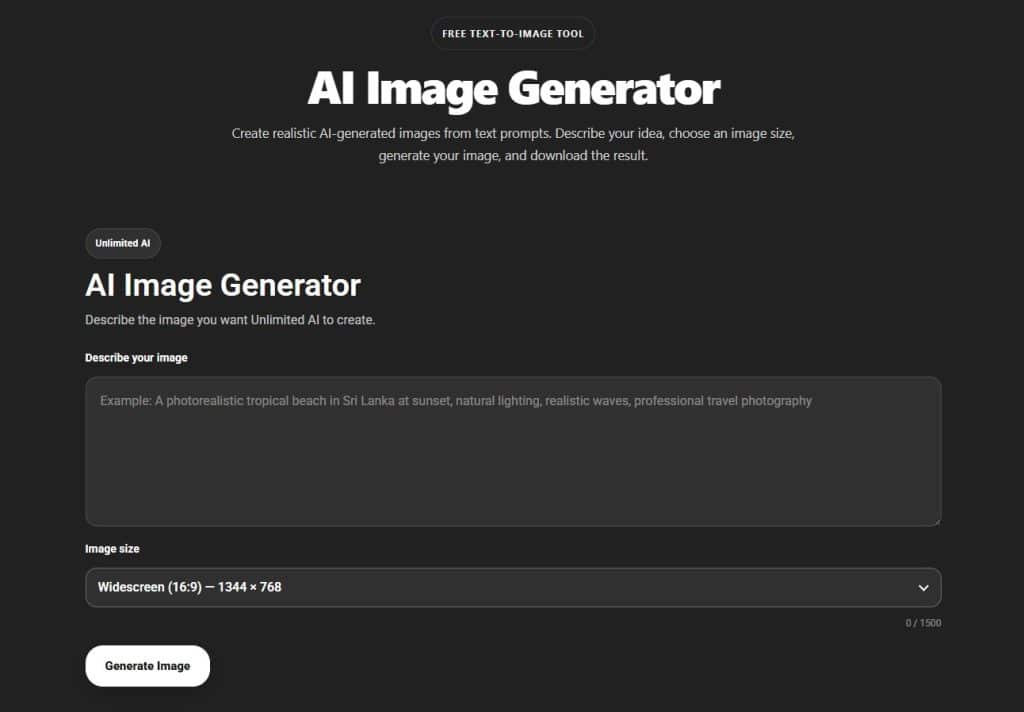
Open the Unlimited AI Image Generator and describe the product concept, surface, background, lighting, composition and format. At the time of review, the tool provided a prompt field and image-size options for text-to-image creation.
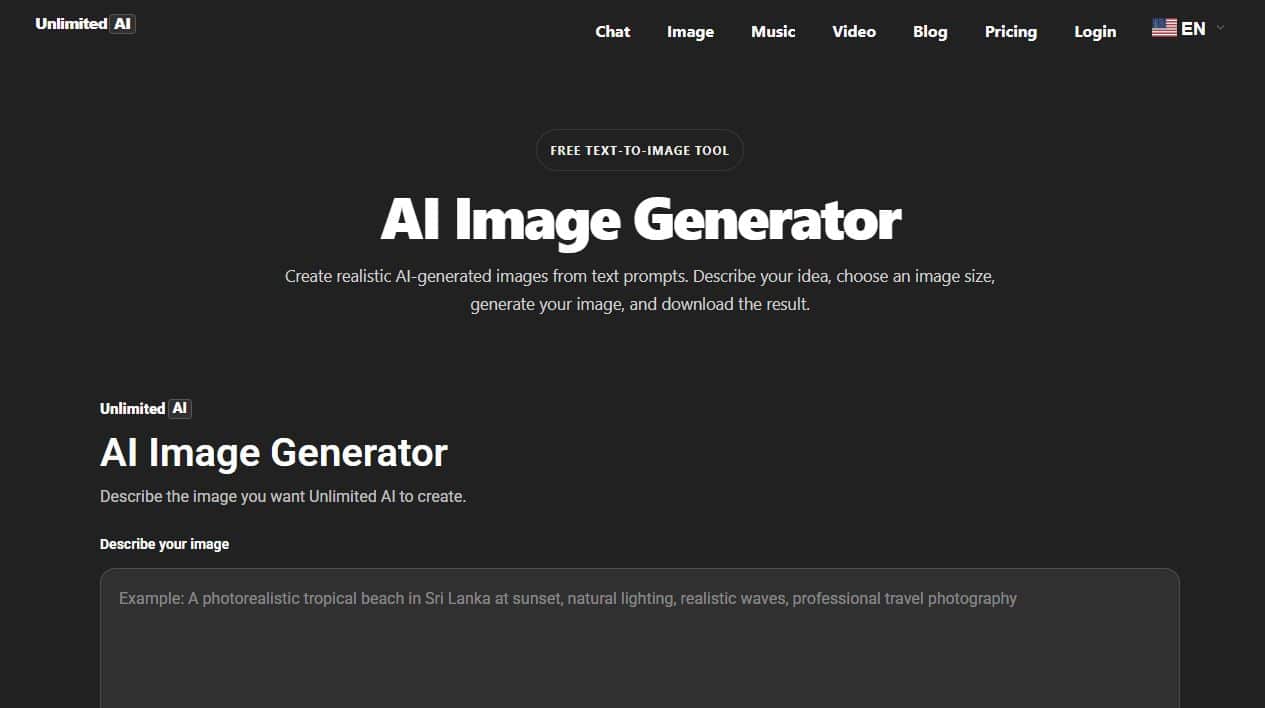
Because the workflow is based on a written description, use it for standalone product concepts, background ideas, art-direction mockups and visuals where an invented product is acceptable. For an exact item already on sale, keep real photography in the process and compare every generated result with the physical product.
Generation allowances and available sizes may change. Review the current Unlimited AI pricing page before planning a large batch. The site’s complete image-generator guide explains the interface and general prompting workflow in more detail.
Eight AI product photography prompt examples
These AI product photography examples are starting points. Replace colors, materials and format directions with facts that match your product or concept.
1. Clean skincare hero image
Prompt
Create a clean studio product photograph of one unbranded amber glass skincare pump bottle with a matte black cap, centered on a pale limestone block. Warm off-white seamless background, soft diffused light from the upper left, subtle realistic shadow, front three-quarter view, natural glass reflections, premium minimalist styling, square composition. One complete bottle, no plants, no text, no logo, no watermark and no duplicated parts.
2. Technology product banner
Prompt
Create a landscape advertising photograph of one compact matte-black wireless speaker on a dark gray desk. Low front angle, soft blue-gray background, narrow rim light defining the edges, realistic fabric texture and restrained reflection. Place the speaker on the left with generous clean negative space on the right for website copy. Professional commercial photography, 16:9, no text, no logo, no extra devices.
3. Natural food package concept
Prompt
Create a bright editorial product photo of one plain kraft-paper coffee pouch standing upright on a light oak table. Morning window light, a small ceramic cup and a few coffee beans placed behind the package, soft kitchen background out of focus, eye-level view, warm natural colors, realistic paper folds and shadows, 4:5 portrait. Keep the package front blank for later label design; no readable text or watermark.
4. Handmade jewelry close-up
Prompt
Create a macro product photograph of one simple hammered silver ring on charcoal linen. Side lighting reveals the handmade texture without clipping highlights. Shallow depth of field, accurate circular shape, subtle shadow, refined artisan mood, centered horizontal composition. No gemstones, no fingers, no engraving, no dust, no logo and no extra jewelry.
5. Sustainable household product
Prompt
Create a realistic lifestyle product image of one unbranded reusable stainless-steel water bottle on a wooden bench beside a hiking trail. Soft overcast daylight, green forest background gently blurred, bottle fully visible and upright, believable scale and contact shadow, clean outdoor commercial photography, 3:2 landscape. No person, no text, no dents, no duplicated bottle and no impossible reflection.
6. Luxury candle campaign
Prompt
Create a moody luxury product photograph of one dark brown glass candle jar with a plain cream label area, placed on walnut wood. Warm side light, soft amber glow in the background, one small dried branch as a secondary prop, eye-level close shot, realistic glass and wax, deep brown color palette, 4:5 portrait. No readable label, no flame outside the jar, no extra candles and no watermark.
7. Fashion accessory social post
Prompt
Create a modern studio flat lay of one tan leather wallet on textured cream paper. Hard afternoon sunlight creates one clean diagonal shadow, top-down view, minimal composition, accurate leather grain and stitching, warm neutral palette, square social-media format. No hands, no coins, no bank cards, no logo, no text and no additional wallets.
8. Seasonal gift advertisement
Prompt
Create a festive but restrained product scene featuring one unbranded white ceramic mug on a dark green table. Soft winter window light, a folded linen napkin and two small pine sprigs, subtle warm lights blurred far in the background, product centered with clear space above, realistic ceramic surface, vertical 9:16 composition. No text, no people, no snow indoors, no extra mug and no watermark.
Common AI product photo mistakes
Using “professional” as the entire brief
Professional is a judgment, not a visible instruction. Define the camera angle, light quality, surface, background, palette and intended format so the model knows what should create that impression.
Adding too many props
A crowded prompt gives the generator more objects to distort and gives the customer more distractions. Start with the product, one surface and one or two supporting props.
Letting the model invent packaging claims
Generated labels can contain meaningless or inaccurate words. Keep label areas blank when possible, then add approved artwork separately. Verify every visible claim before publishing.
Ignoring scale and physical behavior
Check how the item touches the surface, whether a hand could hold it naturally and whether reflections match the material. A familiar prop can help communicate scale, but it must not obscure the product.
Publishing the first attractive result
Review several variations and compare them with the real item. The most dramatic image is often not the most accurate or useful one.
Using one crop everywhere
Prepare separate square, portrait and landscape compositions. Automatic cropping can remove important product details or leave text without enough contrast.
Google Shopping, disclosure and image SEO
Google Merchant Center says AI-created product images must retain metadata identifying the digital source. Its current guidance names the IPTC DigitalSourceType value for trained algorithmic media and tells merchants not to remove embedded AI metadata. Read the current AI-generated content requirements before uploading a generated shopping image.
Main listing images also need to represent the item accurately and follow current image rules. Google’s Merchant Center image guidance addresses dimensions, full-product visibility, promotional overlays and other requirements. Marketplace rules can differ, so check each destination separately.
For website SEO, use a short descriptive filename such as amber-skincare-bottle-studio-photo.jpg. Place the image near relevant text, compress it without making it blurry and write alt text that describes what a person needs to understand. Google’s image SEO documentation recommends real HTML image elements, descriptive filenames and useful alt text rather than keyword stuffing.
Disclosure rules vary by location and advertising platform. Keep a record of which assets were photographed, edited with AI or fully generated, preserve provenance metadata and use the platform’s AI-label controls when required. If the legal status of a campaign matters, obtain advice for the relevant market.
AI product photography checklist
- The image has one clear commercial purpose.
- The real product or an approved specification is available for comparison.
- The prompt states the product, scene, composition, lighting, format and restrictions.
- The output shows the correct number of products and components.
- Color, material, proportions and functional details have been reviewed.
- Labels and marketing claims are accurate and readable.
- Shadows, contact points and reflections look physically believable.
- The crop works at the intended desktop and mobile sizes.
- The filename and alt text describe the image naturally.
- Required AI metadata, labels and platform policies have been checked.
Frequently asked questions
Can AI replace a product photographer?
AI can accelerate concepts, simple background ideas and campaign variations. A photographer remains valuable when exact product fidelity, controlled lighting, color accuracy, complex materials or a defensible record of the real item is required.
Can I use AI-generated product photos in an online store?
That depends on the image, the store, the platform and local rules. The visual should represent the item truthfully, and you must follow current marketplace requirements for AI metadata, labels and product-image content.
What is the best prompt for AI product photography?
The best prompt identifies one product, a coherent scene, camera position, lighting direction, intended aspect ratio and specific restrictions. There is no universal sentence that works for every model and product.
How can I make an AI product photo look realistic?
Use believable materials, one clear light direction, realistic contact shadows, restrained props and a camera angle suited to the object. Avoid excessive “perfect” language and inspect edges, reflections and small geometry at full size.
Should the main product image be AI generated?
For a real item, a verified photograph is usually the clearest source of truth. Generated imagery is better suited to supplementary lifestyle views, creative concepts or formats where the platform permits it and the product remains accurate.
How many product images should I create?
Create enough images to answer the buyer’s important visual questions: overall appearance, key details, scale, use and variant differences. Quality and accuracy matter more than filling a fixed number.
Create your first product-photo concept
Define one product, one setting and one lighting direction, then refine the closest result.
This guide reflects the Unlimited AI interface and cited platform guidance reviewed on September 25, 2026. Features, limits and policies may change.