Google’s Gemini agent is a new work-focused announcement that deserves a closer look if your day involves moving between messages, documents and project updates. The interesting question is whether an assistant can carry a task through those separate steps while leaving people in control.
This guide explains the announcement, separates an agent from an AI model, and offers a practical way to evaluate a work agent. The examples below are suggested evaluation workflows, not results from first-hand testing of the new product.
Last reviewed: October 11, 2026.
What Google announced at Gemini at Work 2026
In its Gemini at Work announcement, dated October 9, Google describes a universal work agent that connects tools, reusable skills and context. It distinguishes the agent from the underlying model and describes persistent cloud execution, multi-agent coordination and memory across work sessions.
Google also describes integration within Gmail, Drive, Docs, Slides, Sheets, Chat and Calendar. Its announcement includes coworker agents with dedicated identities, enterprise controls, and connections to other business systems. These are vendor announcements; confirm feature availability, licensing and administrator settings for your organization before planning a rollout.
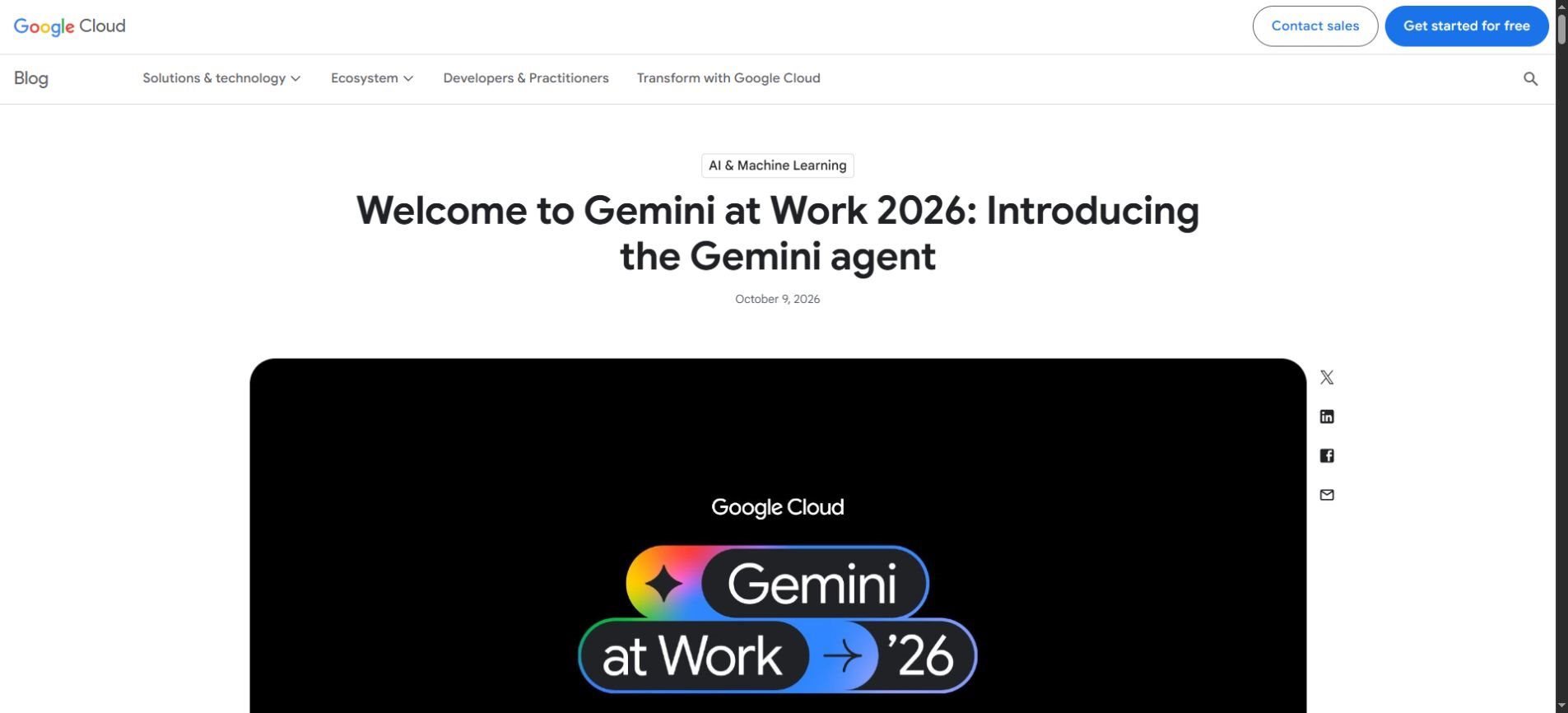
The practical shift is from asking for an isolated answer to assigning a bounded outcome. A useful evaluation should therefore examine the whole task: where information came from, which actions occurred, what needs approval, and whether someone can inspect the result.
An agent is not simply a more powerful chatbot
An AI model generates or interprets information. An agent adds a process around that model: it can select tools, keep track of progress and act toward a goal. A stronger model can improve parts of that process, but it does not automatically create a trustworthy workflow.
| Question | Chat-style task | Agent-style task |
|---|---|---|
| What do you ask for? | Explain the notes pasted into this chat. | Prepare a draft brief from an approved source folder. |
| What information is involved? | The context you provide in the conversation. | A defined set of sources and permitted tools. |
| What needs checking? | The answer and its claims. | The answer, source selection and action history. |
| What should happen before sending? | You copy and review the output. | The workflow stops at a clear approval point. |
These are general workflow distinctions, not a promise that every agent supports every action. Our guide to AI agents explains the underlying concepts in more detail.
Start with one useful outcome: a weekly project brief
Imagine a small team that prepares a weekly project update. The source material is scattered across meeting notes, a task list and a few approved documents. The coordinator spends time finding changes, resolving inconsistencies and writing a short summary.
This is a reasonable pilot because the output is easy to review. A good brief names completed work, upcoming decisions, blockers and missing information. It can remain a draft until a human checks each claim. The agent does not need permission to contact customers or change project deadlines.
Define the source boundary first
Create a small source set with a clear owner. Include only the documents needed for the brief, and state the reporting period. A narrow source boundary makes mistakes easier to diagnose: if the agent misses an update, you can tell whether the source was missing or the summary was wrong.
Do not describe a folder as “everything relevant” and assume that solves context selection. Specify which project is in scope, which document is authoritative when sources disagree, and whether archived notes should be ignored.
Give it a completion rule
Example evaluation brief
Prepare a draft weekly update using only the approved project folder and task export. Cover completed work, blockers and next decisions. Cite the document behind each factual claim. Flag conflicting dates and missing owners. Do not send messages, modify files or create meetings. Stop after producing a draft and a list of unresolved questions.
The value of this instruction is its clarity. It defines inputs, an output, a source standard and a stopping point. Adapt the tool restrictions to the controls actually available in your environment; a written instruction should complement enforceable permissions.
Review the result against a human baseline
Have a person prepare one brief from the same materials. Compare the drafts for omitted blockers, invented progress, incorrect owners and unsupported dates. Measure the time spent reviewing and repairing the AI draft, not just how quickly the first version appears.
A draft that takes twenty minutes to correct may be less useful than a simple template that takes ten minutes to complete. A polished voice is helpful, but traceable facts and a manageable review process determine whether the workflow saves effort.
Choose permissions in stages
Access should grow because a task has demonstrated a need for it. Begin with read-only work where possible, then consider draft creation, and only later evaluate actions that affect other people. Treat each stage as a separate decision.
- Read and summarize: inspect a limited source set and produce an answer for review.
- Create a draft: prepare a document or proposed change in an approved location without distributing it.
- Take an external action: send, schedule or update a system only under a defined approval process.
For each tool, write down the allowed operation. “Access to email” is too broad to explain whether an agent can search messages, draft replies, send replies or delete messages. Those operations have different consequences and should be evaluated separately.
A useful pilot also has a named owner who can pause it. If an unexpected action appears, the team should know where to inspect the activity and how to stop further work. Our AI agent safety guide covers practical boundaries for delegated tasks.
Memory makes context management more important
Persistent memory can reduce repetitive briefing, but a team still needs a way to handle stale information. A preference that was helpful last month may be wrong after a project changes direction. Old assumptions should not quietly become permanent policy.
Separate stable instructions from temporary task context. A company writing style may belong in a reusable instruction. A launch date belongs in a current project source. A one-off exception should have an expiry or a clearly limited scope.
Ask how your chosen system lets you inspect, correct and remove remembered information. Check who can access shared context and what happens when a team member changes roles. Verify the product’s actual controls rather than assuming every memory feature behaves the same way.
For the broader principle, see our context engineering guide. Good context is selected, current and relevant to the decision being made; simply adding more documents does not guarantee better results.
What should you check before adopting it?
An announcement is a starting point for investigation. Your purchase or deployment decision should depend on the features enabled for your account, the work you need to complete and the controls your team can operate.
- Availability: verify the specific feature, plan, region and rollout status with the provider.
- Data handling: read the terms relevant to your account and confirm retention, access and administrative controls.
- Tool scope: identify exactly which sources and operations are enabled.
- Review: decide which outputs and actions require a person’s approval.
- Cost: estimate total workflow use, including retries and review, using current pricing.
- Recovery: establish how to pause work and correct an unwanted change.
Do not assume a business product announcement means the same capabilities are included in a personal Gemini account. Product names can overlap while plans, controls and supported workflows differ. Check the exact product documentation and account interface you intend to use.
A small scorecard beats a dramatic demo
Choose a repeatable set of tasks before the pilot begins. Include an ordinary case, a missing-source case and a conflict between two documents. A useful system should flag uncertainty instead of filling the gap with a confident guess.
| Measure | What to record |
|---|---|
| Factual support | Number of claims that can be traced to an approved source. |
| Task completeness | Required sections or steps that were missed. |
| Boundary compliance | Any attempted operation outside the approved task. |
| Review effort | Minutes needed to verify and repair the output. |
| Repeatability | Whether similar inputs produce consistently usable drafts. |
Set a passing threshold in advance. For example, a team may require every deadline and owner to have a source, no unapproved action attempts, and lower total preparation time than its existing process. These are suggested evaluation criteria, not benchmark results for Gemini.
Frequently asked questions
What is the Gemini agent?
Google describes it as a work agent that combines models with tools, skills and context to carry out tasks. For readers, the key distinction is the workflow around the model: what it can access, what it can do and where a person reviews the result.
Is Gemini agent the same as a Gemini model?
No. The announcement distinguishes the agent from the model beneath it. When evaluating a product, consider both the quality of generated information and the reliability of the surrounding tool and approval process.
Can it replace a project manager?
A limited drafting workflow does not establish that. Project management also involves judgment, negotiation, accountability and decisions about priorities. Evaluate individual tasks rather than treating a job title as a single automation target.
Should a small team try a work agent now?
A small, reversible pilot can help if you have a recurring task with clear sources and an output someone can verify. If the task is poorly defined or depends on uncertain data, improve the process before adding more automation.
The next useful step
Pick one recurring document task and define its sources, permissions and completion rule. Compare the reviewed output with your existing process. Expand only when the workflow produces reliable, traceable results with less total effort.
Google’s announcement makes work agents worth watching. The practical opportunity is not simply generating more text; it is reducing the effort needed to turn scattered information into a useful result that someone can confidently review.