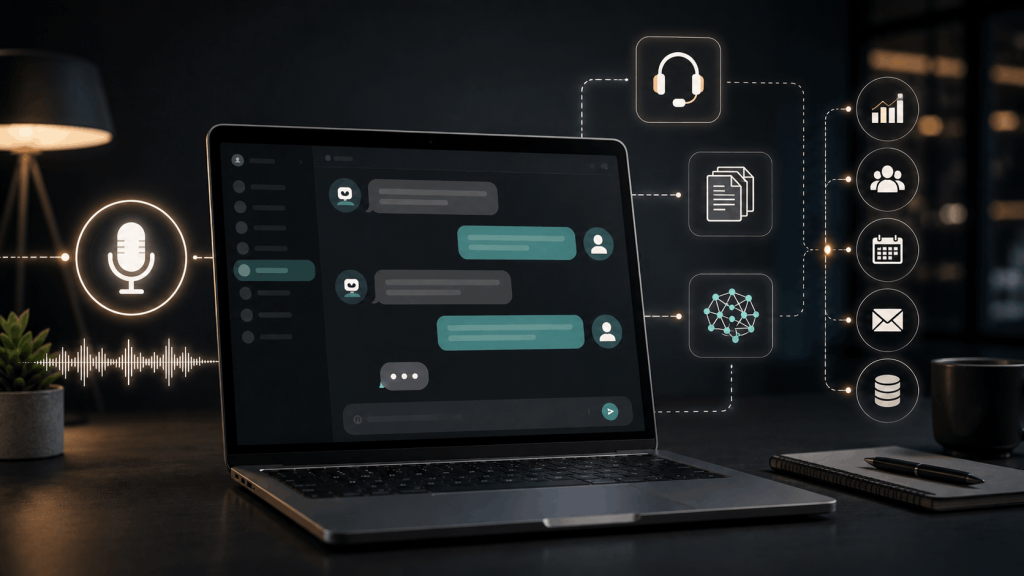
Most AI assistants wait for a question, answer it and stop. A new class of always-on AI agents is designed to keep working across time: monitoring approved information, completing recurring tasks, following up when conditions change and returning when a person needs to make a decision.
OpenAI brought this idea into the spotlight at DevDay 2026 with Dots, persistent agents powered by GPT-6 Astra. OpenAI says each dot can have its own cloud computer and browser, use connected tools, handle recurring work and follow up through channels such as ChatGPT, email, text messaging and Slack.
That description sounds convenient, but persistence changes the risk model. An assistant that works while you are absent needs clear permissions, spending and communication limits, reliable monitoring and moments where it must wait for approval.
Last reviewed: October 3, 2026
What Is an Always-On AI Agent?
An always-on AI agent is software that can continue an approved goal beyond a single chat session. It may wake on a schedule, respond to an event, check progress, use tools, save state and report back. The agent does not need to think continuously every second; it needs a reliable way to resume work when a trigger occurs.
Examples include watching a project inbox for a supplier reply, preparing a morning operations brief, checking whether a website recovered after an outage or reminding a team when a deadline is at risk. The task has a longer lifespan than an ordinary prompt.
This is a more persistent form of the AI agent concept. A model interprets the goal, while a surrounding system manages memory, tools, schedules, environments, permissions and delivery channels.
What Are OpenAI Dots?
OpenAI describes Dots as always-on agents built on existing model and agent capabilities and powered by GPT-6 Astra. According to the company’s updated system card, each dot has a cloud computer and browser, connects to tools, can handle recurring work and may delegate parts of a job to subagents.
The word “dot” refers to the product concept, not a new type of artificial intelligence. The intelligence comes from the underlying model. The persistence comes from the system around it: stored goals, scheduled triggers, connected apps, an execution environment and a way to contact the user.
Associated Press reporting described Dots as a competitor in the growing market for proactive personal agents. The announcement arrived as companies were moving beyond chat interfaces toward assistants that can pursue ongoing tasks.
How Persistent AI Works
1. A durable goal
The user defines an outcome that remains relevant over time. “Watch this project and tell me what matters” is too vague. A safer goal names the sources, schedule, decision criteria and situations that require approval.
2. Triggers and schedules
A trigger wakes the agent. It might be 8:00 each morning, a new email from an approved domain, a changed database value or a failed system check. Good triggers are specific enough to avoid unnecessary runs and notification overload.
3. Memory and current state
The agent needs to know what it already completed, which decisions were approved and what remains open. This information should be structured, reviewable and limited to what the workflow requires. Our guide to context engineering explains how systems select useful history without carrying every old message.
4. Tools and a working environment
The model may use a browser, files, code, databases or connected applications. OpenAI’s Agents API similarly offers long-running agents with a managed harness and a choice of hosted or external compute environments. The environment turns a model’s plan into observable actions.
5. Approvals and reporting
The agent should pause before consequential actions such as sending a message, publishing content, changing account data or spending money. After each run, it should explain what it checked, what changed, what it did and what still needs a person.
Chatbot vs. Scheduled Automation vs. Always-On Agent
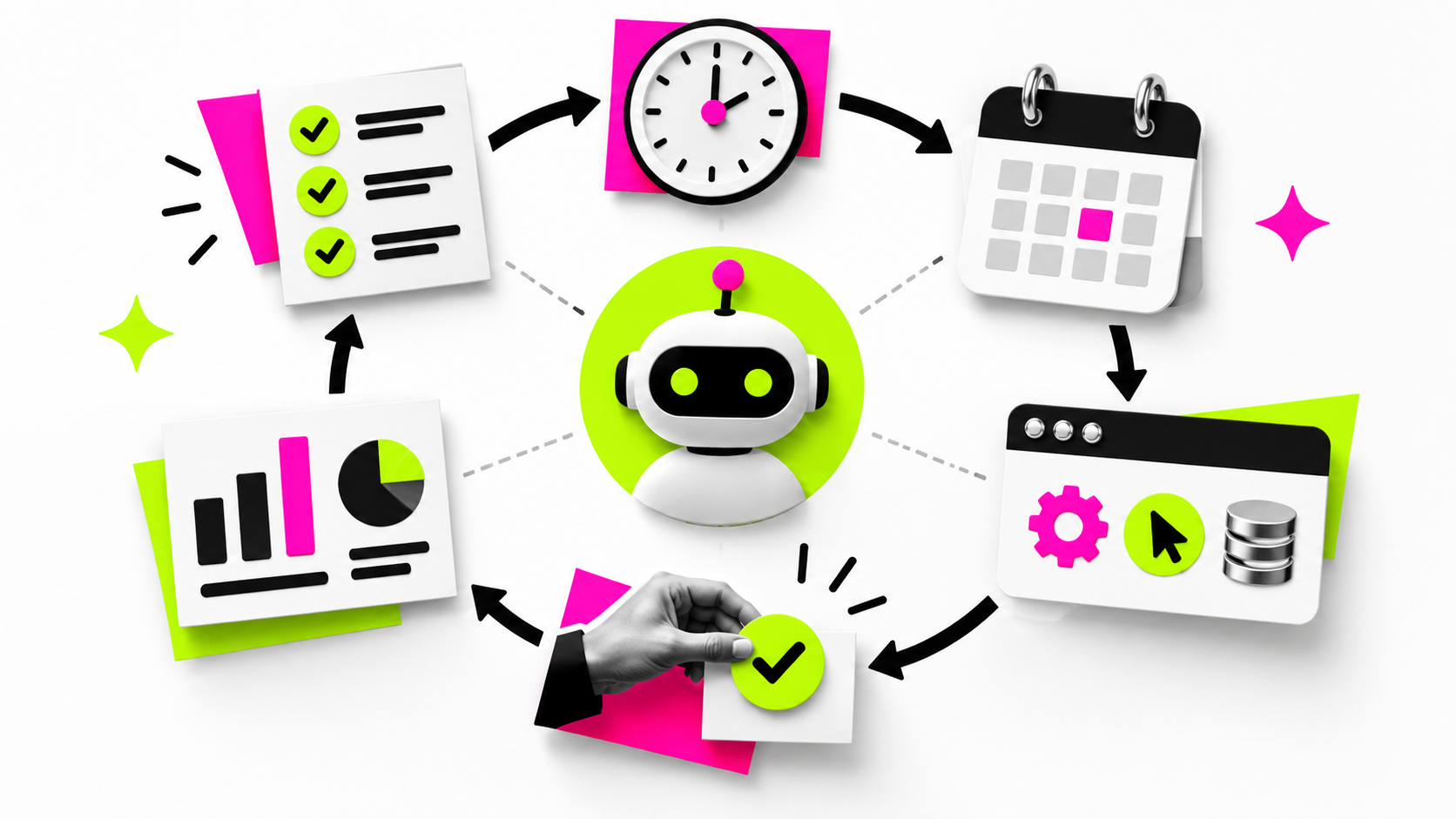
| System | When it runs | How it decides | Typical use |
|---|---|---|---|
| Chatbot | When a user sends a message | Responds to the current conversation | Questions, drafting and brainstorming |
| Fixed automation | At a schedule or predefined event | Follows explicit rules | Backups, alerts and data transfers |
| Always-on AI agent | Across schedules, events and follow-ups | Interprets a goal and chooses approved steps | Ongoing research, coordination and monitoring |
A traditional automation is often more predictable and should remain the first choice for stable, well-defined work. An agent is useful when the inputs vary and the system must interpret language, compare evidence or adjust a plan. Many reliable workflows combine both: deterministic software controls the process while AI handles ambiguous information.
Practical Uses for Always-On AI
- Project coordination: monitor approved workspaces, summarize changes and flag blocked tasks.
- Research monitoring: watch selected primary sources and produce a dated briefing when meaningful evidence appears.
- Customer support: classify incoming cases, draft replies and escalate sensitive or uncertain requests.
- Operations: investigate alerts, collect system evidence and prepare a recommended response.
- Sales preparation: organize public company updates and internal account notes before a meeting.
- Personal administration: track deadlines, assemble travel information and remind the user about unresolved decisions.
- Content workflows: gather approved source updates and prepare drafts for human review.
The agent should not silently expand its purpose. A research monitor should not start emailing sources, changing records or purchasing subscriptions simply because those tools are connected.
The Main Risks of Persistent Agents
Permission creep
An agent that gradually receives access to email, files, calendars and browsers can become a high-value target. One compromised connection may expose more information than the current task needs.
Prompt injection
Webpages, messages and documents may contain instructions intended to manipulate an agent. Untrusted content must remain data, not authority. Agents need isolation, source labeling and restrictions on what information can move between tools.
Compounding errors
A wrong conclusion can become stored memory, influence the next run and spread through later reports. Persistent systems need checkpoints and ways to correct or delete inaccurate state.
Unwanted communication
An agent may send an incomplete message, contact the wrong person or communicate too often. Draft-first modes, approved recipient lists and message limits reduce that risk.
Cost and notification overload
Frequent checks, large context windows and unnecessary subagents can increase usage quickly. Poorly tuned alerts may also train users to ignore the agent when something important happens.
Controls Every Always-On Agent Needs
- Give the agent one named owner and one defined purpose.
- Use the smallest set of accounts, folders and tools required.
- Separate read access from permission to act.
- Require approval for messages, purchases, publishing and account changes.
- Limit recipients, spending, run frequency and total work time.
- Show the source and date behind important claims.
- Keep a readable activity log and change history.
- Make pause, revoke and delete controls easy to find.
- Review stored memory and connected apps regularly.
- Test unusual inputs, failures and malicious instructions before wider use.
These controls follow the same principle as our AI agent safety guide: increase autonomy only after the system proves reliable within narrow boundaries.
A Safer Way to Delegate Ongoing Work
Start with observation. Let the agent read approved public or low-risk information and prepare a report. Compare its summaries with the original sources. Then allow it to draft actions without sending them.
After consistent performance, automate only reversible steps. Keep sensitive communication, financial decisions, legal commitments and changes to important accounts behind explicit human approval.
Use a narrow instruction such as: “Every weekday at 8:00, review new messages in the Project Alpha folder from approved team members. Summarize decisions, deadlines and blockers with links to the original messages. Do not reply, forward, upload, delete or change anything. Ask me before any external action.”
What Dots Could Change
If products such as Dots become reliable, people may move from repeatedly opening an AI app to supervising a small set of persistent helpers. The interface becomes less about a blank chat box and more about goals, schedules, permissions, activity and approvals.
Businesses may assign specialist agents to recurring responsibilities. That creates a new management problem: who owns the outcome, who reviews the agent, how conflicts are resolved and when the workflow should be retired. A persistent agent needs maintenance like any other production system.
The strongest products will make restraint visible. Users should be able to understand why an agent woke up, which sources it accessed, what it plans to do and why it is waiting. Invisible autonomy may feel smooth until a mistake occurs.
Frequently Asked Questions
What are OpenAI Dots?
Dots are OpenAI’s newly announced persistent agents. The company says they use GPT-6 Astra, have a cloud computer and browser, connect to tools, handle recurring work and follow up across supported communication channels.
Does always-on mean the AI is continuously thinking?
Not necessarily. A persistent agent can remain available and resume when a schedule, event or user message triggers a new run.
Can an always-on agent work while my computer is off?
A cloud-hosted agent can continue independently of a personal computer, subject to the product’s limits, permissions and service availability.
Are persistent AI agents safe?
They can be useful, but persistence increases privacy, security and action risks. Safety depends on narrow permissions, trustworthy triggers, monitoring, approval checkpoints and tested recovery controls.
Should an AI agent be allowed to send messages automatically?
Start with drafts and human approval. Automatic sending should be limited to tested, low-risk templates, approved recipients and clear rate limits.
Persistent Help Requires Persistent Control
Always-on agents could reduce the effort of checking, organizing and following up on recurring work. OpenAI Dots show how quickly the industry is moving from one-time chatbot answers toward software that maintains goals and acts across time.
The value will depend on control. A useful persistent agent should have a narrow purpose, limited tools, reviewable memory, clear logs and approval gates that match the consequence of each action. You can explore everyday AI tools on Unlimited AI while keeping sensitive information and high-impact decisions under human supervision.
Sources: OpenAI GPT-6 Astra system card and Dots appendix; OpenAI Agents API announcement; Associated Press report on always-on agents.