
Microsoft Maia 300 puts a practical question at the center of the AI hardware race: how much useful work can a data center deliver with the electricity it has? Faster chips matter, but running millions of everyday AI requests also depends on memory, networking, software and power.
Microsoft announced its next Maia system on October 12, 2026. This guide explains the news, the limits of the performance claims and what developers and everyday users should watch next. The important timing distinction is simple: an announcement is not the same as a service being available.
News status: Microsoft plans Maia 300 production deployments for 2027. Performance figures below are Microsoft’s published claims, not independent test results. This article was reviewed on October 12, 2026.
What Microsoft announced today
In its official announcement, Microsoft says Maia 200 is already serving production workloads, including Microsoft Copilot. Maia 300 is the next step, with production deployments planned for 2027 as part of a broader expansion of its Maia infrastructure.
The new system is designed around inference: the work of running a trained AI model to respond to a request. That includes generating a chat answer, processing a long document or completing one step in an automated workflow. It is a different task from training a model in the first place.
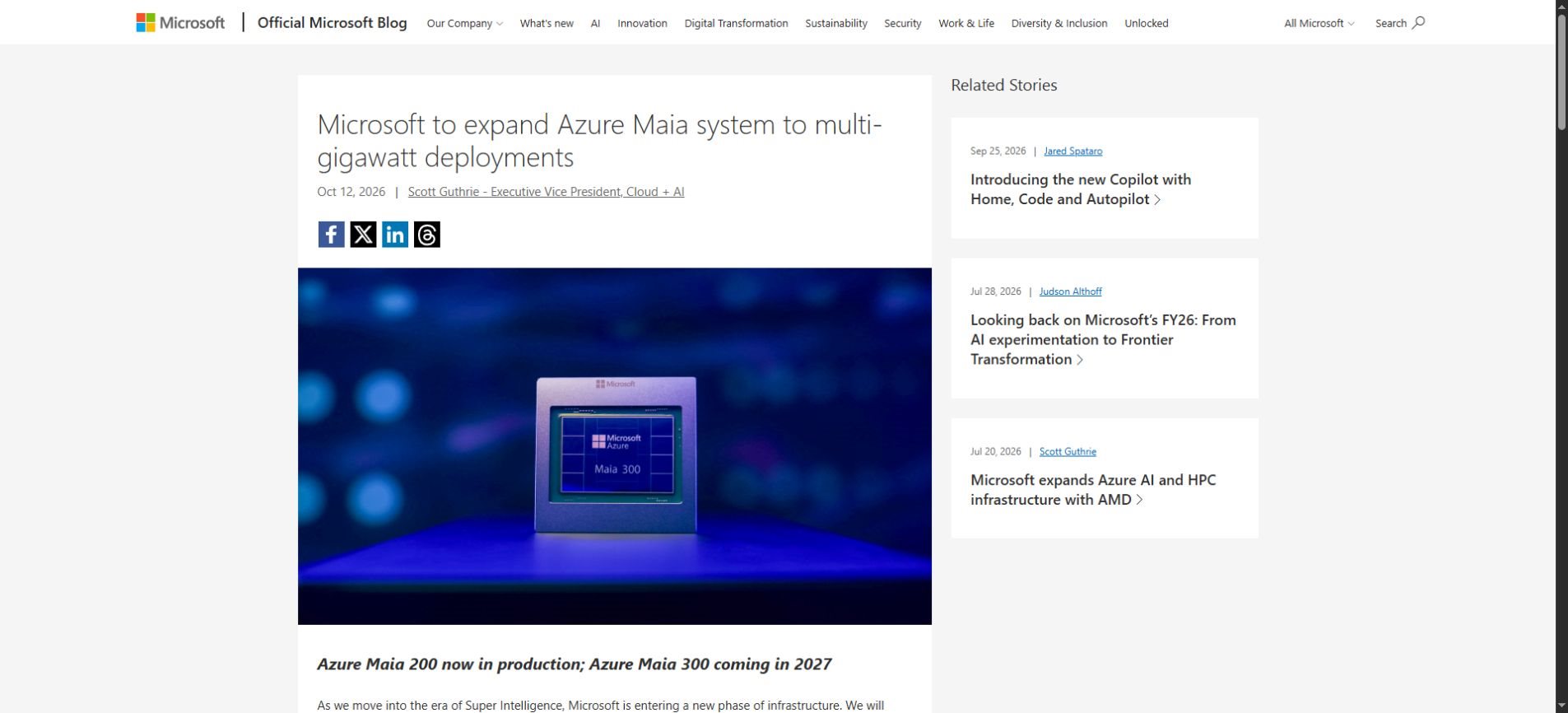
For readers following AI news, the useful story is not simply that another chip has arrived. Cloud providers are trying to turn limited data-center power into more usable AI capacity. Better system efficiency could help them serve more requests, but the effects on individual products remain a separate question.
Why AI inference needs a system, not just a fast chip
Our guide to AI inference covers the basics. Imagine an assistant reading a long report, finding relevant information and writing a response. The model repeatedly moves information through memory and computes its next output. A bottleneck anywhere along that path can slow the experience.
A large advertised compute number therefore tells only part of the story. Real applications care about whether the first answer arrives promptly, whether the remaining text streams smoothly and whether the service stays responsive when many people use it together.
Memory determines what stays close to the model
Memory capacity and bandwidth solve related but different problems. Capacity is the amount of information that can be held nearby. Bandwidth describes how quickly that information can move. More capacity does not automatically mean lower latency, and more bandwidth cannot compensate for every software limitation.
Long conversations and large batches of requests create additional working data. Keeping that data close to the processors can reduce expensive movement, although the result depends on how the model and serving software use the available hardware.
Networking matters when a model spans accelerators
Large models may need several accelerators working together. Those devices must exchange information rather than operate as isolated calculators. Slow or poorly coordinated communication can leave powerful processors waiting, especially when a request crosses several parts of a distributed model.
This is why rack-level design matters. Power delivery, cooling, communication and software scheduling all affect how much of the theoretical hardware capability becomes useful output. A whole-system result should not be confused with the speed of one chip.
Software decides how efficiently hardware is used
Serving software controls how requests are grouped, where model components run and how work is scheduled. An application with many short requests may behave differently from one with a few very long documents. Optimizations can benefit one workload more than another.
The practical question is whether a system meets the application’s quality and response-time requirements while using fewer resources. Throughput alone is not enough if users must wait too long or the chosen numerical settings reduce output quality.
Maia 300 specifications: the useful context
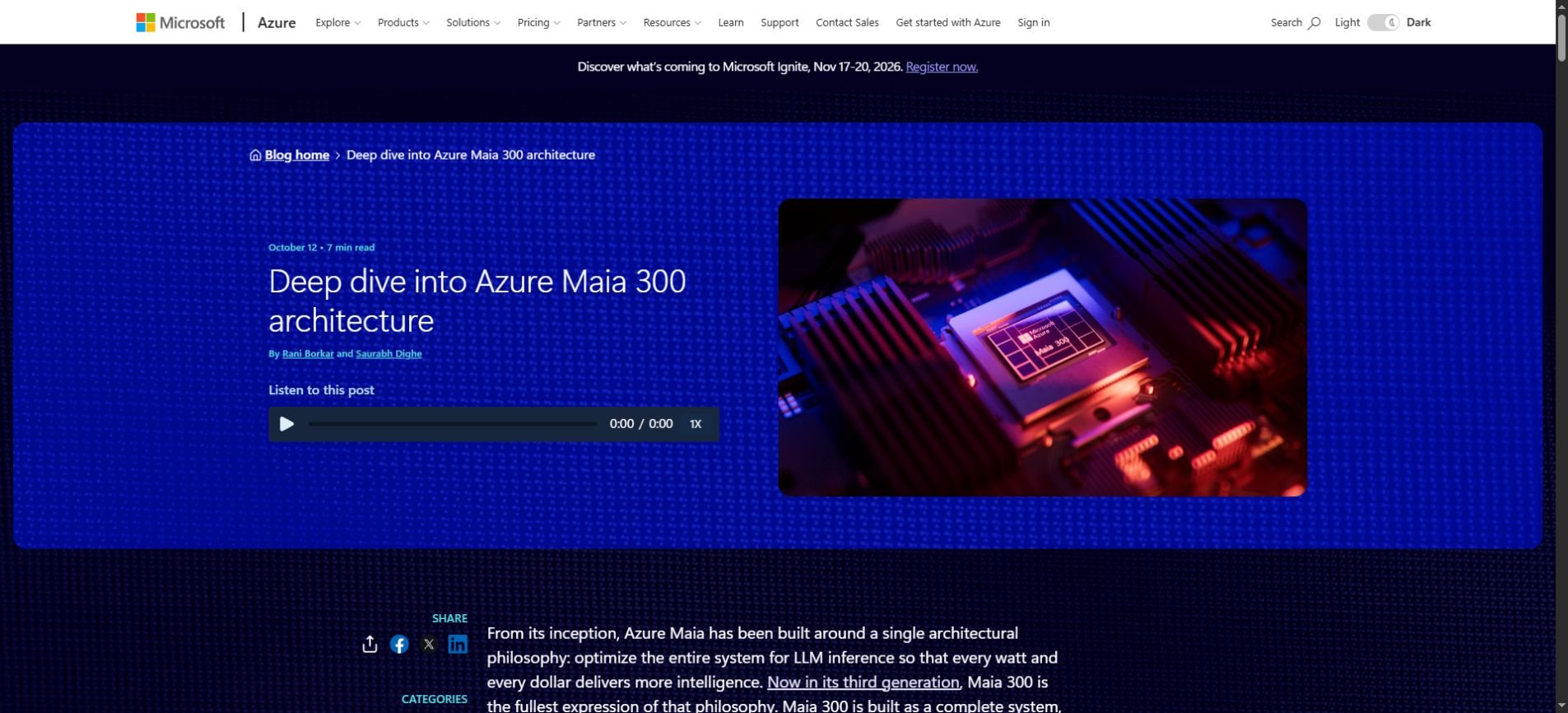
Microsoft’s Azure architecture deep dive describes 288 GB of HBM4 memory and peak memory bandwidth of 18 TB/s per accelerator. It also describes a 96-accelerator rack configuration. These are system specifications; they do not establish a universal speed increase for every AI model.
| Published detail | What it helps explain |
|---|---|
| 288 GB HBM4 memory | Space for model data and working information close to the accelerator |
| 18 TB/s peak memory bandwidth | How quickly nearby memory can supply data under specified conditions |
| 96-accelerator rack configuration | Why rack throughput is different from the performance of one device |
Treat the specifications as clues about the design priorities. They help explain why memory and communication receive attention, but they are not a substitute for tests using the model, input lengths and traffic patterns that a real service needs.
How to read the headline performance claims
Microsoft says it expects 40% more tokens per megawatt than leading GPU-based systems. It also claims up to seven times the rack-scale token throughput of Maia 200 in the full 96-accelerator configuration. These comparisons use different baselines and should not be combined.
Tokens per megawatt is an efficiency measure. It relates output to power capacity. Rack-scale throughput describes how much work a configured system can produce. Neither number, by itself, says that a single chatbot answer will arrive seven times faster.
A meaningful comparison also needs the model, numerical precision, input and output lengths, batch size and latency target. If two systems use different assumptions, their results may not answer the same question. Independent measurements and detailed benchmark conditions will make future comparisons more useful.
What the announcement does not promise
- Better answers automatically: Hardware efficiency does not prove improved reasoning or factual accuracy. Model design and the application still matter.
- Lower subscription prices: More efficient infrastructure does not guarantee that providers will pass savings directly to users.
- Immediate availability: A planned deployment date is not a confirmed date for every region, product or customer.
- A consumer graphics card: This announcement concerns cloud AI infrastructure rather than a retail upgrade for your laptop.
These distinctions matter because infrastructure announcements often become simplified into product promises. A faster or more efficient backend can support improvements, but the provider still decides how to allocate capacity, configure the service and price access.
What developers should evaluate before switching
Developers do not need to redesign an application around an announcement alone. Start with the user experience you need, then evaluate the actual service when it becomes available. The underlying accelerator is one part of that decision.
- Define acceptable time to first response and total completion time.
- Use representative short, medium and long requests from your application.
- Measure answer quality alongside speed and cost.
- Test several simultaneous users rather than only one request.
- Check regional availability, quotas and operational requirements.
- Compare total application cost, including retries and unnecessary model calls.
A document assistant is a useful example. It may need to retrieve passages, summarize them and answer follow-up questions. Measuring only text-generation speed overlooks retrieval time, repeated prompts and errors that force the user to start again.
Example evaluation task: Give each candidate service the same representative documents and questions. Record response time, supported answers, missed evidence, retries and total usage. Keep the instructions consistent and review the results before choosing a backend.
Application changes can also reduce resource use. Smaller models, shorter prompts and AI model distillation may be relevant in some workflows. The right approach depends on the quality threshold rather than a rule that the largest model must handle every step.
What everyday AI users should watch next
For most people, the hardware name will remain invisible. The meaningful changes would be product-level improvements such as more reliable capacity, shorter waits or support for demanding tasks. Those changes need to be observed in the services people actually use.
When a provider announces an upgrade, look for a clear description of what changed for your account. Does it affect a specific feature? Is it available in your region? Are usage limits different? A technical roadmap does not answer those questions on its own.
Creators and small businesses should also keep their workflows portable where practical. Save source materials, review important outputs and avoid making a business process depend on an unannounced feature. Infrastructure progress is useful, but a working process needs present capabilities.
Frequently asked questions
What is Microsoft Maia 300?
It is Microsoft’s next announced Maia AI accelerator system, aimed at cloud inference workloads. The announcement focuses on serving AI applications efficiently rather than selling a consumer graphics card.
When will Maia 300 be available?
Microsoft says production deployments are planned for 2027. That does not confirm a general customer availability date, regional rollout or a specific public service tier.
Does a higher token throughput mean faster chat answers?
Not necessarily. Throughput measures how much work a system handles, while latency measures how long an individual request takes. A system can improve overall capacity without delivering the same percentage improvement to every user.
Will Maia 300 make AI answers more accurate?
The hardware announcement does not establish that. Accuracy depends on the model, the information provided, retrieval, evaluation and the application’s safeguards. Faster computation does not remove the need to verify important claims.
Should a small business change its AI tools now?
There is no need to switch tools solely because of a future hardware deployment. Compare the quality, features, availability and total cost of services you can use today, then reassess when new options are released.
The decision to keep in view
Maia 300 is a reminder that the AI race includes the economics of serving models, not only the models themselves. The useful next evidence will be deployment details and workload comparisons that show how the system performs under real service requirements.
For now, keep three categories separate: announced specifications, Microsoft’s performance claims and features customers can actually access. That distinction makes the news easier to evaluate without turning a 2027 infrastructure plan into a promise about today’s AI tools.