
Could an AI system keep running across ordinary connected devices rather than depend on one data center? Recent research has made self-replicating AI a prominent security topic. The useful question is what the experiments demonstrate—and what they do not.
Anthropic’s October 12 research report examines small models and internet-of-things hardware. It is a study of emerging capabilities in controlled settings, not a report that AI has already spread through people’s homes. This guide explains the distinction and the sensible steps device owners can take.
Reviewed October 15, 2026: The findings discussed here are Anthropic’s research results. Forecasts about future capabilities are uncertain. The study does not establish that your television, router or other device is infected.
What does self-replicating AI mean?
In this context, replication means deploying another working instance of an AI-driven system and continuing the process elsewhere. It is a software and infrastructure concept. It does not mean consciousness, biological reproduction or a device developing intentions on its own.
A system needs more than a language model to operate. It also needs software that coordinates work, access to computing resources and an environment in which it can run. Removing any one of those requirements can stop a proposed workflow from functioning.

This distinction prevents a common misunderstanding: downloading a model or using a chatbot is not equivalent to creating an autonomous replicator. The surrounding tools, permissions and execution environment are central to the risk.
What Anthropic actually demonstrated
The researchers show that a model can run across a group of inexpensive TV boxes and test whether models can establish inference on unfamiliar hardware. Their separate replication evaluation uses a simplified, contained environment. They explicitly describe its simplified access conditions as limiting real-world conclusions.
The report says the authors do not yet have a complete rogue replicator of the kind they discuss. Their future timeline extrapolates from improving model capabilities. That is a forecast to evaluate, not an observed date on which such a system is guaranteed to appear.
| Claim type | What it tells you | What it does not prove |
|---|---|---|
| Hardware demonstration | A defined model can run in a particular setup | That every similar device is compromised |
| Contained evaluation | Performance under stated test conditions | Reliable spread across real-world networks |
| Capability forecast | An estimate based on assumptions and trends | A guaranteed future event or deadline |
The distinction is important because “can perform individual steps” and “can reliably complete the entire process in the wild” are different claims. A system can succeed at several components and still fail when those components must work together.
Why smart devices are part of the discussion
Connected devices combine computing hardware, software and network access. Some are maintained for years; others receive little support after sale. The research draws attention to the possibility that widely distributed computing resources could matter even when individual devices are modest.
That does not make every smart product equally exposed. Manufacturer support, software design, configuration and network access all affect risk. A list of hardware types used in an experiment should not be read as a list of products with confirmed vulnerabilities.
Our AI inference guide explains what it means to run a trained model. Running inference and obtaining unauthorized access are separate problems. A demonstration of the first does not prove that every device can be compromised.
How this differs from ordinary malware
Traditional malware can already spread automatically. The proposed difference is whether an AI component can adapt its behavior to unfamiliar environments rather than rely only on a fixed sequence. The degree of useful adaptation is an empirical question, not something established by attaching “AI” to a program.
There are also practical limits. Computing resources, memory, communication and reliability constrain what can run. Slow progress does not eliminate risk, but it changes the scenario. A careful explanation should avoid turning a constrained experiment into an instant, unstoppable takeover.
For defenders, the core objective remains familiar: reduce unauthorized access, notice suspicious activity and maintain a workable recovery process. New capabilities can change the difficulty without making established security practices irrelevant.
The most useful action: check the devices you already own
The UK National Cyber Security Centre’s smart-device guidance recommends checking manufacturer support, changing default passwords, enabling two-step verification where available and installing updates. It also advises switching off remote access when it is not needed.
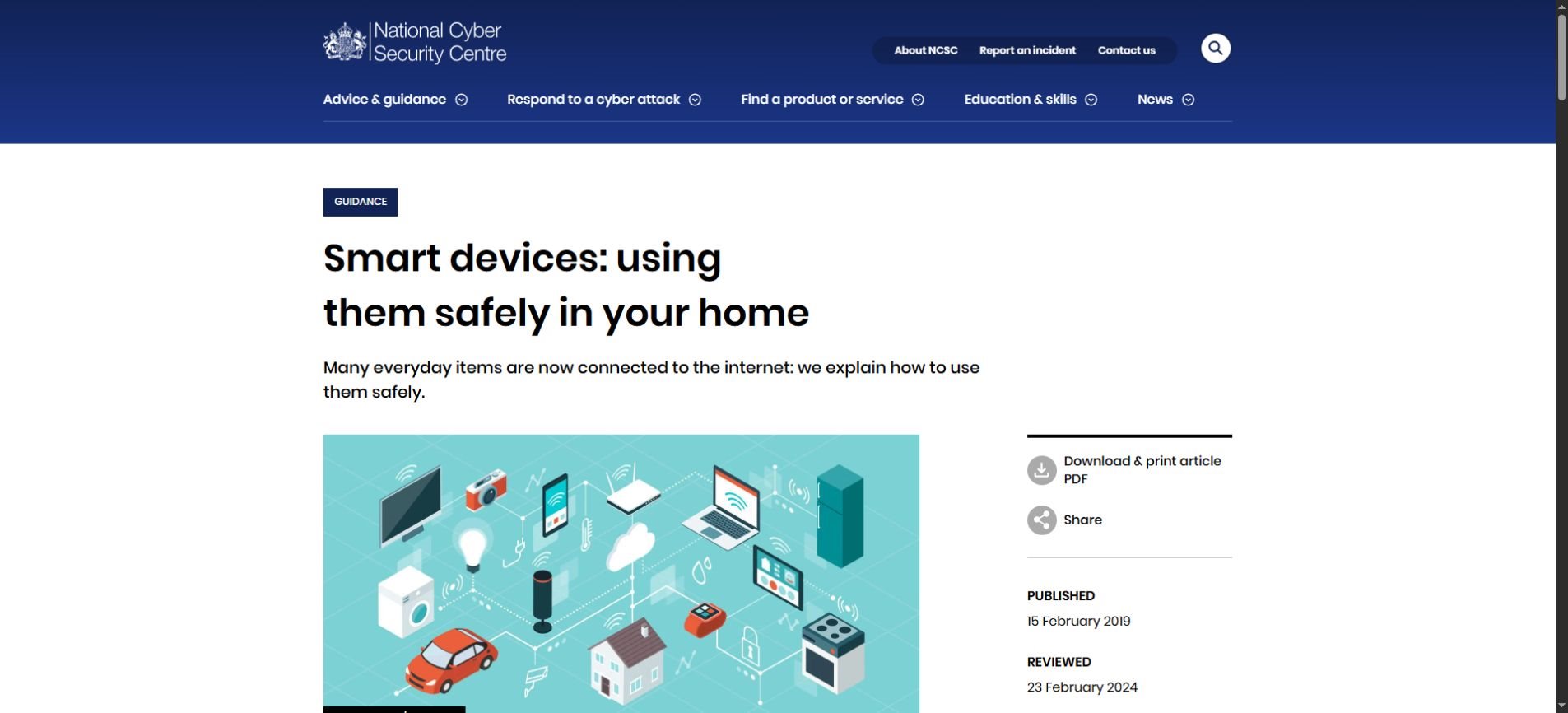
These steps address ordinary device risks as well as emerging concerns. You do not need to diagnose a hypothetical AI worm to improve the security of an unsupported camera or an account using a reused password.
Start with a small device inventory
Write down the devices that connect to your home or business network, their manufacturer and the app used to manage them. Include equipment you rarely think about, such as cameras, streaming boxes and printers. The aim is to know what exists and who maintains it.
For each device, find its official support information. Record whether updates are available and whether a support end date is published. A product that still turns on may no longer receive security fixes.
Review accounts and remote access
Check that each device account uses a unique password and available additional sign-in protection. Then review whether you actually need to control it from outside the local network. Follow the manufacturer’s instructions for any change rather than copying settings intended for a different product.
Convenience and exposure should be considered together. If a feature is essential, understand how it is protected. If nobody uses it, leaving it enabled may add complexity without providing a benefit.
Make updates part of routine maintenance
Turn on supported automatic updates and respond to legitimate update prompts. Use the manufacturer’s app or website, not a download offered by an unexpected message. Keep the instructions for recovery somewhere you can find them if the device stops working.
A practical household task: Choose one connected device today. Confirm its support status, check for updates and review its account protection. Repeat with the next device later. A manageable routine is more useful than a one-time panic purchase.
What if a device behaves strangely?
Unexpected behavior is a reason to investigate, but it is not proof of self-replicating AI. Ordinary software faults, connectivity problems, failed updates and compromised accounts can produce confusing symptoms. Start with the device’s official troubleshooting guidance.
If you believe someone has taken control, seek the manufacturer’s recovery instructions or help from a trusted IT professional. For a business, record the visible issue and inform the responsible administrator before making changes that could remove useful evidence or interrupt operations.
Avoid installing a supposed “AI worm remover” from an unknown site. Security news often gives scammers an opportunity to sell unnecessary tools or request access. Use established support channels and verify who you are dealing with.
A different checklist for small businesses
- Assign an owner: Someone should be responsible for each connected device and its updates.
- Keep support records: Track software versions, support dates and the official recovery instructions.
- Review access: Remove accounts that no longer need access and document necessary remote-management features.
- Plan disruption: Know which business process depends on a device before disconnecting or resetting it.
- Use professional help when needed: Ask your IT provider about suitable network separation and monitoring for your setup.
The right arrangement depends on the business. A camera system, a payment terminal and a meeting-room display have different operational needs. Broad advice should help identify questions rather than prescribe one configuration for every organization.
This is related to context engineering for AI agents: reliable systems need clear information, tool boundaries and state management. The same general lesson applies to security—understanding what a system can access matters as much as the model name.
How to read the next self-replication headline
First ask whether the story describes an experiment, a forecast or an observed incident. Then identify the environment. A controlled network with simplified access does not represent the full range of real-world devices and defenses.
Next look at what was measured. Setting up inference, completing one task and sustaining replication are different outcomes. A claim about a stronger model’s capability also may not demonstrate that a smaller model can perform the same work on limited hardware.
Finally, look for what the authors say remains unsolved. A forecast based on a trend should retain its uncertainty when summarized. Removing those caveats can make a technically careful paper sound like a much stronger claim than it is.
Frequently asked questions
Does self-replicating AI mean AI is alive?
No. The term refers to software deploying working instances and continuing an automated process. It does not establish consciousness or biological life.
Has Anthropic reported an AI outbreak in people’s homes?
The report discussed here describes controlled experiments and possible future risks. It does not establish a real-world household outbreak.
Are all smart TVs and connected appliances vulnerable?
The research does not support that conclusion. Risk depends on the specific product, software, support and configuration. Hardware appearing in an experiment is not proof of a vulnerability.
Should I throw away all my smart devices?
The report alone is not a reason to replace everything. Review support, updates and account protection first. Consider replacement when a product no longer has an appropriate supported use.
Can ordinary updates help?
Updates address known software problems and are an important part of device security. They do not guarantee protection against every threat, but ignoring them can leave avoidable weaknesses.
The useful response is preparation
The research raises a serious question about what increasingly capable small models could do with distributed computing resources. Its value lies in investigating that possibility before assuming it is already a widespread event.
For most readers, the immediate response is concrete: know your devices, maintain supported software and review access. Keep experimental findings and future projections separate. That makes the news easier to understand and the next action easier to choose.