A voice assistant in the living room has a different job from a chatbot on a laptop. It needs to understand a request from across the room, find the right entertainment and avoid turning a simple task into a complicated conversation. Siri AI on Apple TV 4K is Apple’s latest attempt to improve that experience.
Apple announced new Apple TV 4K and HomePod mini 2 hardware on October 13, 2026. Both announcements put conversational AI in focus, but the software timing is different. Before thinking about an upgrade, separate the hardware you can order from the features that are available or still coming.
Reviewed October 13, 2026: This article explains Apple’s launch announcements. It is not a hands-on review. Prices below are U.S. launch prices, and features depend on compatible hardware, software, language and region.
The launch details that matter first
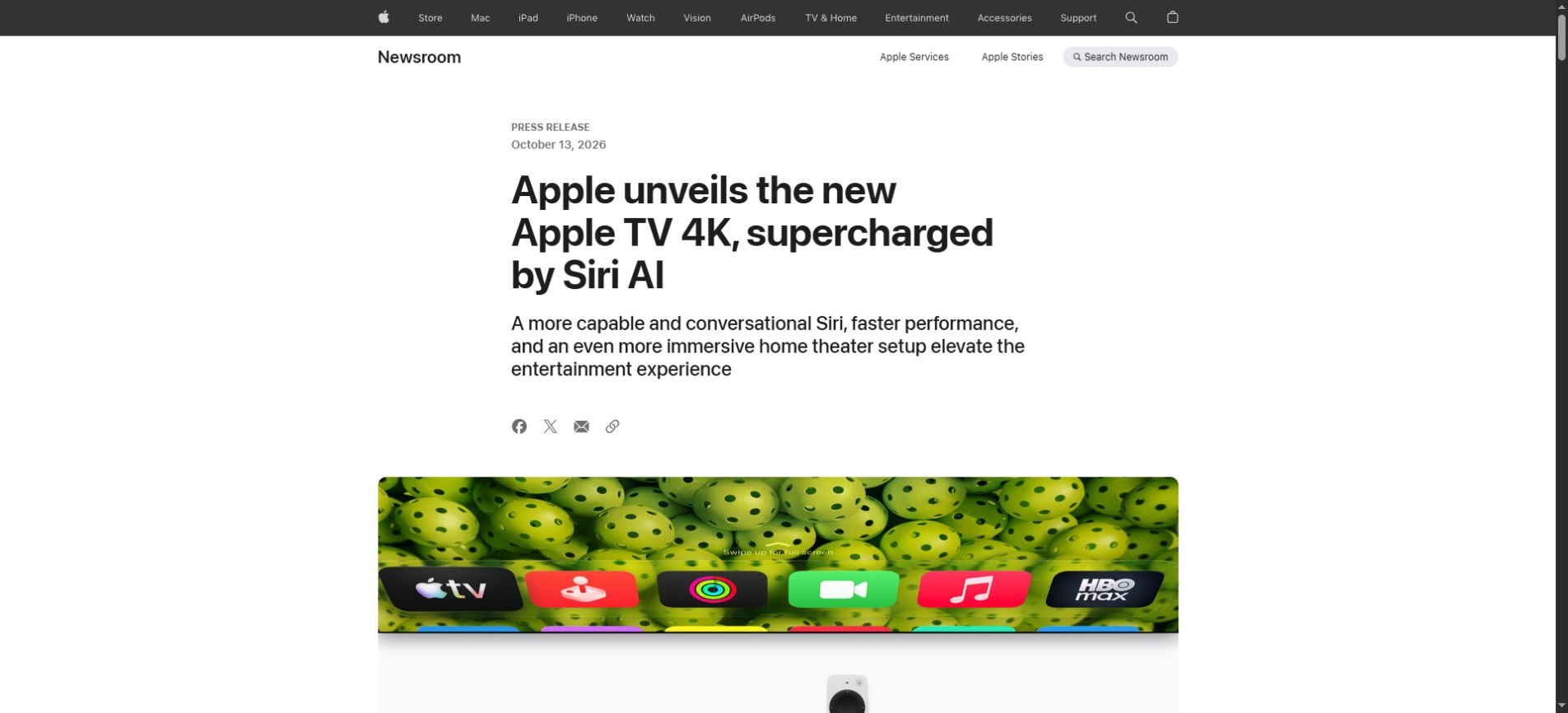
Apple’s Apple TV 4K announcement lists the fourth-generation device at $299 in the U.S., with preorders starting October 13 and store availability beginning November 13. Siri AI is listed as a beta for Apple TV 4K second generation or later.
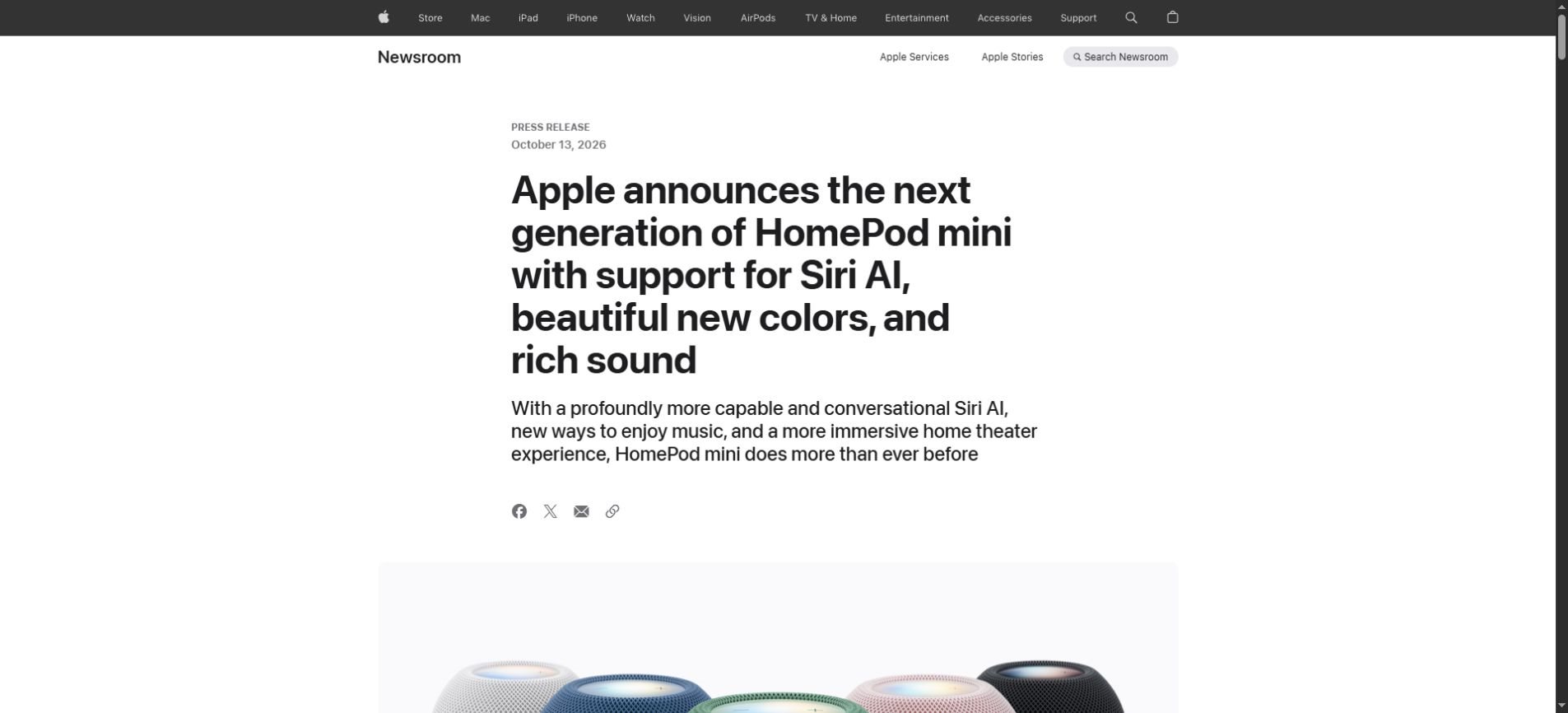
The HomePod mini 2 announcement lists a $149 U.S. price and October 30 store availability, with preorders beginning October 13. Crucially, Apple says Siri AI comes to HomePod mini 2 through a future software update.
| Product | U.S. launch price | Hardware availability | Siri AI status |
|---|---|---|---|
| Apple TV 4K, fourth generation | $299 | November 13, 2026 | Beta listed for second generation or later |
| HomePod mini 2 | $149 | October 30, 2026 | Future software update |
The practical consequence is that buying a product and receiving every announced AI feature may happen on different dates. If an AI capability is the main reason you want a device, verify its actual software status rather than relying on the launch headline.
What conversational Siri could change on a television
Apple describes full-screen entertainment discovery and follow-up questions while watching. It also adds far-field microphones to the new hardware. These changes address two separate problems: understanding what you mean and making it easier to issue a request without reaching for a remote.
Consider the difference between asking for one exact title and describing the kind of program you want. Conversational search is useful when the viewer has a preference but not a name. A follow-up can refine the request rather than forcing the person to start over.
That does not guarantee that every suggestion will be a good match. Recommendations depend on how the system interprets the request, which services are supported and what the account can access. A natural-sounding response is only useful if it leads to something the viewer can actually watch.
Try a request with a clear constraint
Instead of a vague request for something good, specify the audience, genre and time available. A short, concrete instruction makes it easier to judge whether the assistant understood you. It also gives a follow-up conversation a useful starting point.
Example request to try when supported: Find a lighthearted film for tonight that runs under two hours. Explain why each suggestion fits, and let me choose before starting playback.
This is an illustrative request, not a tested claim about the new system. The same approach is useful across assistants: provide a goal, add the constraints that matter and keep the final choice visible.
Compatibility is more important than the newest box
Apple’s listed beta support includes some earlier Apple TV 4K generations. That means the new hardware and access to Siri AI should not be treated as identical questions. Existing owners should first check their device generation and the requirements for the specific feature they want.
Hardware-only additions can still distinguish a new product, but a software feature may have a different compatibility range. An upgrade decision becomes clearer when you make two lists: what your current device cannot do and which new capabilities solve a real problem for your household.
Avoid assuming that every demonstration applies to every supported device. Microphones, companion devices and software settings can affect the experience. Look up the requirement attached to the feature, rather than using the product name as a shortcut.
HomePod mini 2: a speaker launch with an AI update to follow
A smart speaker is a shared device. Several people may use it for music, timers and everyday questions, so a conversational assistant has to work in a household rather than a single private chat. Personal context adds another layer of expectations.
Apple says personal-context features on HomePod mini can use an Apple Intelligence-enabled iPhone or iPad. It also distinguishes those features from general conversational capabilities. A compatible speaker alone should not be assumed to provide every personalized task.
The most useful way to evaluate this is by task. Do you mainly want music playback? Are you trying to retrieve information from your own apps? Do different household members need separate access? Those questions expose requirements that a broad phrase like “smarter Siri” does not answer.
Since the HomePod Siri AI update is still described as future software, buyers should be comfortable with the speaker’s currently available functions. A planned capability can be a reason to watch a product, but it should not be treated as a feature already delivered.
Which regions are listed for Siri AI?
Apple lists English availability in the U.S., Australia, Canada, India, New Zealand, Singapore, South Africa and the UK. This is a feature-availability list, not a promise that all products, services or content are identical across those markets.
Sri Lanka is not included in that announced Siri AI list. Readers here should verify local availability through Apple or an authorized seller before importing hardware for a particular AI feature. Being able to buy a device does not establish that the advertised software is supported in your region.
Language support is also separate from the language you normally use at home. If multiple family members will use the assistant, check whether its supported language and accessibility options fit everyone who needs it.
A five-minute check before considering an upgrade
- Identify your current hardware: Record the exact generation rather than only the product family.
- Name the feature you need: Separate conversational search, hands-free input, personalized requests and audio requirements.
- Check software timing: Distinguish a beta, a shipping feature and a future update.
- Check region and language: Confirm support for your location and household.
- Count the full setup: Include companion devices, compatible accessories and any services you need.
- Decide what success looks like: Choose a few ordinary tasks you want the system to handle reliably.
This checklist prevents an upgrade from being driven by a feature that your existing device may already support, or by an announced capability that has not yet arrived. It also helps separate AI interest from an actual entertainment or audio need.
How to test a household assistant fairly
Start with ordinary requests rather than a staged demonstration. Test the same request at a normal speaking distance, with typical background sound and with the wording different people naturally use. Keep the task harmless and easy to reverse.
Judge three things separately: did it hear the request, did it understand the intention and did it complete the correct action? A failure at the first stage may be an audio problem; a failure at the last stage may involve account access or an unsupported service.
Also test correction. If the assistant misunderstands, can you refine the request without restarting? Can you stop the action easily? Those details often matter more in daily use than an impressive one-time answer.
Our AI memory guide explains why personalized assistants need current, relevant context. The same principle applies in a household: old preferences should not silently override what someone asks for now.
Privacy settings deserve a separate review
A shared room is not the same as a private phone screen. Think about who can hear an answer and who can issue a command. Convenience can create awkward results if private information appears or is spoken in front of the wrong person.
Apple describes on-device processing and Private Cloud Compute in the announcements. That is the provider’s description of its architecture; it does not replace checking your own settings, connected apps and permissions. Review the controls associated with personal requests and each household member.
For smart-home actions, begin with low-impact tasks such as lights or music. Check the applicable confirmation and access controls before enabling more consequential actions. The aim is a setup that feels predictable to everyone who uses the room.
If you want to understand the broader shift from answering to acting, see our Muse Wonder explainer. These are different products, but both illustrate why useful AI depends on context, permissions and clear completion criteria.
Frequently asked questions
When does the new Apple TV 4K arrive?
Apple lists November 13, 2026 as the start of store availability in its launch announcement. Check local ordering and delivery information for your market.
Will HomePod mini 2 have Siri AI when the hardware arrives?
Apple describes Siri AI as coming in a future software update. The hardware launch and the AI update should be treated as separate milestones.
Do you need the newest Apple TV 4K for Siri AI?
Apple lists beta support for Apple TV 4K second generation or later. Specific features can have additional requirements, so existing owners should check compatibility before replacing their device.
Are the listed prices worldwide prices?
No. The figures discussed here are Apple’s U.S. launch prices. Taxes, currencies, local availability and seller pricing can differ.
Is Siri AI announced for Sri Lanka?
Sri Lanka is not in Apple’s announced English-region list for these features. Verify the current support information before buying hardware specifically for Siri AI.
A useful upgrade starts with one problem
The strongest reason to upgrade is a specific problem your current setup cannot solve. Better entertainment discovery, more convenient input or a different audio arrangement may matter, but they are separate benefits with separate requirements.
For now, keep the dates, compatibility and software status in view. Apple has announced a more conversational living-room experience. The next test is whether the supported features, in your own region and household, make everyday tasks easier.