EmbeddingGemma 2 is Google DeepMind’s new multimodal embedding model: technology for finding related content across text, images, audio and video. Instead of writing an answer, it turns content into numerical representations that a search system can compare.
That makes it relevant to a common problem: you remember what a file contains, but not what it is called. A photo, a recorded explanation and a written description may refer to the same idea while sharing no useful filename or exact phrase.
Last reviewed: October 12, 2026. This explainer uses official product documentation. The practical examples are proposed application designs, not results from first-hand performance testing.
Why EmbeddingGemma 2 is worth watching
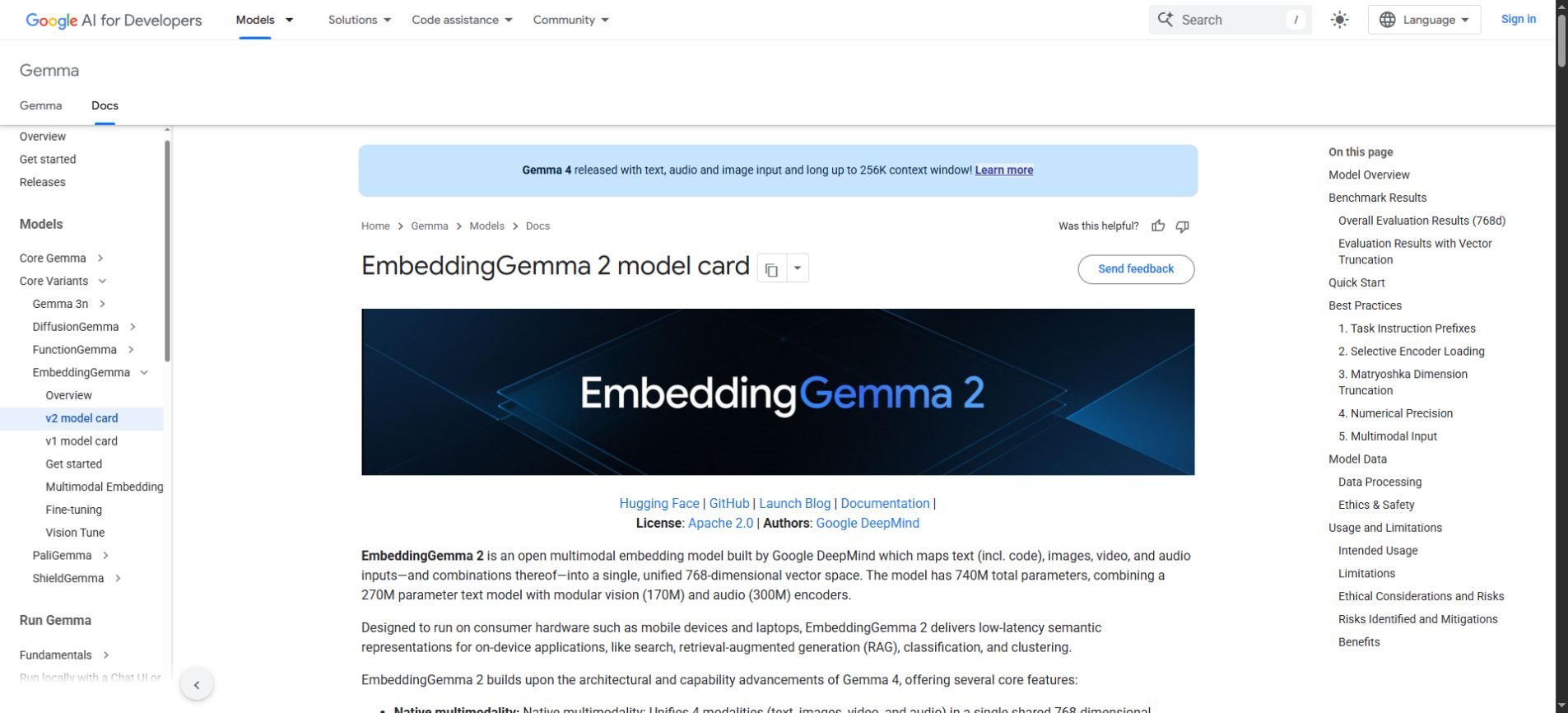
Google’s EmbeddingGemma page describes a shared embedding space for text, images, video and audio, with optional vision and audio encoders. It positions the model for search, routing and retrieval on everyday devices. This is an October 2026 model update; the model card was last updated October 6.

The useful change is the possibility of searching by meaning across different media. Imagine describing “the clip where someone demonstrates the folding hinge” rather than remembering a video name. A retrieval system could return candidate clips for you to inspect.
That example is an application idea, not a promise of perfect recognition. Whether a system finds the right moment depends on its media processing, indexing choices and evaluation data as well as the embedding model.
What an embedding actually does
An embedding is a list of numbers used to represent content. A search application compares the representation of your query with representations of indexed items and ranks likely matches. The numbers are useful to software; they are not a human-readable summary.
Think of a library organized by relationships rather than just exact titles. Two items about bicycle maintenance can be close in meaning even if one says “repair a puncture” and the other says “fix a flat tire.” Exact keyword matching alone may miss that connection.
Multimodal embeddings extend this idea beyond words. A text description and a relevant image can be represented in a compatible space. The application still needs to decide which results to show, how to label them and when to say that no good match was found.
| Tool type | Typical output | What a user should check |
|---|---|---|
| Embedding model | A vector representing the input | Whether relevant items rank well. |
| Search application | A ranked list of files or passages | Whether the retrieved item really matches the request. |
| Generative model | Text, images or other generated content | Whether the generated result is accurate and appropriate. |
| RAG application | An answer informed by retrieved material | Both the sources and the claims in the answer. |
EmbeddingGemma 2 specifications without the jargon
The official model card lists 740 million total parameters and a shared 8,192-token input budget. It describes a 768-dimensional embedding space and modular text, vision and audio components. Those figures describe the model; they do not by themselves establish speed or memory use on your device.
A shared input budget means mixed content competes for the same capacity. Adding text to a media input leaves less room for the media itself. Long recordings need a deliberate processing strategy rather than an assumption that an entire archive fits in one request.
For readers comparing products, the most important distinction is the task. A smaller retrieval model can be useful inside a larger application without being a replacement for a general-purpose chatbot. Judge it by search quality and operational cost for your own collection.
Three practical applications to consider
1. Search a creative asset library
A creator may have hundreds of images and clips named by camera number or export date. A semantic search layer could make queries such as “minimal desk scene with space for a headline” more useful than searching filenames.
Store the original file, a stable identifier and useful metadata alongside its embedding. Keep licensing information separate and visible. Finding a relevant image does not mean you have permission to publish it.
Build a small test collection containing similar-looking alternatives. If every test image is obviously different, good results may overstate how well the system handles a real library. Include difficult cases where composition, subject or lighting matters.
2. Find sections in recorded material
Training videos and recorded demonstrations are often hard to revisit. A search application could divide recordings into meaningful segments and return a short candidate section with a timestamp.
The segment boundaries matter. A tiny clip may omit the explanation needed to understand an action; a very long clip may make the result difficult to use. Evaluate whether the returned section includes enough context for a person to confirm the match.
Keep the full recording accessible when appropriate. A retrieved segment is a navigation aid, and the surrounding material may change its meaning. Avoid treating a short clip as conclusive evidence of what an entire discussion established.
3. Improve the retrieval stage of an AI assistant
A knowledge assistant usually needs to find useful source material before composing an answer. Embeddings can help rank candidate passages or media, while a separate model handles the final response.
For example, a product-support application could retrieve a relevant manual section and a demonstration clip. It should show source references and distinguish documented instructions from any interpretation added in the answer.
Our guide to retrieval-augmented generation explains the broader workflow. Better retrieval can help an assistant use relevant evidence, but it does not guarantee that the final answer will represent that evidence correctly.
A sensible first test: search 100 approved items
Begin with a collection small enough for a person to inspect. One hundred approved files can be enough to reveal obvious problems with indexing or ranking without creating a large deployment project.
Write the test queries before tuning the system. Include exact requests, paraphrases, cross-media requests and questions with no relevant item in the collection. Record what you consider a good result so that evaluation does not depend on which answer looks impressive.
Example evaluation brief
Test a search prototype on 100 approved assets. Use 20 representative queries, including five with no valid match. Record the expected items before running the test. Review the top five results for each query. Track missed matches, misleading matches, response time and whether the interface clearly identifies the original source.
This is a suggested evaluation plan, not a benchmark score for EmbeddingGemma 2. Adapt the collection size and criteria to your application. A personal photo organizer and an internal support system have different consequences when a result is wrong.
- Relevance: Does a useful item appear among the first results?
- Precision: How many highly ranked results are actually irrelevant?
- No-match handling: Does the application avoid implying that a weak result is a strong match?
- Latency: How long do indexing and search take on the intended hardware?
- Context: Can the user inspect the original item and surrounding material?
- Permissions: Are inaccessible items excluded from results?
Implementation details that can quietly break search
The model card recommends bfloat16 or float32 inference and warns against float16. It also states that queries and indexed items must use matching embedding dimensions. These details are worth checking before diagnosing poor relevance as a model-quality problem.
Keep a record of the model version and preprocessing settings used for an index. When changing the embedding setup, do not assume old and new vectors remain comparable. Validate compatibility and rebuild the index where necessary.
Test the exact formats and languages your users will supply. A successful demo with clean English descriptions does not establish quality for noisy audio, specialist terms or a different language. Useful evaluation examples should resemble the actual workload.
On-device does not automatically mean private
Running a model locally can reduce the need to send content elsewhere, but privacy depends on the complete application. Files, embeddings, logs, backups and generated answers may each travel through different systems.
Map the data path before describing a prototype as private. Check where the index is stored, whether telemetry contains queries and whether a later answer-generation step calls a remote service. A local retrieval component is only one part of that picture.
Access control also belongs in the retrieval system. It is not enough to ask the final chatbot to ignore a restricted document after the search layer has already returned it. Filter results using the user’s actual permissions.
What this update does not promise
A similarity score is not a fact-check. Two items can be close in meaning while disagreeing about what happened. A search result can be relevant and still be outdated, incorrect or unsuitable for the user’s situation.
Likewise, a model designed for consumer hardware does not guarantee identical performance on every phone or laptop. Measure the full workflow on the target device, including media decoding, index size and concurrent activity.
For background on the media side of this change, see our multimodal AI guide. The central benefit is connecting different kinds of information, while retaining clear checks on what the system returns.
Frequently asked questions
Is EmbeddingGemma 2 a chatbot?
No. It produces embeddings for downstream tasks such as retrieval. A chatbot can use a retrieval component, but writing an answer requires additional application logic and usually a generative model.
Can it search images using words?
Google describes cross-modal search as a use case. A working application must still process and index the images, encode queries correctly and evaluate whether the retrieved results are useful.
Does it work entirely offline?
A developer can design an on-device workflow, but the model alone does not determine whether an application is offline. Check all dependencies, storage, logging and any remote services used by the finished application.
Does a relevant result mean the answer is true?
No. Relevance and truth are different checks. Inspect the original source and verify the claim, especially when a generated response combines information from several retrieved items.
Where should a beginner start?
Start by understanding the model card and usage guidance, then define one small search problem. Use approved sample data and compare the results against a simple keyword-search baseline before expanding the project.
The takeaway for everyday AI users
EmbeddingGemma 2 highlights an important part of useful AI: finding the right material before generating anything. Search quality is less visible than a polished chatbot response, but it strongly affects whether an application can help.
Choose a clear retrieval task, keep the original sources accessible and evaluate difficult examples. That approach makes it easier to see whether multimodal search solves a real problem in your collection.