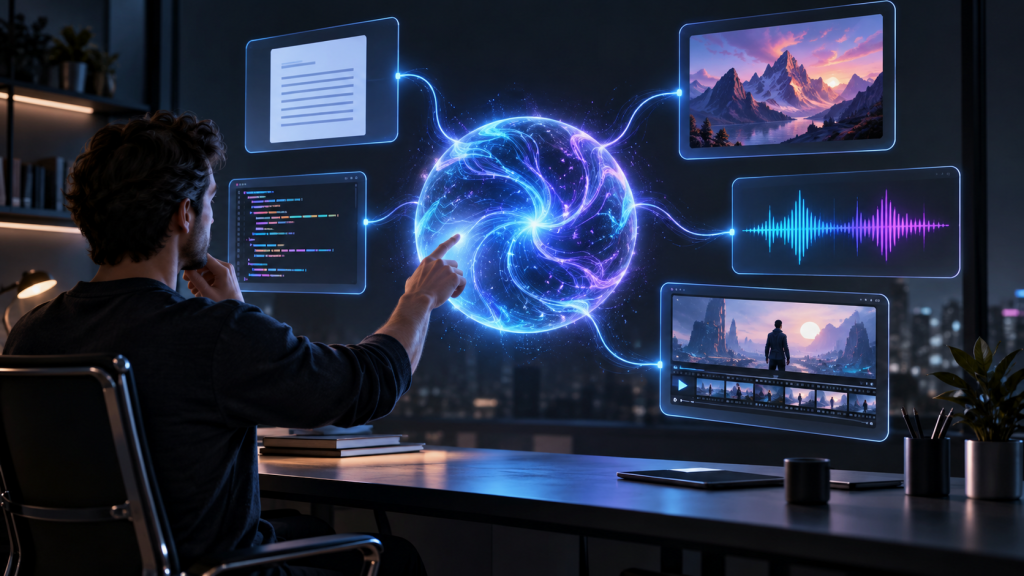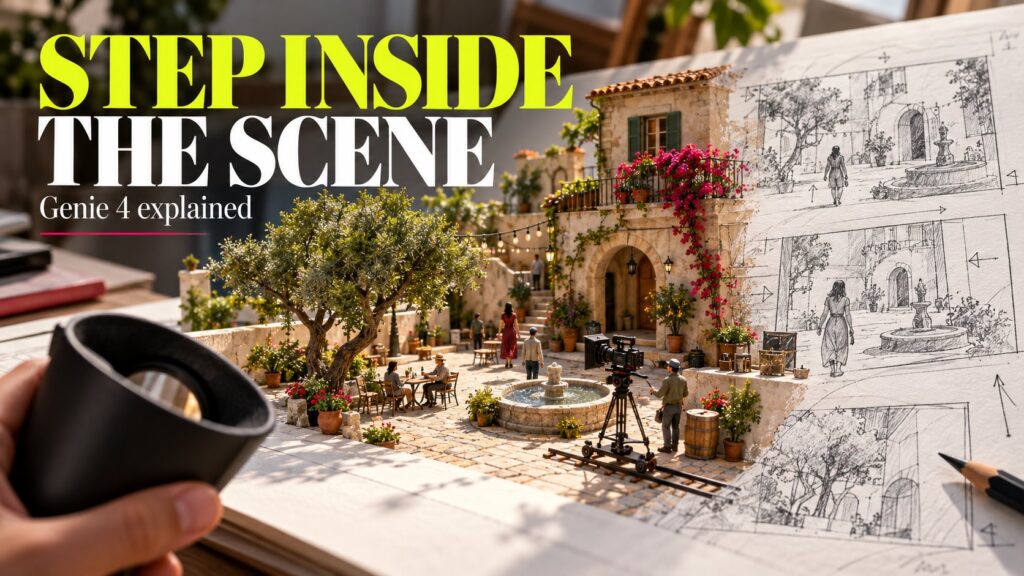
What if a scene did not end when the generated video finished? Imagine moving around a courtyard, changing the weather and asking a character a question while the environment continues responding. That is the kind of interaction behind the latest AI world-model news.
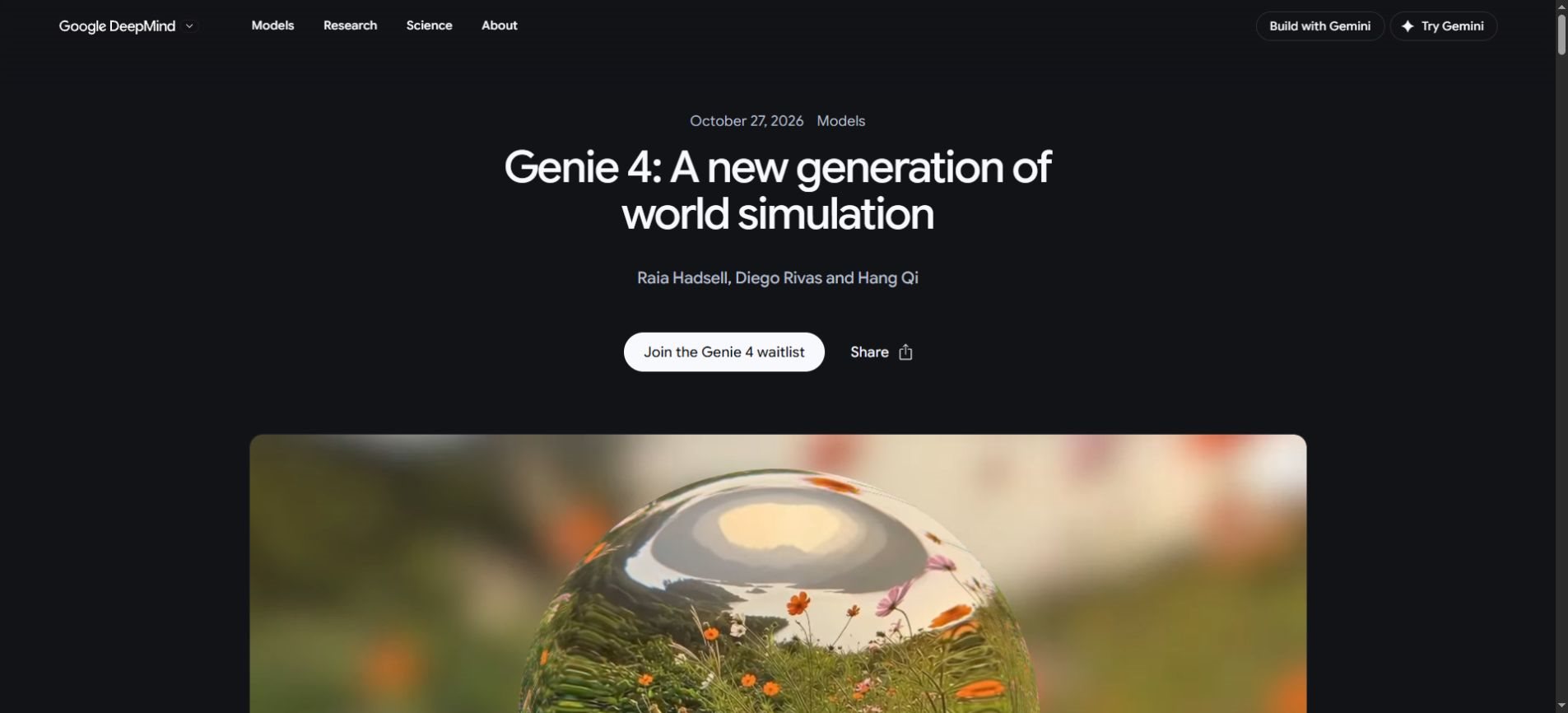
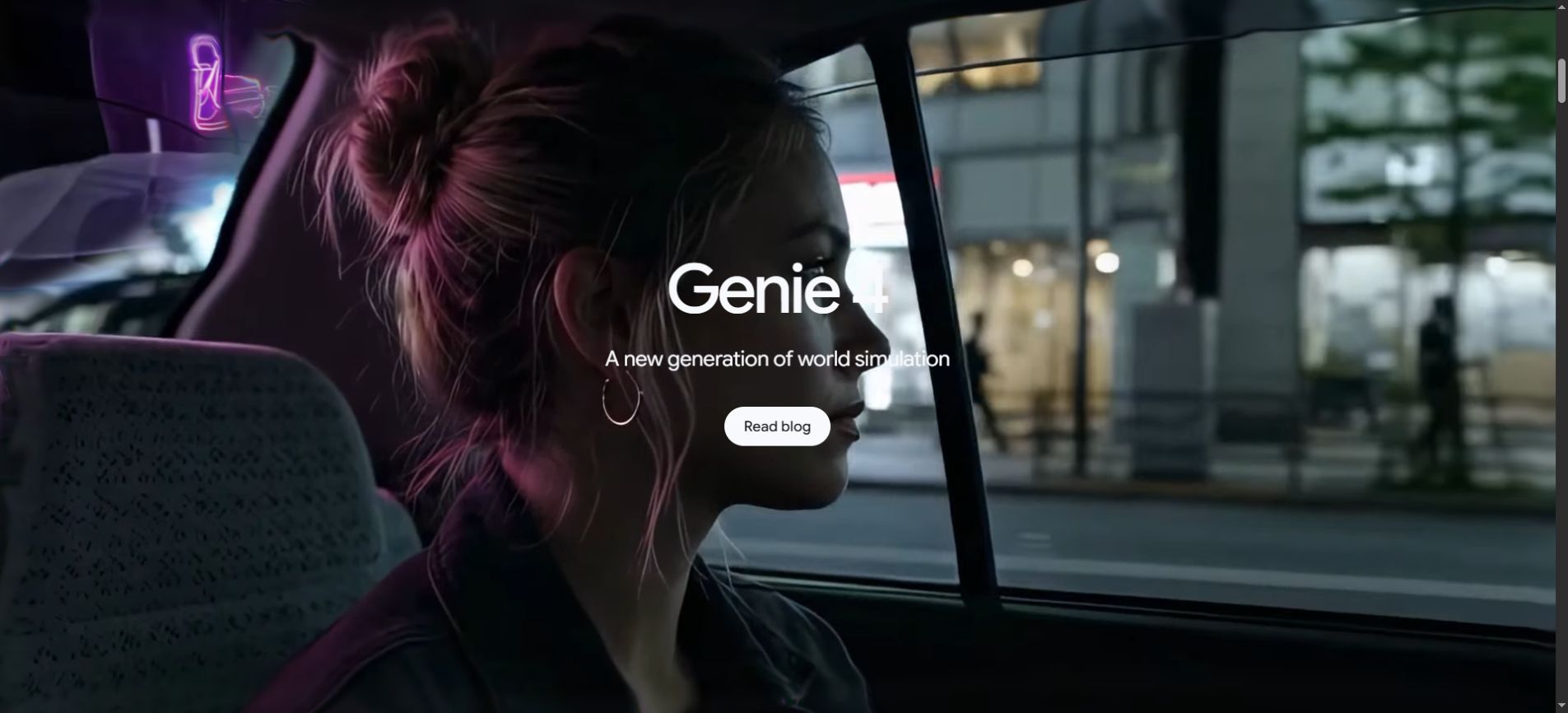
Genie 4, announced by Google DeepMind on October 27, 2026, combines interactive world generation with native audio. Google describes live steering through natural language and keyboard controls, including changes to cameras, weather, objects and characters. Read the official Genie 4 announcement.
The more useful question for creators is what they could learn from an explorable scene—and what they should avoid assuming about it. This article follows an illustrative film-planning exercise, then looks at access, limitations and the difference between a creative prototype and a validated simulation.
First, the access question: can you use Genie 4 now?
As of October 29, Google lists Genie 4 as a research preview for trusted testers. Broader access is described as coming soon, starting with Google AI Ultra subscribers in Project Genie and early-access partners through the Gemini API and Google AI Studio. That is a rollout plan, not confirmation that every subscriber can use it today.
Before subscribing for this feature: check the current official Genie page for availability and access conditions. A waitlist or preview announcement does not guarantee immediate admission. This guide does not claim hands-on access to Genie 4.
A scene you can question, instead of only watch
Consider a small production team planning a short film in a public courtyard. The director wants to know whether an entrance feels tense, whether a fountain obscures a conversation and whether a camera movement reveals the second actor too soon. These are decisions about an experience, not just the beauty of one frame.
An interactive prototype could give the team a shared reference to discuss. They might compare a wide view with a closer approach, or explore how an overcast afternoon changes the mood. The value would be the conversation and decisions it enables, even if the generated scene never appears in the finished film.
This is an editorial scenario rather than a claim about a tested Genie session. It also illustrates why world models attract attention: they offer a different way to develop an idea from repeatedly requesting isolated images or clips.
What changes when the world keeps responding?
| Planning question | A useful starting artifact | What to check |
|---|---|---|
| What should the scene look like? | Still image or mood board | Composition, color and visual references |
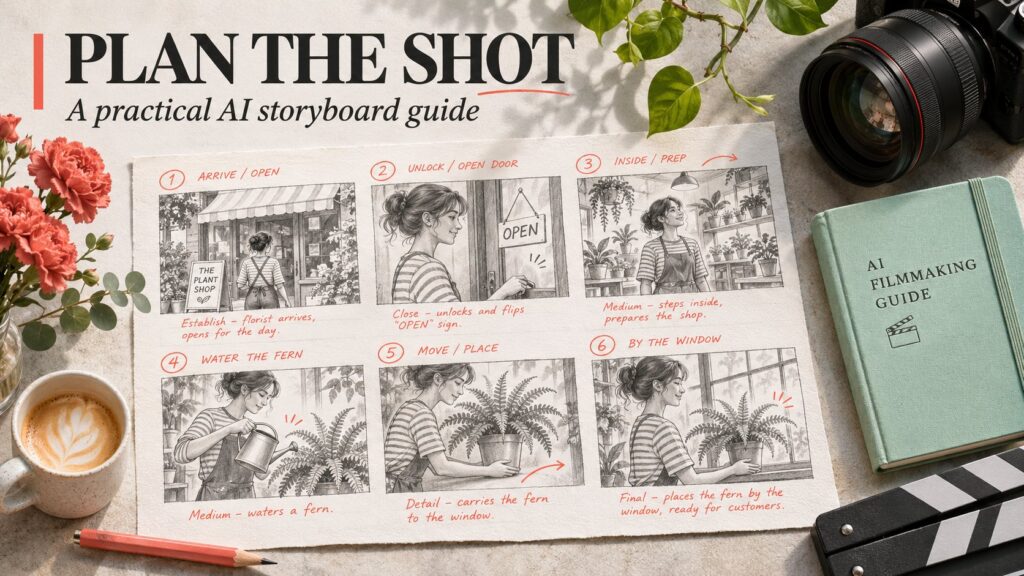
| How should a moment unfold? | Storyboard or video draft | Timing, action and continuity |
| What happens if we intervene? | Interactive scene prototype | Response to changes and consistency |
| Will the real set work? | Verified plans and a physical review | Dimensions, logistics and safety |
These artifacts can complement one another. A mood board remains an efficient way to agree on visual direction. A storyboard can communicate a fixed sequence clearly. An interactive prototype becomes interesting when the team needs to explore alternatives rather than approve one predetermined path.
The task should determine the tool. If everyone needs a precise floor plan, a convincing moving scene is the wrong substitute. If everyone needs to discuss the emotional effect of an entrance, exploratory imagery may be enough to move the discussion forward.
Run the courtyard exercise as three small experiments
Experiment one: establish a stable baseline
Start by writing a short scene brief outside the generation tool. Name the elements that must stay fixed: two entrances, one fountain, three benches and the main actor’s starting position. Identify which details are decorative and can change without affecting the decision.
Save the original brief and a reference frame. Without a baseline, it is easy to mistake a newly added doorway for a successful camera adjustment. You need a way to tell whether the intended change happened while the important background stayed consistent.
Illustrative scene brief: An ordinary contemporary courtyard in soft daylight. A shallow fountain stands in the center. Two entrances face each other. Explore a slow camera approach from the left entrance while keeping the fountain, benches and opposite doorway in consistent positions.
Experiment two: change one condition
Try one edit at a time: a weather change, a different camera position or a new character entering. Record what you intended and what visibly changed. If several conditions change together, the team may struggle to identify why one version works better.
An attractive result is not automatically a useful comparison. If the actor changes appearance and the courtyard expands while the weather changes, the team is judging a different scene. Mark that run as a new concept rather than evidence about lighting alone.
Experiment three: revisit an earlier detail
Move attention away from a distinctive bench or doorway, then return to it. Compare its location and appearance with the baseline. This simple exercise helps reveal whether the environment is staying consistent enough for the intended planning conversation.
For dialogue or ambient sound, listen separately as well as watching. Ask whether sounds correspond to visible events, whether speech remains understandable and whether changes in the scene have plausible audible consequences. A beautiful frame can distract from a weak soundtrack.
Why realism can give the wrong impression
Google’s published limitations include drifting visual details and object permanence, imperfect real-location accuracy, difficult interactions between agents and ongoing audio challenges. The model page also describes continuous interaction on the scale of a few minutes rather than extended sessions.
For a creative team, those limits suggest treating the scene as a draft to interrogate. They do not make every exploratory use pointless. They do mean that a persuasive-looking courtyard cannot establish the dimensions, accessibility or practical feasibility of a real location.
Separate three judgments: “this looks plausible,” “this behaves consistently within the session” and “this matches the real world.” A tool can satisfy the first while falling short on the other two. Write down which judgment your project actually needs.
The same distinction matters for robotics. A simulated action is a useful research artifact, but successful imagery alone does not demonstrate that a physical robot can complete the task. Sensors, hardware limits, contact forces and independent evaluation still matter. Our small AI guide explores a related principle: match an AI tool to a concrete need rather than judging it by spectacle.
A review sheet that keeps the discussion practical
Before a team adopts any world-generation tool, agree on a small set of acceptance questions. Use the same questions for each candidate tool or workflow. That makes the review about the team’s needs rather than whichever demo looks most spectacular.
- Purpose: which decision will this scene help us make?
- Control: did the requested edit happen without changing essential details?
- Continuity: did important objects stay consistent when revisited?
- Sound: did the audible events fit the visible scene?
- Handoff: can collaborators understand what is generated and what is verified?
- Value: did the experiment reduce planning time or clarify a decision?
Keep failed attempts in the review notes. A selected highlight reel hides the work required to reach a useful result. For a production team, the number of corrections and restarts can matter more than the quality of the best thirty seconds.
It also helps to assign a person to question the output. Our guide to AI overreliance discusses keeping human judgment active when fluent or polished output makes verification feel unnecessary.
Label the simulation when you share it
If an exploratory scene is shared with a client or audience, state that it is AI-generated and explain its purpose. “Concept visualization” communicates something different from “location recording.” Do not rely on a viewer to infer the distinction from visual clues.
Google says Genie 4 video and audio will include SynthID watermarking. Treat that as a provenance measure, not proof that a depicted event occurred. A generated historical scene or a realistic street still needs clear editorial context.
Quick answers about Genie 4
Is Genie 4 a finished game engine?
Google presents it as an experimental world model. An explorable concept can help develop a game idea, but a finished game needs dependable rules, saved state, testing and a reliable delivery pipeline. Judge the prototype by the specific question it helps answer.
Is there a confirmed public Genie 4 price?
The linked announcement describes access routes rather than a standalone public price for every use case. Check the current product and developer information before budgeting. Avoid assuming that a planned subscription route covers every future API use.
Can Genie 4 reproduce a real place accurately?
The official model page warns against assuming perfect location accuracy. Use measured plans, site visits or verified imagery when the real layout matters. A convincing reconstruction should remain clearly labeled as a simulation.
Where should you follow the rollout?
Start with Google’s linked announcement and model page for availability. For broader AI coverage, News AI offers another place to follow developments. Confirm product decisions against the provider’s latest documentation.
Use the prototype to improve the next decision
The strongest near-term question is not whether an AI world looks impressive. It is whether exploring it helps someone make a better choice: a clearer camera plan, a more coherent scene or a sharper research question.
For the courtyard team, success might simply mean agreeing on the entrance and rejecting a distracting camera move before visiting the set. That is a concrete outcome. Keep the prototype’s role clear, preserve the evidence behind important decisions and let the real-world checks do their own job.