
A useful AI tool does not always need to answer every question. Sometimes it needs to do one job well: explain a local service, organize a shop’s records or help someone find relevant information in their own language. That is the practical idea behind small AI.
The World Bank’s emphasis on small AI offers a different perspective from the race to build ever-larger models. The starting question is what people can actually use, given the phones, connectivity, language and support available to them. This guide explains that approach and what it does—and does not—promise.
Reviewed October 18, 2026. This is an explainer of an ongoing development debate, drawing on the World Bank’s 2026 report, its October event and a published farming example. It is not an announcement that the report was released today. Practical scenarios below are illustrative unless attributed to a source.
What does “small AI” mean?
The World Bank’s Small AI event overview describes practical, affordable AI designed around specific tasks and local needs. It includes tools for basic devices, limited connectivity and local languages. The emphasis is on making assistance accessible in the conditions where it will be used.
In this context, “small” is broader than a parameter count. It can describe a focused service with a simple interface, a low-cost way to deliver expertise or a system designed around limited resources. It does not necessarily mean every computation happens on the user’s phone.
That distinction matters. A lightweight mobile interface might connect to a powerful remote service. Another application might perform a narrow task directly on the device. Both may be accessible to users, but their costs, connectivity needs and privacy properties can be very different.
Why this approach is getting attention
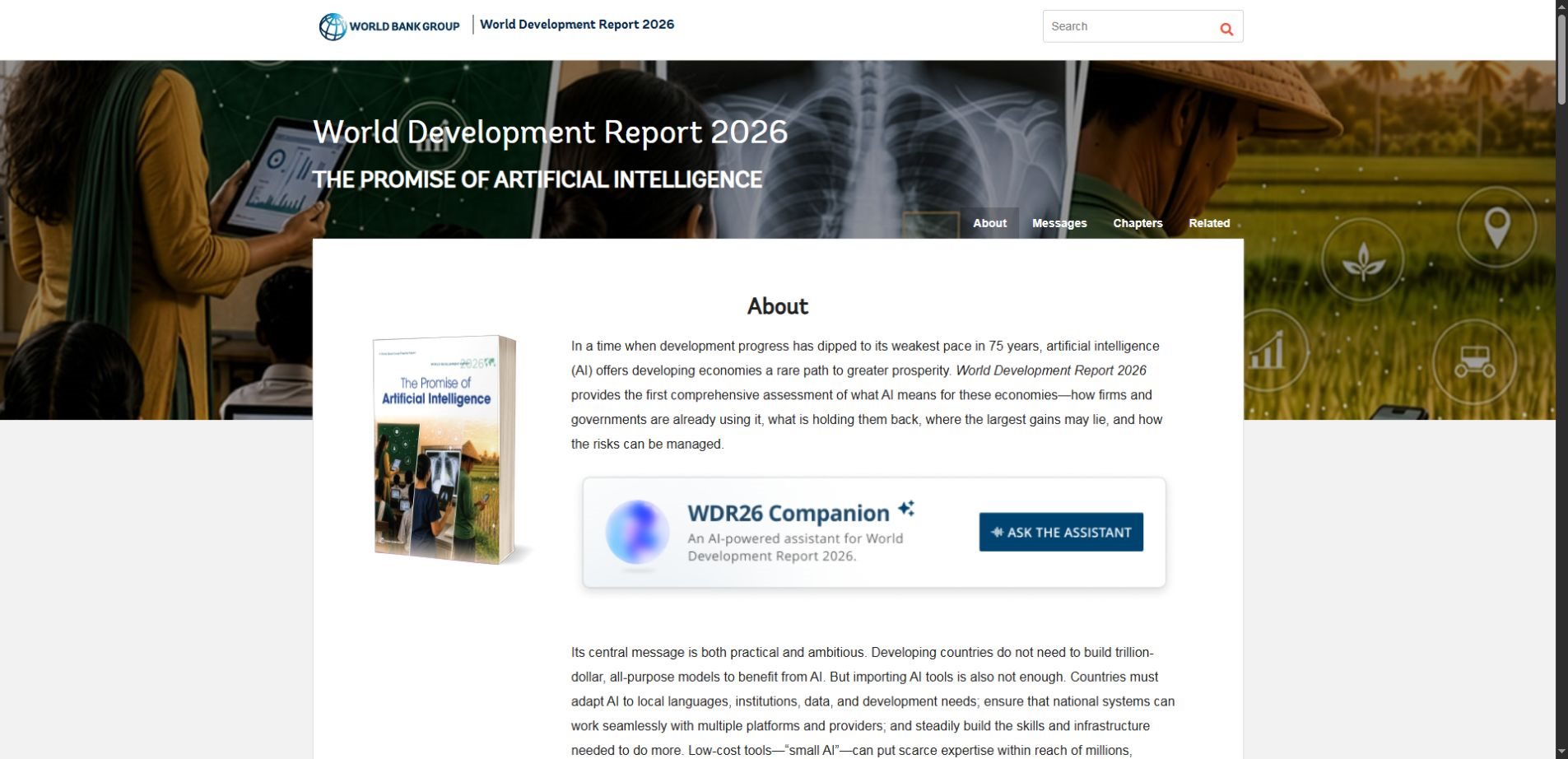
The World Development Report 2026 argues that countries can benefit by adopting existing AI and adapting it to local conditions, rather than assuming they must build frontier models themselves. It also stresses that access alone is insufficient: infrastructure, education, institutions and relevant data affect whether a tool is useful.
The important shift is from asking how large an AI system is to asking whether it solves a real problem in an accessible way. A technically impressive service can still fail if its intended users cannot understand it, afford the data connection or get help when something goes wrong.
This is also a useful perspective for small organizations. A team may get more value from improving one repetitive workflow than from launching a broad assistant with unclear responsibilities. That is a design choice, not a claim that smaller systems are always more capable or less expensive.
Small AI, small language models and on-device AI
These phrases overlap, but they answer different questions. A small language model describes a model’s relative scale. On-device AI describes where inference takes place. Small AI, as used in this development discussion, focuses on practical access and fit for a particular need.
| Term | Main question | Important limit |
|---|---|---|
| Small AI | Is the service practical for a specific local need? | The underlying model may still be remote |
| Small language model | How large is the language model? | Small size does not guarantee task accuracy |
| On-device AI | Where does the model run? | Some app features may still contact a server |
| Offline AI | Which functions work without a connection? | Fresh information and updates may need connectivity |
Our AI model distillation guide explains one method of developing a smaller model using a larger one. Distillation is a technical approach; it is not a requirement for every accessible AI application. A well-designed service may combine several models and ordinary software.
A real example: farming information in India
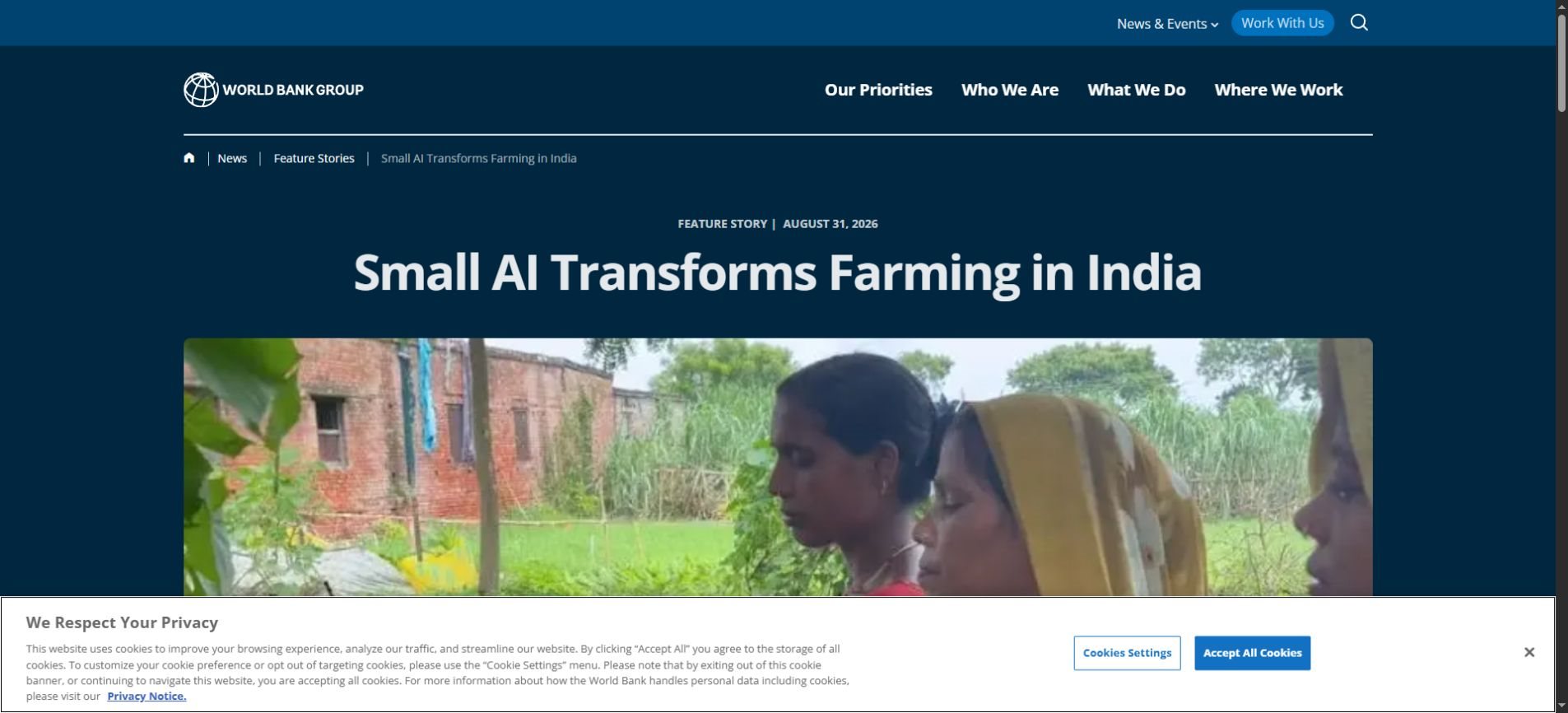
The World Bank’s feature on small AI in Indian farming describes local-language information delivered through smartphones. It discusses KATHIR in Kerala and MahaVISTAAR-AI in Maharashtra, including access to crop, weather and public-support information. These are source-reported examples, not tools we have independently evaluated.
The feature describes farmers using voice or text and receiving short responses connected to their location. It also distinguishes existing services from proposed next steps. A planned ability to complete forms, for example, should not be treated as a function already available everywhere.
The broader lesson is about delivery. Information is more usable when people can ask a question naturally and receive an answer suited to the context. However, that convenience does not establish that every answer is correct or that every recommendation fits an individual situation.
An agricultural information tool still needs current sources and appropriate expert support. A system should communicate uncertainty and route users to qualified help when necessary. Accessible technology is most useful when it improves the connection to reliable services rather than hiding the limits of its advice.
What practical local adaptation involves
Language and communication
Translation is only the beginning. Users may speak a dialect, mix languages or use informal names for services and products. An interface should be tested with the people who will actually use it. A polished demonstration in a major language says little about performance in another language or setting.
Voice can help people who prefer speaking to typing, but it introduces its own questions. Can the system handle background noise? Does it correctly capture names and numbers? Can users inspect and correct what it heard before the information is used? These details shape everyday reliability.
Relevant and current information
A local service needs the right source material. Opening hours, eligibility instructions, contact details and procedures may change. Someone must own those updates and decide what the application should do when sources disagree. A knowledgeable-sounding answer is not a substitute for maintained information.
For an illustrative community-information assistant, start with a small set of approved documents and visible source dates. Ask it to identify the supporting passage and say when the answer is absent. Then test whether users can reach a person when the automated response is insufficient.
Devices and connectivity
Test on the actual device class and network conditions expected in use. A page that works smoothly on a high-end phone may be frustrating on an older handset. Large downloads, repeated sign-ins and image-heavy screens can undermine a service intended to be accessible.
Design an explicit low-connectivity mode. State which functions are available, show when information was last synchronized and avoid silently presenting old data as current. A clear failure message is more useful than an endless loading indicator or an invented answer.
Three modest workflows worth evaluating
The following examples are possibilities for a pilot, not claims that a particular product has demonstrated these outcomes. Each starts with a narrow task and an output that a person can check.
- A shop’s internal notes: turn staff notes into a draft stock checklist, with quantities reviewed before any order is placed.
- A community information desk: help users find the relevant section of approved service documents and provide the official contact for unresolved questions.
- A training assistant: create practice questions from a verified lesson and let an instructor review the answers before learners use them.
These workflows do not require an assistant to make every decision. They can save effort by preparing a draft or finding a passage while leaving responsibility visible. If a workflow has serious consequences, its review requirements should reflect those consequences.
Does small AI work offline? Ask what “offline” covers
Some models can run locally, but an app’s overall behavior may still depend on remote services. Speech recognition, account verification, document search, analytics or updates may contact a server even when part of the AI runs on the device. Evaluate the complete workflow.
A useful check is to list each feature and its dependency. Can the user open the app, submit a request, obtain a result and correct an error without a connection? What changes when the connection returns? The answer should be documented rather than inferred from a marketing label.
Our AI inference explainer provides background on running a model. Where that processing happens is one design decision. How the application gets fresh facts and handles user data are additional decisions.
Privacy and cost still need attention
A smaller model is not automatically more private. Privacy depends on what the application collects, where processing occurs, who can access records and how long information is kept. A local feature can be combined with cloud backups or remote logging, so inspect the service rather than assuming its behavior.
Similarly, a small interface can hide significant operating costs. Compare the full process: data preparation, hosting, device support, human review and maintenance. The useful measure is cost per successfully completed task, including correction effort—not only the price of one model response.
How to judge a pilot before expanding it
Begin with one task, one user group and a clear definition of success. Keep a record of the existing process so you can tell whether the AI version improves anything. Without a baseline, a fast demonstration can be mistaken for a reliable service.
- Accuracy: Does the answer match the approved information, including difficult cases?
- Accessibility: Can intended users complete the task on their devices and in their language?
- Connectivity: What works when the network is slow or unavailable?
- Escalation: Can users reach a person and correct a mistake?
- Maintenance: Who updates the information and monitors recurring failures?
A practical success condition: “Users can find the correct office and current contact details from approved documents, and the system clearly declines questions those documents cannot answer.” This is easier to evaluate than “build an intelligent local assistant.”
Include cases where the right behavior is to stop, ask a clarifying question or admit missing information. Invite intended users to test the service early. Their difficulties may reveal problems with wording, navigation or assumptions that a technical evaluation misses.
What this means for the wider AI debate
Small AI is not an argument that large models have no value. Larger systems may support the services being adapted, and different tasks need different capabilities. The point is to match the system and delivery method to the problem rather than making scale the goal.
That complements the questions raised in our Muse Spark Open article: access to a model and the ability to operate a useful service are separate achievements. The important outcome is a dependable workflow that people can actually use.
Frequently asked questions
Is small AI a single model or product?
No. In the World Bank’s development discussion, it describes practical, affordable AI designed for specific needs and conditions. It can involve different model types, interfaces and delivery channels rather than one standardized product.
Does small AI always run on a phone?
No. A phone may be the interface while a remote server performs the computation. Some functions can run on-device, but that must be checked for the particular application. Basic-device access and fully offline processing are different claims.
Is a smaller AI model always more accurate?
No. Accuracy depends on the task, training, source information and surrounding application. A focused tool may be easier to evaluate for a narrow job, but its size alone does not establish that its answers are reliable.
What should a small organization start with?
Choose a repetitive, well-defined task whose output can be checked, such as locating information or preparing an internal draft. Test it with real users, measure corrections and keep a clear path to human support before expanding the scope.
Start with the need, then choose the technology
The strongest small-AI idea is straightforward: useful assistance should fit the people, information and infrastructure around it. Start with a task that matters, make the result checkable and plan for updates and mistakes. Accessibility and reliability belong in the design from the beginning.
Primary sources: the World Development Report 2026 overview, the Small AI event page and the World Bank’s Indian farming feature. The practical pilot suggestions in this article are editorial examples, not independently measured project outcomes.