
You ask an AI assistant to find a lightweight travel backpack below $90, check whether it fits a laptop, and put the charcoal version in your cart. The difficult part is not writing the request. It is making sure the assistant selects the right product, understands the options and stops before spending your money.
WebMCP and AI shopping agents are bringing that boundary into focus. Instead of relying entirely on screenshots and page layouts, an assistant can discover tools that a store deliberately exposes. That could make browsing more dependable, while leaving merchants and shoppers with important decisions about permissions and checkout.
Cloudflare’s October 21, 2026, announcement with Commerce.com offers a concrete example. This is still an evolving browser technology, so its practical value depends on the storefront, the available shopping tools and the browser the shopper uses.
Follow one shopping request from search to checkout
Consider the backpack request as an illustrative scenario, not a test we performed. A page-reading agent might search the store, inspect several product pages, interpret size menus and click an add-to-cart button. A redesigned menu or an unexpected dialog can complicate that sequence.
With a supported WebMCP integration, the assistant can ask the storefront for structured product information. It can then retrieve details about a candidate, choose an available variant and use a cart tool. This reduces the need to infer every action from visual presentation.
Illustrative shopper request: “Find a travel backpack under $90 that fits a 15-inch laptop. Show me two options and explain the differences. Ask me before adding anything to the cart, and leave checkout for me.”
That last sentence matters. Searching is an information task. Changing a cart is an action. Paying is a further commitment. A useful shopping assistant should make those stages clear rather than treating a broad request as unlimited permission.
The BigCommerce WebMCP documentation describes separate tools for product search, product details, cart changes and creating a checkout URL. In its documented flow, the shopper opens the checkout link and completes the purchase.
Why this became news this week
In Cloudflare’s announcement, Commerce.com’s almost 100,000 domains provide the setting for deploying WebMCP at platform scale. Cloudflare describes an edge-delivered bridge that exposes the platform’s shopping tools within the shopper’s browser session, with a way for individual merchants to opt out.
The size of that footprint is significant, but it is not a count of completed AI purchases. It also does not mean every visitor already has a compatible agent. The announcement shows distribution of an integration, while adoption and useful outcomes remain separate questions.
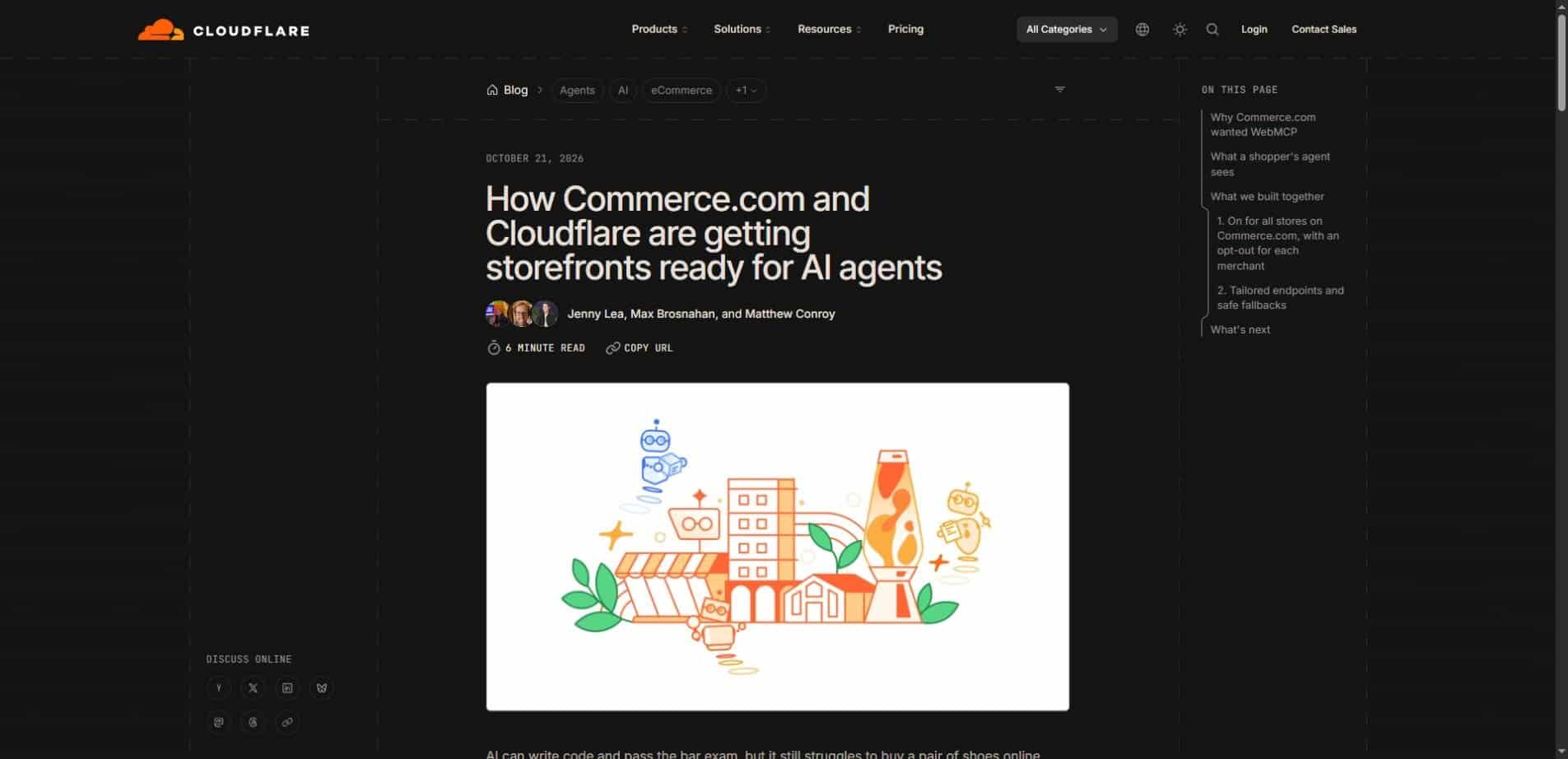
The merchant appeal is straightforward: let assistants work with the store’s own product and cart functions while keeping the customer on the merchant’s site. For shoppers, the possible benefit is less repetitive navigation. Neither benefit removes the need to check the product, final price and order conditions.
The difference is in the interface, not the intelligence
WebMCP gives a browser-based agent a more explicit way to interact with a website. The store describes available operations and their expected inputs. The assistant still has to understand the shopper’s goal, choose an appropriate tool and interpret the response.
That distinction helps avoid a common misunderstanding. A structured interface can make an action easier to execute, but it cannot guarantee that the assistant chose the best item. A well-formed cart request can still contain the wrong color, quantity or product identifier.
| Moment | Page-driven navigation | Tool-based interaction |
|---|---|---|
| Finding an item | Interpret search boxes and results | Call a catalog search tool |
| Checking options | Read menus and product text | Request product and variant details |
| Changing the cart | Locate and operate page controls | Call an explicit cart operation |
| Completing the order | Review the checkout interface | Use the checkout handoff; the shopper completes payment in the documented flow |
Page navigation and tool calls can also coexist. A store may expose useful tools for part of the journey and retain ordinary pages for everything else. The practical question is whether each action has a clear, reliable path.
Three questions readers keep asking
Is WebMCP the same as server-side MCP?
They are related, but they serve different access paths. A server-side MCP integration lets an agent connect to a service’s tools directly. WebMCP makes tools available to agents working inside a browser page. BigCommerce explains that the two can use the same shopping tool set, reducing the need to maintain separate commerce logic.
That does not make every MCP server automatically available in every browser. The storefront needs the appropriate integration and the browser agent needs support. The storefront MCP overview explains the server-side setup and its connection to customer sessions.
Does WebMCP give an agent permission to buy anything?
No. The presence of a tool is a capability, not a shopper’s instruction to use it. In the Commerce.com flow described by Cloudflare, the assistant can help build a cart and obtain a checkout link, but the shopper completes the purchase. Agent interfaces should preserve that distinction clearly.
Can I use it in any browser today?
Do not assume universal support. Cloudflare identifies WebMCP as an experimental proposed browser standard in early preview. Its announcement points to experimental Chrome support, origin trials and some agentic browsers. Availability should be checked against current platform documentation rather than inferred from the presence of an AI chat feature.
What a merchant should decide before switching it on
The first decision is what the store exposes. Product search is different from modifying an account or changing an order. Review the actual tool list and its inputs before describing a store as agent-ready. Names and schemas should express exactly what each operation does.
The second decision is how the assistant’s activity relates to the shopper’s session. BigCommerce says the browser-based integration works on the storefront’s own domain, so the agent sees the shopper’s prices and cart. That makes session behavior relevant to correctness, especially when guest and logged-in experiences differ.
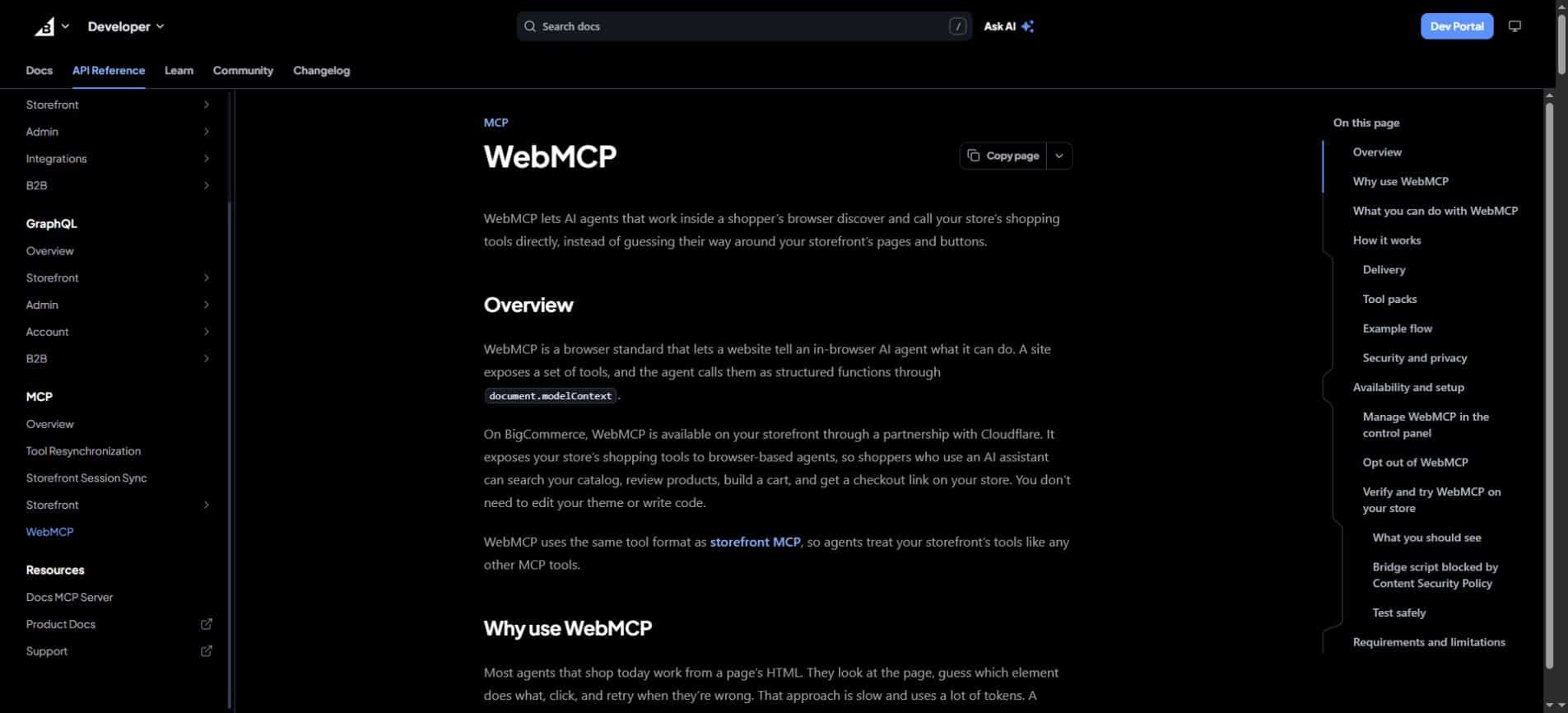
The third decision is how to manage participation. BigCommerce currently lists WebMCP as enabled by default on Stencil storefronts and Catalyst storefronts hosted on Cloudflare. It says shopping tools require server-side MCP to be enabled, while custom headless storefronts on Cloudflare can contact support about availability.
Opting out also has an operational detail worth noticing. The documentation says disabling WebMCP can take a couple of days to fully propagate, and re-enabling after an opt-out requires contacting BigCommerce Support. Merchants should read the current instructions before treating the control as an instant on-off test.
A small launch review is more useful than a large promise
- Test a product with multiple colors, sizes or configurations.
- Compare the agent’s reported price and availability with the storefront.
- Check whether cart changes affect the same session the shopper sees.
- Confirm that the assistant stops at the intended approval points.
- Try an unsupported browser or unavailable service and verify normal shopping still works.
- Record what happened, including incorrect selections and failed requests.
These are suggested checks, not results from our own deployment. Cloudflare and BigCommerce describe a fallback in which the bridge exits if browser support is missing or the store’s MCP service is unavailable, allowing the ordinary storefront to load.
A shopper’s review still has a job to do
Before paying, inspect the product name, variant, quantity, shipping, taxes and total. An assistant can save time on finding products without being the final authority on suitability. For a backpack, laptop dimensions may matter more than a generic “laptop compatible” label.
It also helps to separate objective requirements from preferences. A maximum price, required capacity and delivery location are constraints; “looks professional” is a subjective preference. Ask the assistant to explain which requirements it confirmed and which it inferred.
Our guide to avoiding AI overreliance explores why this human review remains useful. The aim is to delegate repetitive work while retaining a clear view of the decision being made.
Useful boundary: let an assistant discover and compare, ask for approval before changing a cart, and review the final checkout yourself. A smoother interface should make control easier to understand.
Do not confuse easier execution with better recommendations
A product tool can return current catalog data without proving that a recommendation is unbiased or best for the shopper. Ranking, merchandising rules, sponsorship and the assistant’s selection process still influence what appears. WebMCP is an interaction mechanism, not an independent product-review system.
Similarly, fewer navigation steps do not establish a measured cost saving for every store. Cloudflare explains why structured tools can reduce navigation overhead, but this announcement does not supply a universal performance benchmark or a guaranteed conversion increase. Those outcomes need to be measured in the relevant shopping environment.
This connects to context engineering: a useful agent needs accurate constraints and relevant information. Better tools help with execution, while better context helps it decide what to execute.
The next milestone is a dependable handoff
The meaningful test is simple to describe: can an assistant find the intended item, explain its choice, make only the authorized cart change and hand the shopper a correct checkout? That journey is more informative than a demo that merely shows a tool call succeeding.
For merchants, watch errors, customer confusion and actual completed journeys alongside usage numbers. For shoppers, watch whether the assistant makes its uncertainty and proposed actions visible. A successful integration should make the path to checkout clearer, not merely shorter.
WebMCP’s next chapter will depend on browser support, merchant implementation and agent behavior working together. Follow the official documentation for technical changes, and compare wider AI news coverage with primary announcements before treating preview features as universal capabilities.
Reporting note — October 24, 2026: this article is based on Cloudflare’s October 21 announcement and BigCommerce’s published documentation. The shopping example is illustrative; we have not independently tested this integration or measured its performance.