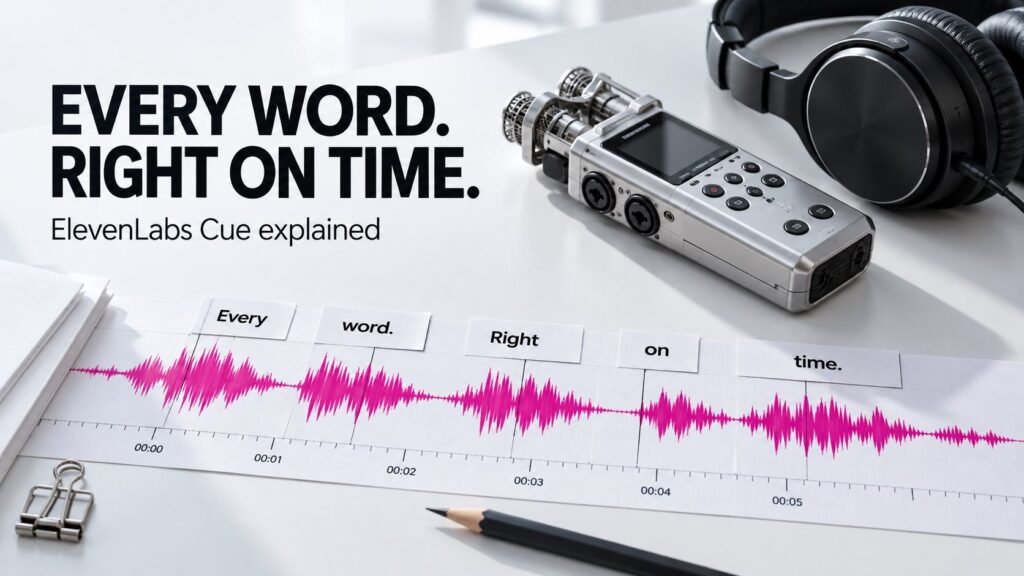
The words are correct, but the captions appear too late. A podcast transcript jumps to the wrong sentence when you click it. A karaoke highlight moves on before the singer finishes. These are timing problems, and solving them requires more than an accurate transcript.
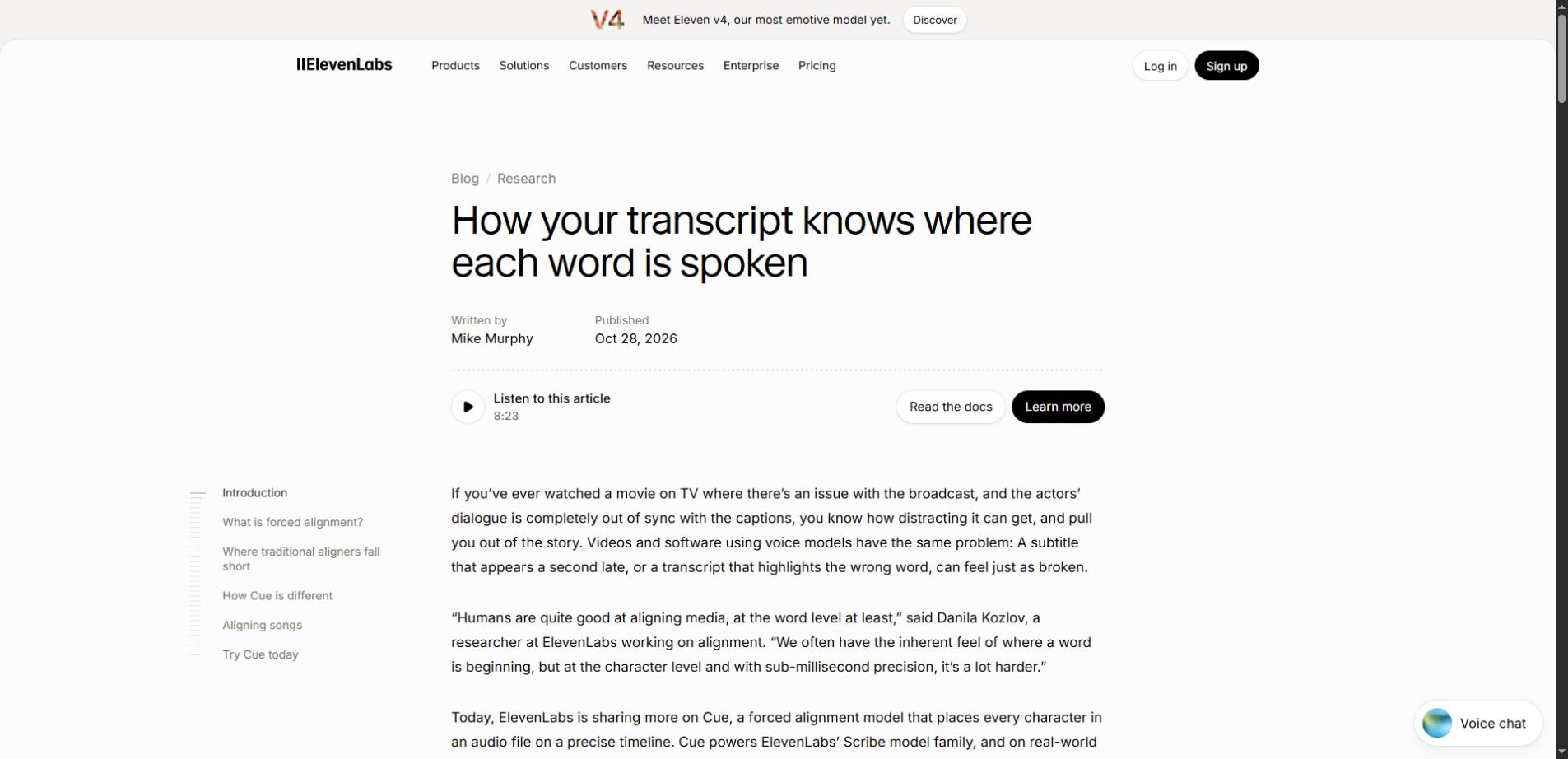
ElevenLabs Cue is a forced-alignment model that connects text with moments in a recording. In an October 28, 2026 research update, ElevenLabs described the system behind timing in its Scribe speech-to-text pipeline and its standalone Forced Alignment API. Cue works at the character level, rather than only assigning whole sentences to broad time ranges.
For creators, the practical opportunity is less manual searching and retiming. The important limit is equally simple: placing text on a timeline does not establish that the text itself is correct. This guide separates those jobs, explains the new announcement and shows how to diagnose common caption problems.
The distinction that makes the whole workflow clearer
| Job | Question it answers | Typical result |
|---|---|---|
| Transcription | What was said? | A written transcript |
| Forced alignment | When does the supplied text occur? | Text associated with timestamps |
| Speaker diarization | Who spoke when? | Speaker-labeled segments |
| Caption editing | How should viewers read it? | Readable caption cues and line breaks |
Think of an interview in which a guest says, “We shipped on Tuesday.” Transcription identifies the words. Alignment locates them in the audio. A caption editor then decides where the line should break and how long the phrase should remain visible. One stage can work well while another still needs correction.
That separation also explains a common frustration: correcting the written transcript does not necessarily repair old timing data. If the underlying audio or text changes, the relationship between the two needs to be checked again.
What is new about Cue?
ElevenLabs reports that Cue aligns an hour of audio in roughly half a second on its production GPU. It also reports better results than the aligners it tested across a 29-language real-world benchmark. These are the company’s measurements, not independent results from our own testing or a promise about complete upload-to-download time.
The distinction between processing and workflow time matters. Uploading a large file, preparing it, generating a transcript and exporting captions all take time outside the alignment model’s inference. A creator should measure the time until a usable result is ready, including corrections.
What to take from the announcement: fast, fine-grained alignment can support responsive transcript navigation and less manual retiming. It does not remove the need to verify words, caption readability or difficult parts of a recording.
Four timing problems—and what to check first
1. Every caption is late by the same amount
When the whole caption track starts late, first check that the captions and media use the same starting point. An opening slate, a few seconds of added silence or an export with a different lead-in can shift otherwise reasonable timestamps.
Compare one clear word near the beginning and another near the end. If both are displaced by a similar amount, investigate a consistent offset before regenerating every cue. Keep the original files so you can tell which edit introduced the mismatch.
For example, if a final video includes a three-second title sequence that was not in the audio supplied for alignment, the timing needs to account for that introduction. The fix is about matching versions, not asking the transcript to invent a different word sequence.
2. The first minute works, but later captions drift
A growing mismatch deserves a different investigation. Check whether the caption file came from the exact audio edit used in the final video. Removed pauses, inserted advertisements or a shortened interview answer can make later timestamps disagree with the new timeline.
Do not judge a long recording only by its opening. Check clear speech around the middle, after major cuts and close to the end. If a correction changes the timeline, revisit the captions after that point rather than assuming earlier alignment remains valid everywhere.
3. Timing looks precise around the wrong words
Start with the transcript. Names, numbers, abbreviations and repeated phrases deserve extra attention because a plausible mistake can survive a quick read. An aligned phrase that changes “fifteen” to “fifty” remains wrong even if it appears at a convincing moment.
For technical content, make a short review list of product names, units and important quantities before publication. Listen to those passages directly. Do not silently replace uncertain speech with the most likely phrase just to make the caption look complete.
This is a version of a broader AI problem: polished output can reduce the urge to check evidence. Our AI overreliance guide explains how to keep that review habit active.
4. The timestamps are good, but captions feel hard to read
Precise word boundaries are useful raw material. They do not automatically produce comfortable caption groups. A viewer still needs sensible phrases, readable line breaks and enough time to follow the screen.
Read the captions with the video playing at normal speed. Avoid splitting a short grammatical phrase simply because each word has its own timestamp. Check whether captions obscure a face, a demonstration or information already shown on screen.
A second review with the audio muted can reveal different problems: missing context, confusing speaker changes or a caption that disappears before it can be read. Use both checks because they answer different questions.
What the API documentation actually permits
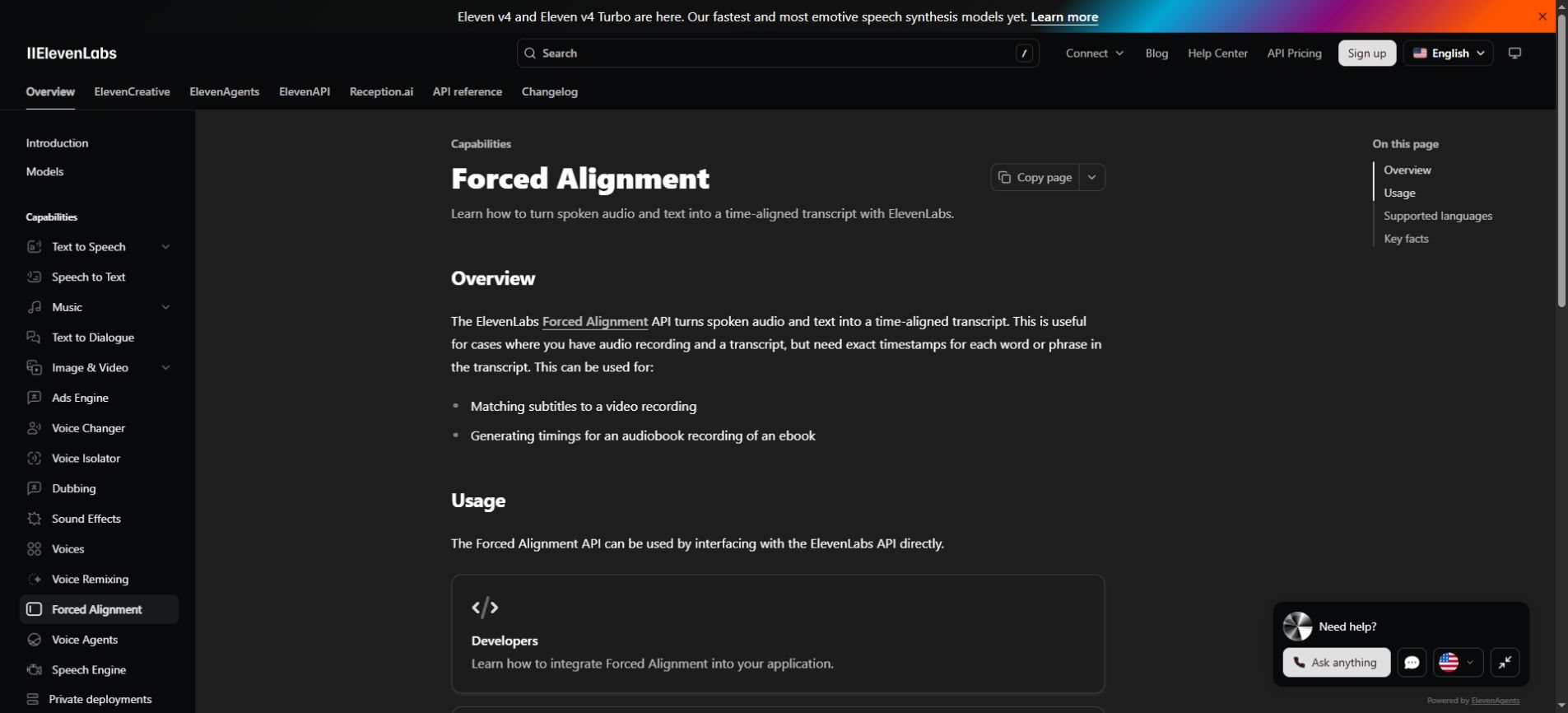
The current Forced Alignment guide describes an API that accepts spoken audio and supplied text. It lists a 3 GB file limit, ten-hour maximum audio duration and 675,000-character text limit. Its pricing follows the Speech to Text API rate; check the current pricing page before estimating a project.
The same guide says diarization is not supported and warns that diarized input text can produce unexpected results. It specifies plain-string text input. If your transcript contains speaker labels, timestamps or editorial notes, review the expected input format rather than sending an exported caption document unchanged.
The research post discusses single-pass handling of long recordings. That architectural description should not be read as an unlimited API upload allowance. Product limits and research capabilities answer different questions.
There is also a language-detail mismatch worth checking: the research article describes broad multilingual capability, while the current capability guide presents a 29-language support list. Verify the documented support for your target language and test representative audio before committing a large job.
A sensible workflow for an interview or tutorial
Begin with the audio version that matches the intended publication. Keep a clear filename and avoid swapping in a later edit halfway through the process. Create or obtain the transcript, then review the passages that matter most before relying on the timing.
- Confirm the recording and transcript refer to the same edit.
- Correct important names, quantities and obvious transcription mistakes.
- Provide the text in the format expected by the alignment tool.
- Inspect the beginning, middle, end and difficult transitions.
- Group the timed text into readable captions for the destination format.
- Check the final exported video or player, not only the editor preview.
For a searchable podcast transcript, check a few word clicks directly. Does playback land on the intended word? For a tutorial, check the point where the speaker refers to a control on screen. These are concrete user outcomes that matter more than a general impression that the timestamps look detailed.
If your workflow passes files through several AI tools, record which version enters each stage. Our context engineering guide discusses the importance of giving systems the right material and preserving the context needed to interpret their outputs.
What about lyrics and dubbing?
The research update includes exploratory song-alignment results, but ordinary speech and singing should not be treated as interchangeable test cases. Sustained syllables, instrumental passages and repeated choruses can make the meaning of a “word boundary” less straightforward.
For a lyric video, inspect transitions between sung phrases rather than judging only a few clear words. For translated dubbing, remember that matching a supplied transcript to existing audio is different from creating a translation that fits the original speaker’s rhythm. Each stage needs its own quality check.
ElevenLabs Cue FAQs
Does forced alignment generate a transcript?
Its core task is timing supplied text against audio. Speech-to-text systems identify the words. Keeping these tasks separate makes it easier to diagnose whether an error came from recognition, timing or later caption editing.
Is this the same as AI safety alignment?
No. In this context, alignment means matching text to recorded sound. It is a media-processing term, not a claim about an AI system’s values or behavior.
Does Cue’s reported speed mean an hour-long video is ready instantly?
No. The reported timing describes model processing under ElevenLabs’ conditions. Uploads, transcription, review and exports remain separate parts of a creator’s workflow.
Should I replace my existing caption tool?
Compare a short representative project first. Include difficult audio and measure corrections as well as speed. A tool is useful if it reduces the effort required to produce the final result your audience needs.
The goal is a viewer who never notices the timing
Cue highlights a less visible but important part of AI media production. The words need to appear where people expect them, and clicking a transcript should take them to the right moment.
Start with the correct media version, verify the transcript and review the final presentation. Better alignment can reduce repetitive timing work; good editorial decisions still turn that timed text into a clear experience.